Garmin G2000 Pilot’s Guide for the Cessna T240
190-01263-01 Rev. A
SYSTEM
OVERVIEW
FLIGHT
INSTRUMENTS
EIS
AUDIO
& CNS
FLIGHT
MANAGEMENT
HAZARD
AVOIDANCE
AFCS
ADDITIONAL
FEATURES
APPENDICESINDEX
586
Appendix B
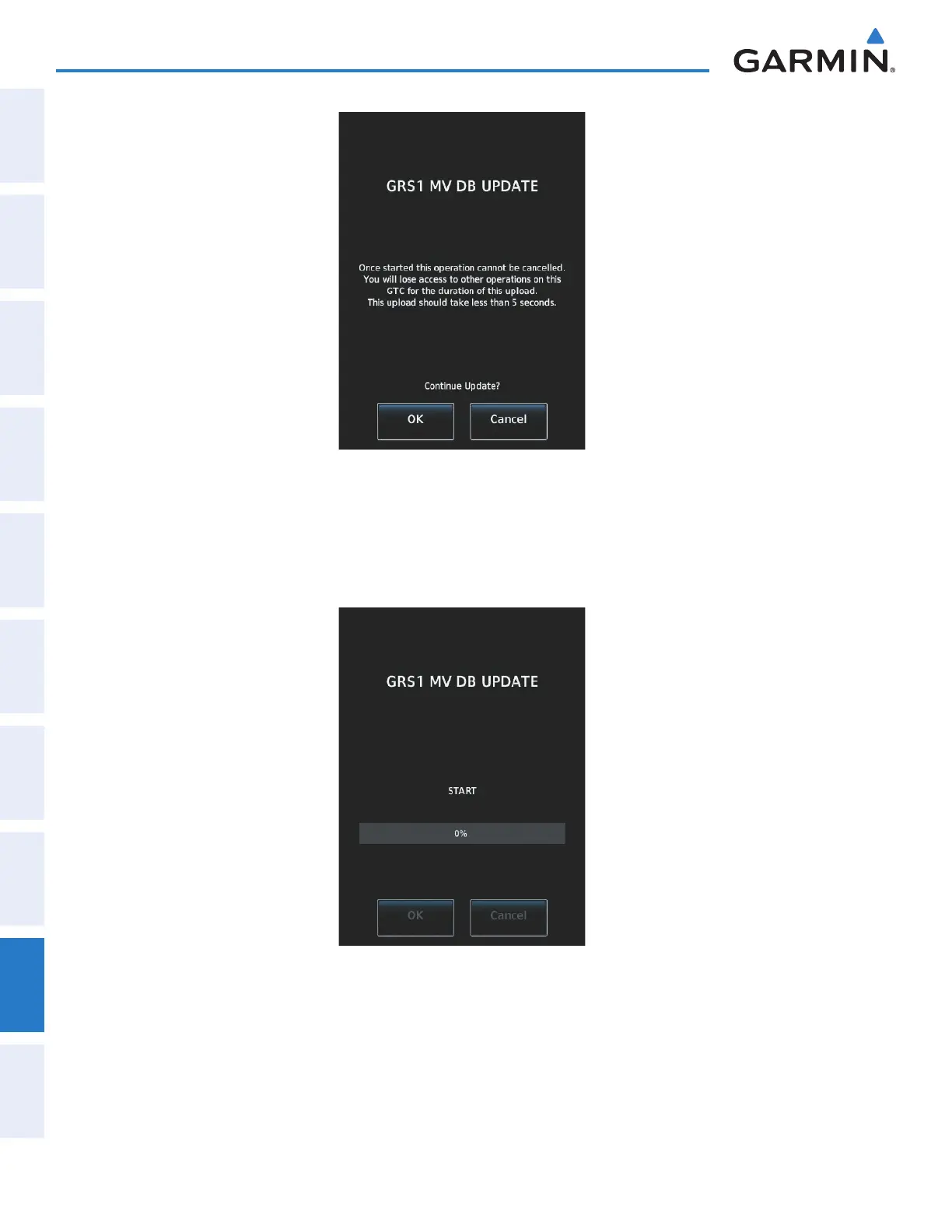
Figure B-12 GRS1 Magnetic Field Variation Database Update Prompt (Touchscreen Controller)
Loading the Magnetic Field Variation Database update:
1) With the MV DB prompt displayed, as shown in Figure B-12, touch the OK Button. A progress monitor is
displayed as shown in Figure B-13.
Figure B-13 Uploading Database to GRS1
2) When the upload is complete, the prompt for the next GRS upload is displayed, as seen in Figure B-14. A
database mismatch message, as seen in Figure B-15, indicates the second GRS has not yet been updated.
This manual downloaded from http://www.manualowl.com



 To Next Page