LCD Display D1 Servo Drive User Manual
7-26 HIWIN MIKROSYSTEM CORP.
7.5.3 Absolute motion
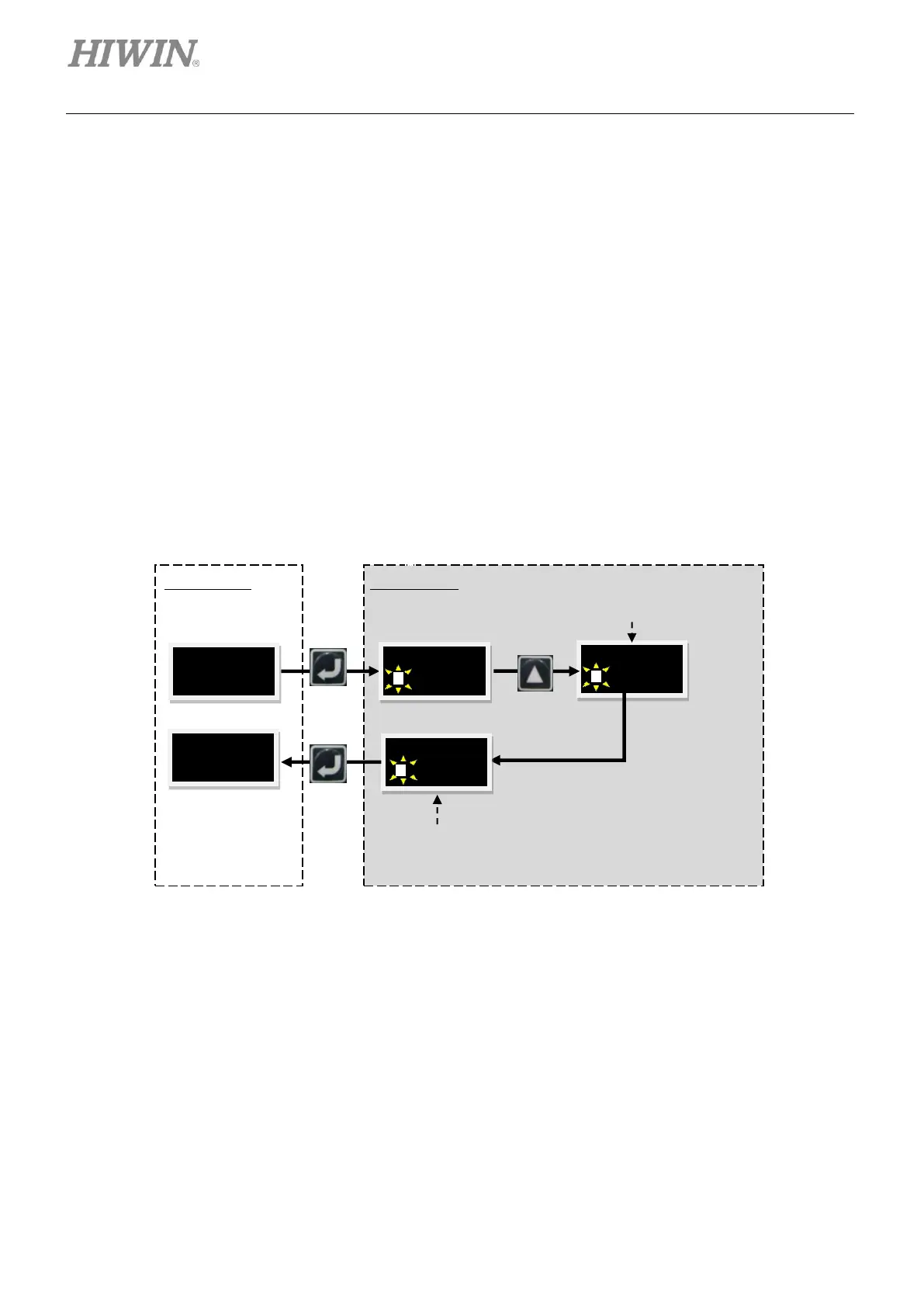
Follow the steps below to perform absolute motion. The operation flow chart is provided in figure 7.5.3.1.
The absolute position of the example below is 2000.
Step 1: Press Up key or Down key to show MOV PO for setting target position. For the setting method,
please refer to section 7.4.2. Set the target position to 2000.
Step 2: Move to option MOV2PO and press Enter key (A solid blinking cursor is on the left of the
second line.) to display current position. At this time, the motor is not moving yet.
Step 3: Press Up key to start motion. The motor moves to the target position set in MOV PO at the
speed set in VEL_LC. During motion, the feedback position (01FB PO) will be shown in the
second line of LCD display. If user would like to abort motion, press Enter key and the motor
stops moving. Press Up key to continue moving to the target position.
Step 4: Press Enter key to return to LEVEL ONE.
Figure7.5.3.1 The operation flow chart of absolute motion
During motion, the feedback
position will be shown in the
LCD display.
After the motor arrives at the target
position, the target position 2000 is
displayed



 To Next Page