LCD Display D1 Servo Drive User Manual
7-28 HIWIN MIKROSYSTEM CORP.
7.5.5 Setting current position to zero
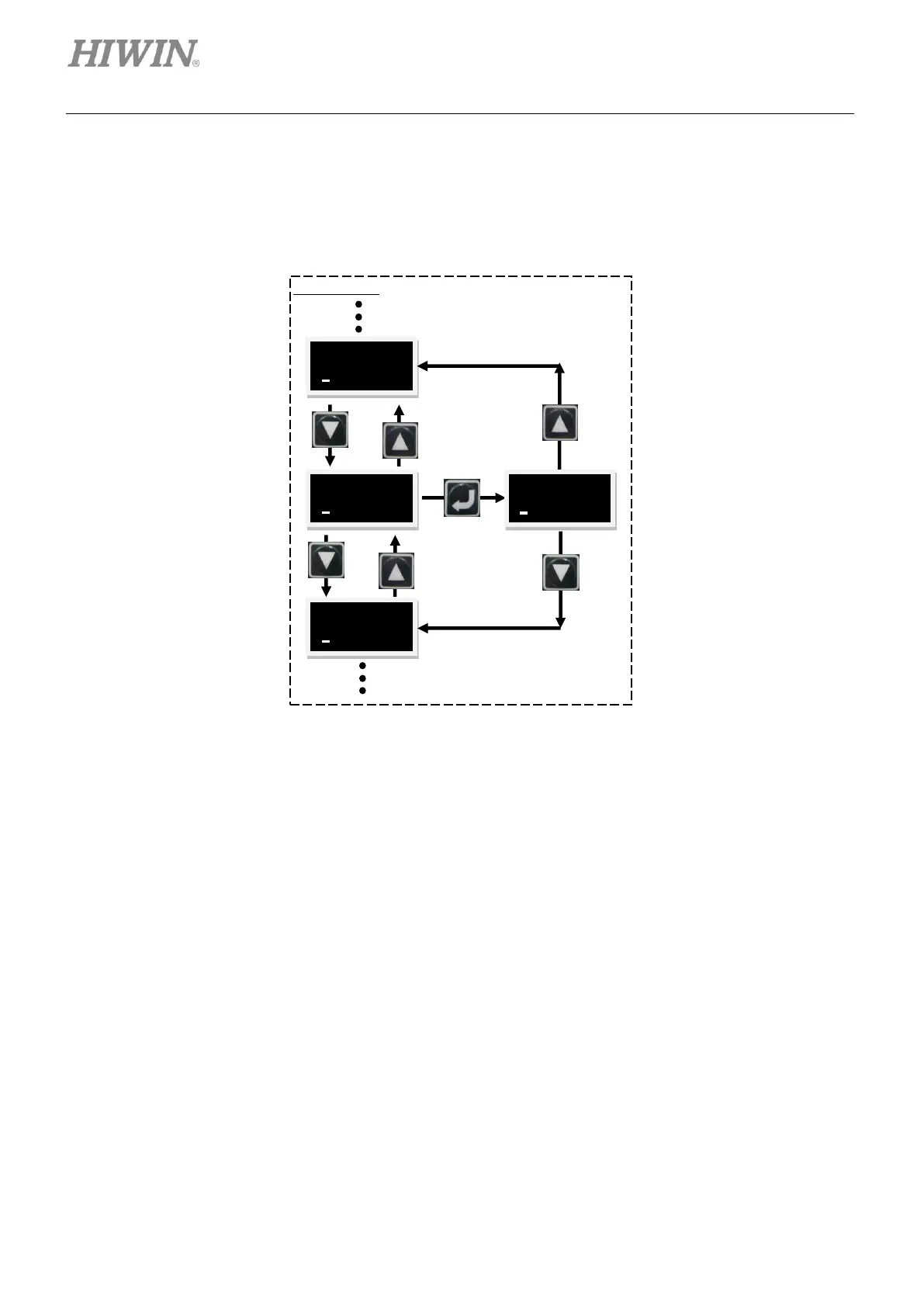
Follow the steps below to set current position to zero. The operation flow chart is provided in figure
7.5.5.1. Press Up key or Down key to show SETZER. Press Enter key to set current position to zero.
Figure7.5.5.1 The operation flow chart of setting current position to zero
7.6 Setting operation mode via LCD panel
The examples provided in the following sections use the LCD display which shows codes.
7.6.1 Position mode
In position mode, the motor moves for a corresponding distance after receiving pulse command. For
detailed information, please refer to section 3.1.1.
The setting of position mode includes mode selection, pulse type selection, single-ended pulse
signal/differential pulse signal setting, electronic gear ratio setting and smooth factor setting. After setting,
save parameters to Flash by referring to section 7.4.1.



 To Next Page