LCD Display D1 Servo Drive User Manual
7-22 HIWIN MIKROSYSTEM CORP.
7.5 Actions page
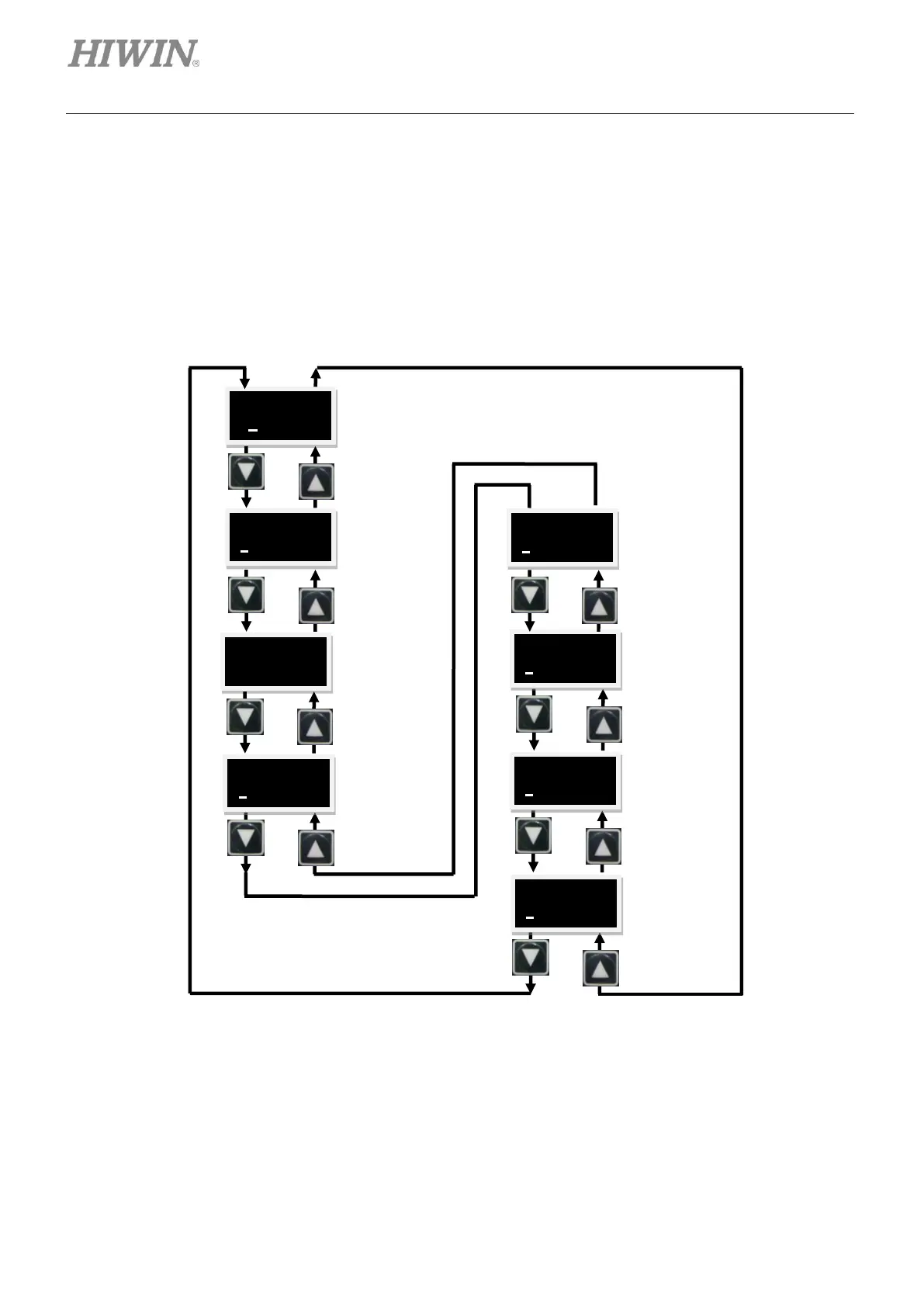
Actions page allows user to perform functions such as enabling, disabling, jog, absolute motion and set
current position to zero. Motion velocity and target position can also be set in this page. Press Up key or
Down key to select the required function, please refer to figures 7.5.1 and 7.5.2. The detailed operating
procedures are provided in the following sections. (Take LCD display which shows abbreviations as the
example here.)
Figure7.5.1 Operation flow chart (Take LCD display which shows abbreviations as the example here.)
Start absolute
motion and
move to target
position.
Motion velocity
(JOG/
MOV2PO)
(Unit: rpm)
Set target
position for
MOV2PO
(Unit: count).
Perform auto
gain tuning.
Set the current
position of
motor to zero.
Jog current
(Unit:
A_amp)



 To Next Page