D1 Servo Drive User Manual LCD Display
HIWIN MIKROSYSTEM CORP. 7-7
7.3 Display parameters page
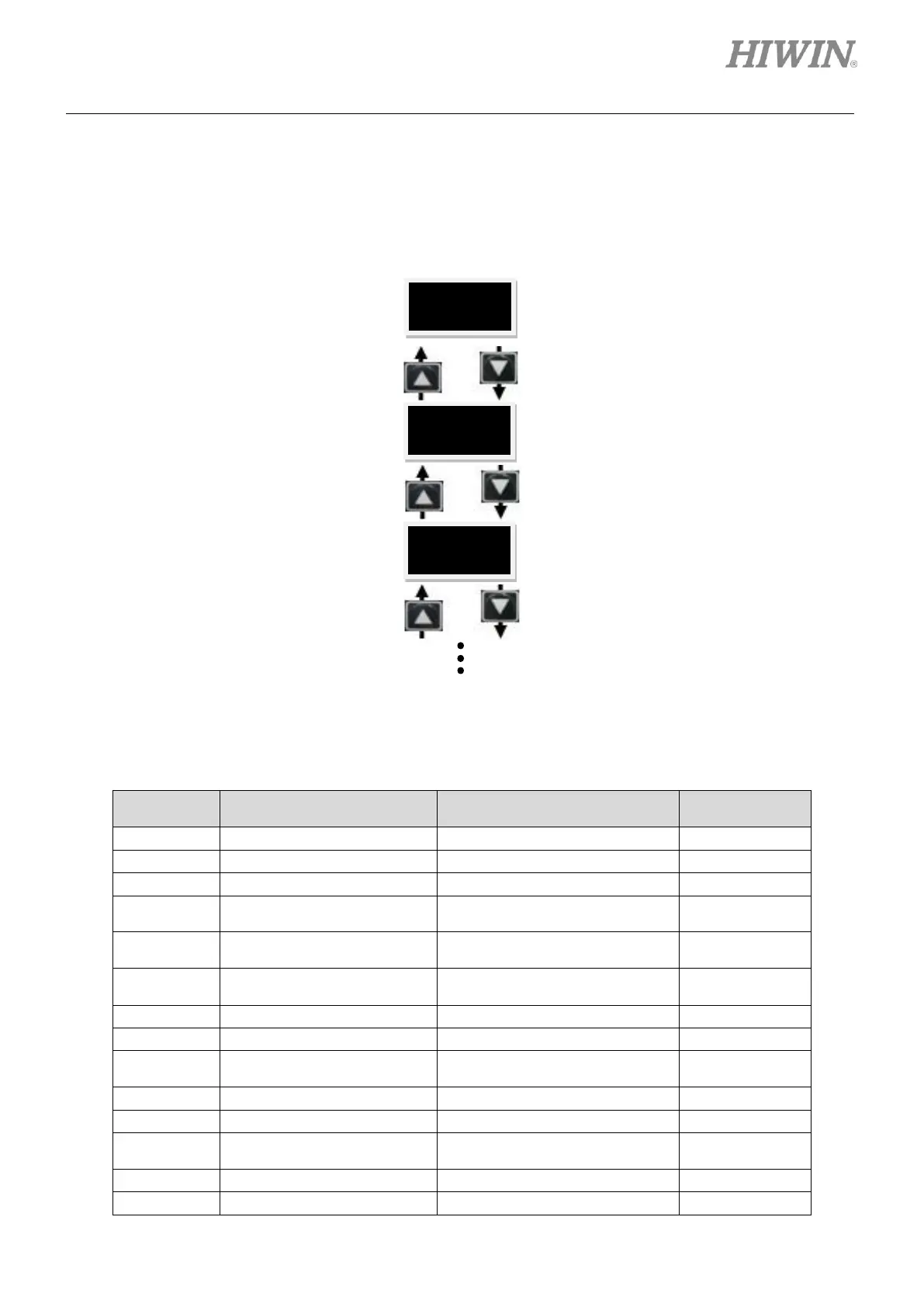
Press Up key or Down key in display parameters page to switch among parameters, please refer to figure
7.3.1. The first line on the LCD display is parameter name. The second line is its value and status.
Figure7.3.1
Table7.3.1 Descriptions of abbreviations
Voltage command (From
controller)
Software estimation for over
temperature protection



 To Next Page