Servo Drive Configuration D1 Servo Drive User Manual
5-68 HIWIN MIKROSYSTEM CORP.
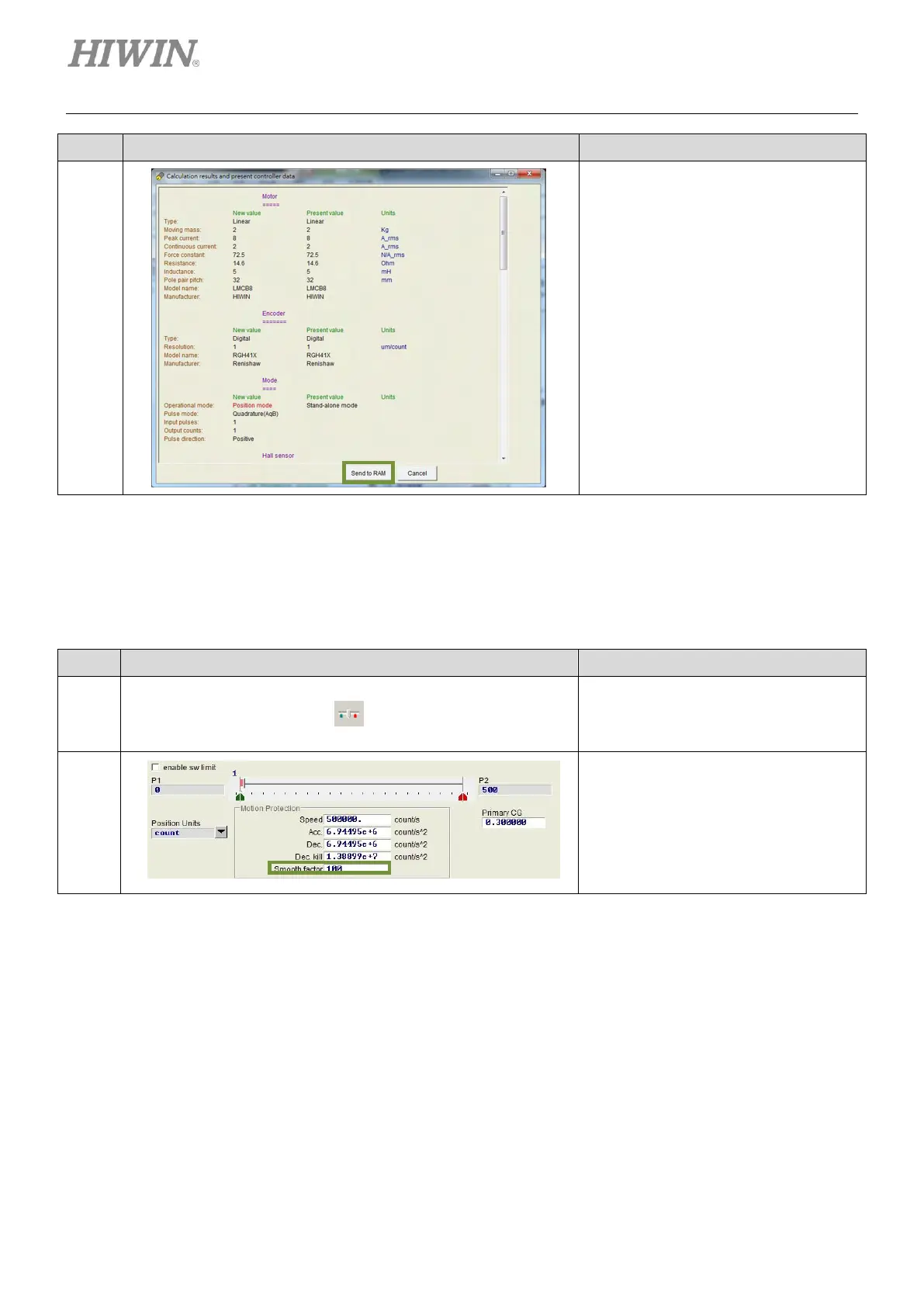
Click on Send to RAM button to save
parameters to RAM.
(2) Smooth factor setting
D1 servo drive allows user to set smooth factor. For more information, please refer to section 3.4.
For smooth factor setting, please refer to below.
Table5.8.1.4
Click on the icon of Performance center
on the toolbar. Or click on Conf./Tune
on the menu bar and select
Performance center.
Set smooth factor in Performance
center.
5.8.2 Velocity mode
D1 servo drive is able to transform voltage command and PWM command into velocity command. For
more information, please refer to section 3.1.2. The setting of velocity mode should include mode
selection and format setting of command input. After setting, please save parameters to Flash.



 To Next Page