D1 Servo Drive User Manual LCD Display
HIWIN MIKROSYSTEM CORP. 7-27
7.5.4 Auto gain tuning
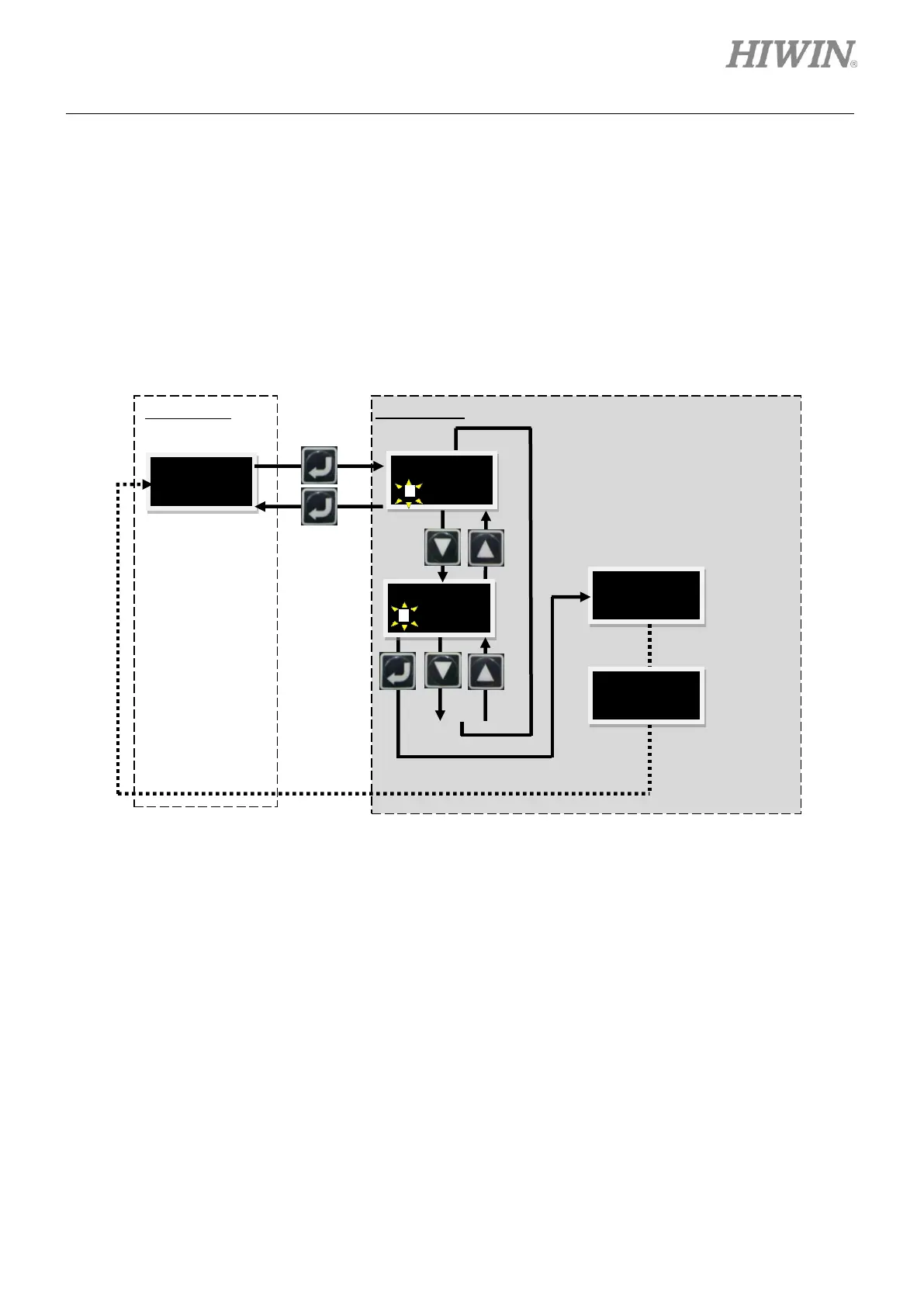
Follow the steps below to perform auto gain tuning (AUTOTU). The operation flow chart is provided in
figure 7.5.4.1.
Step 1: Press Enter key to show AUTOTU (A solid blinking cursor is on the left of the second line.).
Step 2: Press Up key or Down key to select whether to perform auto gain tuning.
Step 3: Select AUTOTU YES and press Enter key. Then the servo drive performs auto gain tuning. If
AUTOTU NO is selected, the servo drive does not perform auto gain tuning.
Figure7.5.4.1 The operation flow chart of auto gain tuning
Perform auto
gain tuning.
Auto gain
tuning
completes.



 To Next Page