Servo Drive Configuration D1 Servo Drive User Manual
5-2 HIWIN MIKROSYSTEM CORP.
5.1 Installation and communication
Lightening is the human machine interface of D1 servo drive. Connect PC and D1 servo drive via RS232
connection for servo drive initialization, setting, operation, test run and parameter saving in Lightening.
This chapter describes how to install Lightening and connect to the servo drive.
5.1.1 Installing Lightening
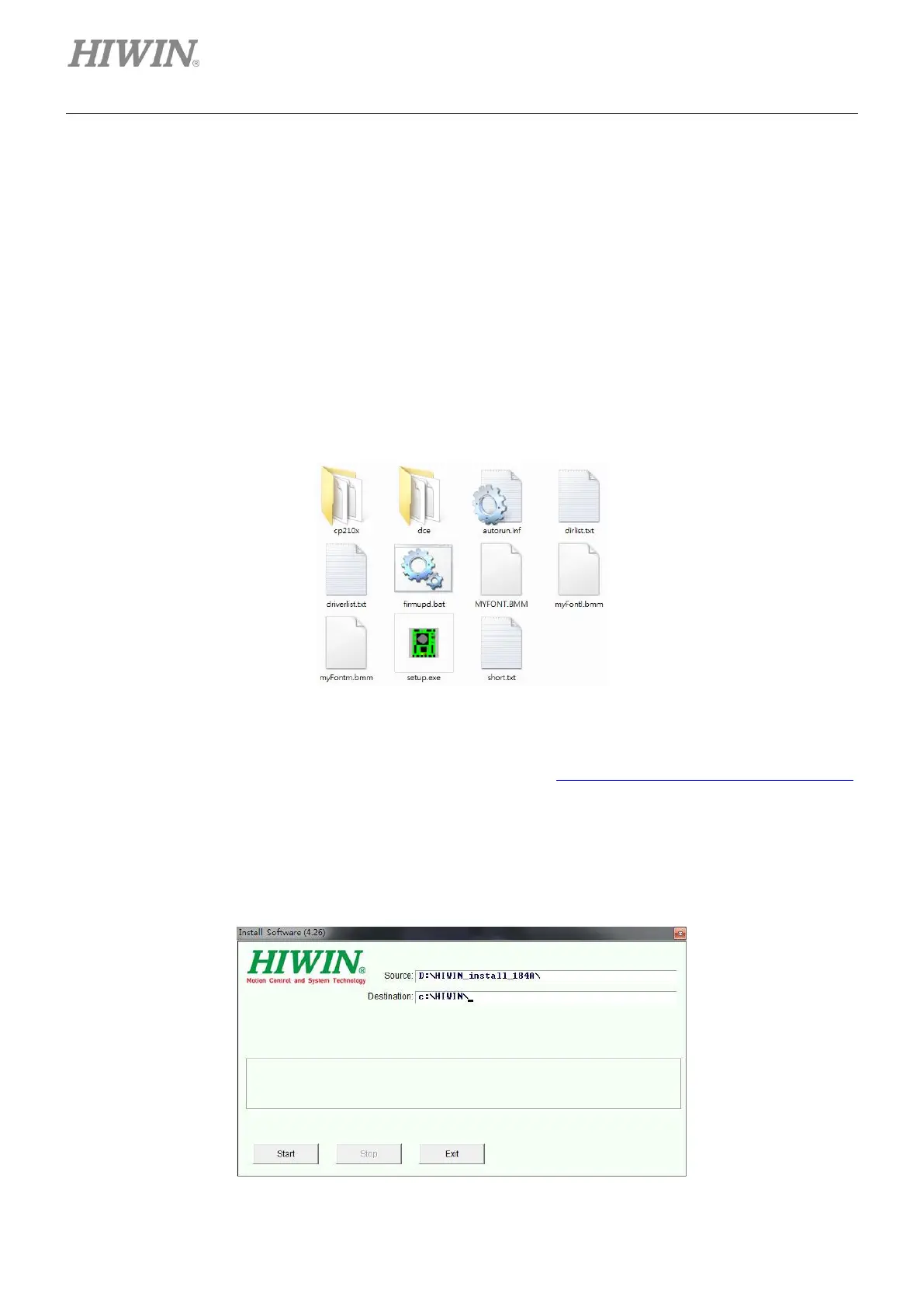
The files in the setup folder of Lightening are shown in figure 5.1.1.1, including setup file (setup.exe) and
firmware folder (dce).
Figure5.1.1.1
If user is using installation CD to install Lightening, the setup program will run automatically. The setup
folder can also be downloaded from our website, please go to https://www.hiwinmikro.tw/en/download.
After the setup folder is downloaded, click on setup file (setup.exe) to install Lightening. The default
installation path is“C:\HIWIN\”, please do not change the path. The installation window is as figure 5.1.1.2.
Click on Start button to start installation. When the installation finishes, a message dialog will appear as
figure 5.1.1.3. Click on OK button to complete the installation.
Figure5.1.1.2



 To Next Page