D1 Servo Drive User Manual Servo Drive Configuration
HIWIN MIKROSYSTEM CORP. 5-3
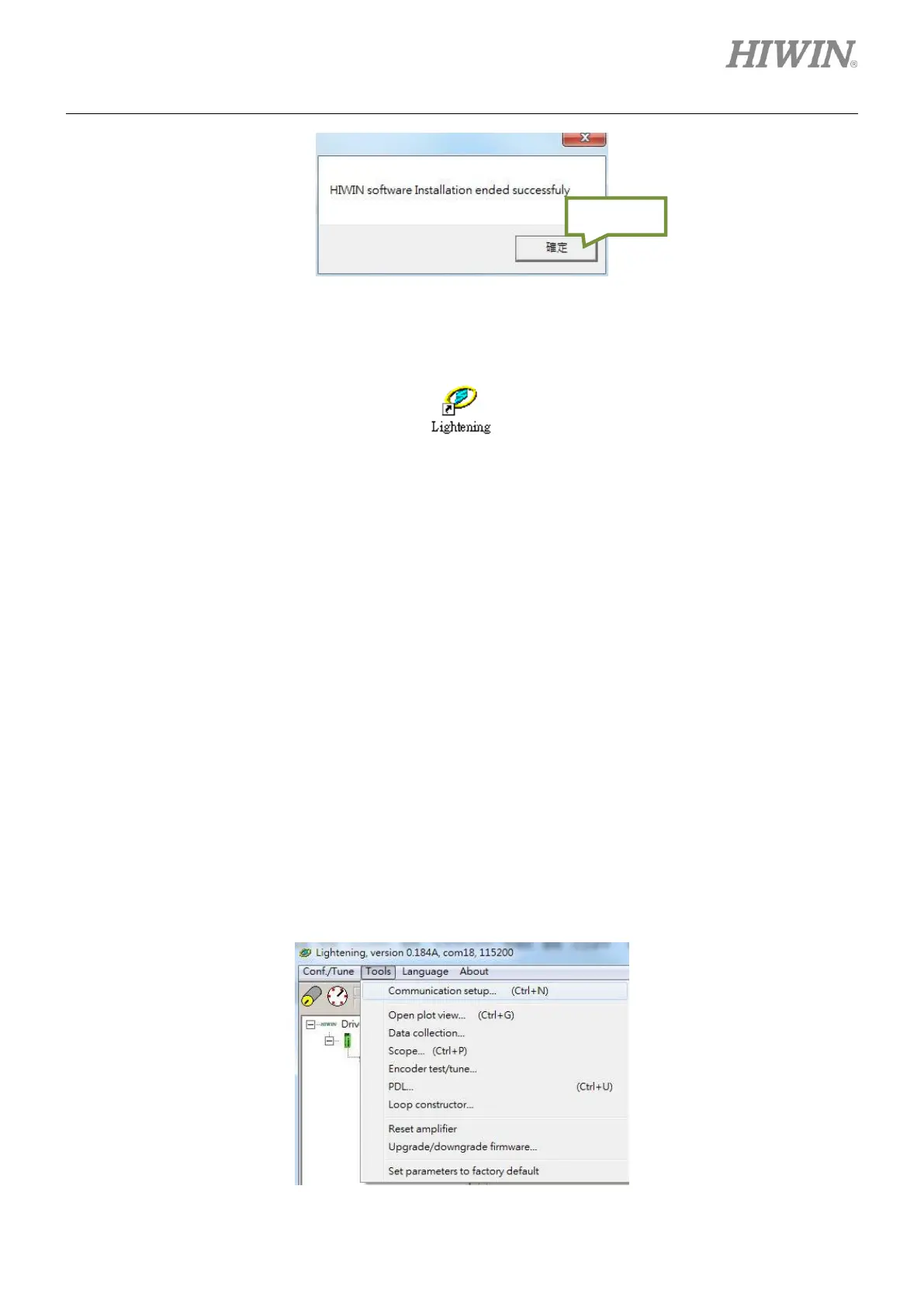
Figure5.1.1.3
A shortcut of Lightening which is shown as figure 5.1.1.4 will be created on the desktop. The path of the
shortcut is “C:\HIWIN\dce\toolswin\winkmi\lightening.exe”.
Figure5.1.1.4
5.1.2 Communication setup
There are three ways to communicate with the servo drive:
⚫ RS232 communication
⚫ mega-ulink communication
⚫ CoE communication
Section 5.1.2 will introduce how to set up RS232 communication and mega-ulink communication. For
CoE communication, please refer to HIWIN CoE Drive User Guide. While using mega-ulink
communication or CoE communication, it is suggested to use network card with the network chip certified
by Beckhoff.
(1) RS232 communication
Before opening Lightening, connect to the servo drive via RS232 communication and turn on 24 Vdc
power supply. Normally the servo drive will be automatically connected after Lightening is opened.
To modify communication setting, please click on Tools and select Communication setup….
Figure5.1.2.1



 To Next Page