D1 Servo Drive User Manual LCD Display
HIWIN MIKROSYSTEM CORP. 7-9
7.4 Change parameters page
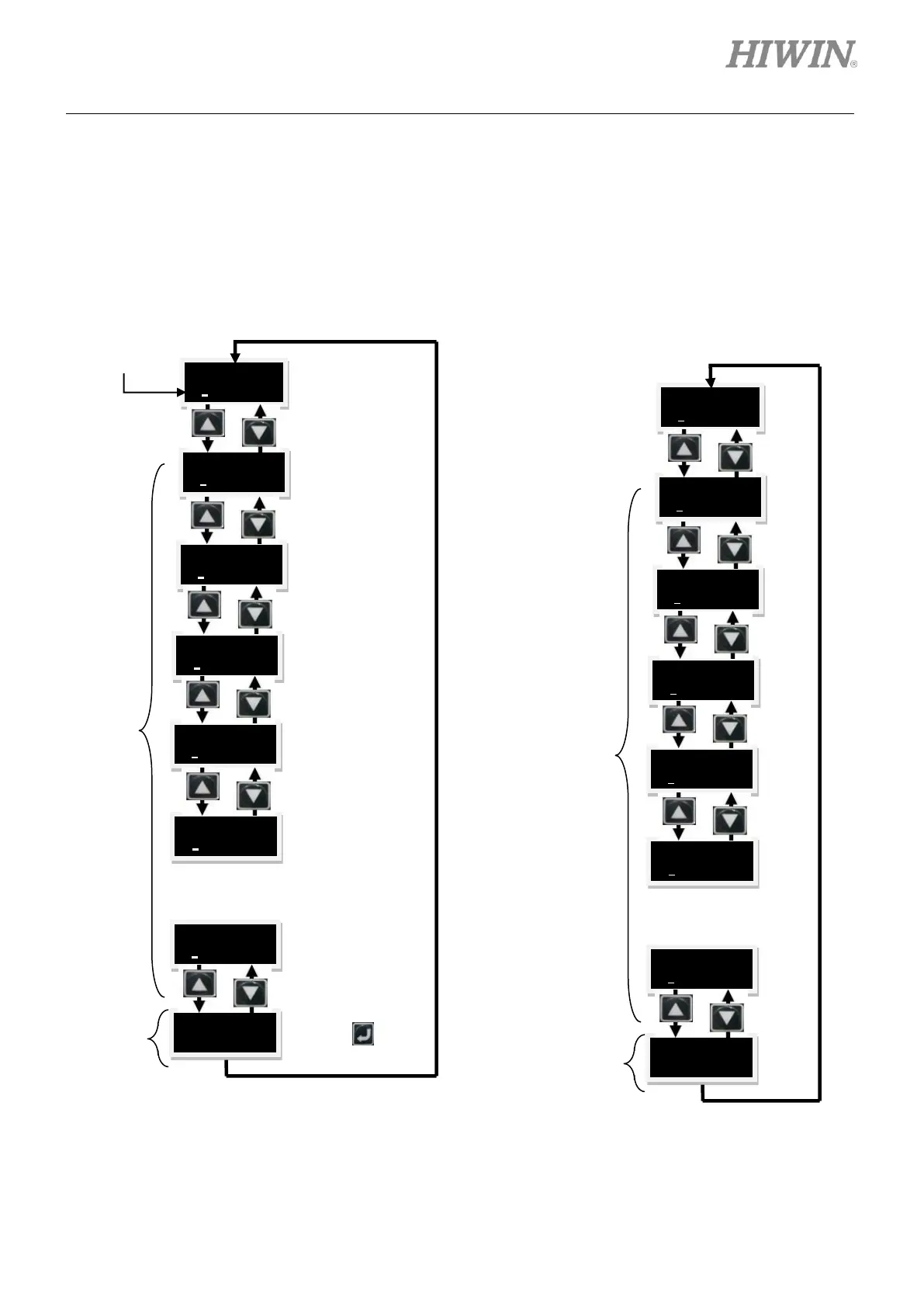
The third page in the LCD display is change parameters page which is used for setting parameters. There
are two areas, commonly-used parameter area and advanced parameter area, please refer to tables
7.4.1 and 7.4.3.1. In change parameters page, press Up key or Down key to switch among parameters,
please refer to figure 7.4.1.
Figure7.4.1 Modifying parameters
(a) Displayed abbreviation
Note: Static cursor (blinking underline): The parameter can be edited.
Save parameters
from RAM to
Flash.
Setting the
frequency of the
first set of filter.
Setting the
frequency of the
second set of filter.
Press to go to
advanced
parameter area
Commonly-
used
parameter
area
Commonly-
used
parameter
area



 To Next Page