Updating Firmware And Loading PDL D1 Servo Drive User Manual
14-4 HIWIN MIKROSYSTEM CORP.
Note:
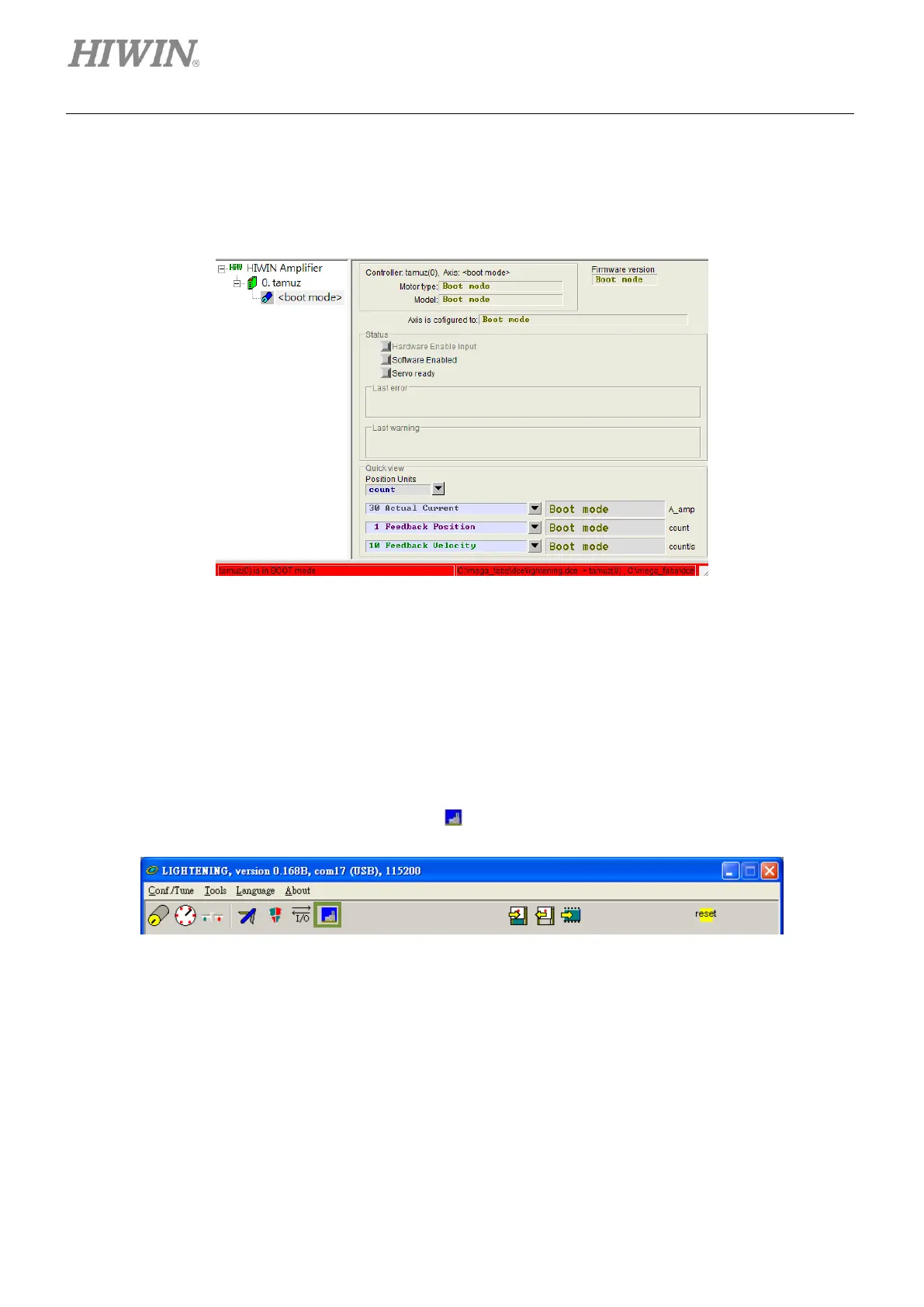
If power failure or communication interruption occurs during firmware update, Lightening stays in “Boot mode” and
cannot be changed even when power is supplied again or communication cable is reconnected, as figure 14.1.6. If
this occurs, please contact local distributor.
Figure14.1.6
14.2 Loading PDL program
Follow the steps provided below to load PDL program to the servo drive. To clear the PDL program in the
servo drive, please delete the program codes in user.pdl and follow the steps below to load an empty
user.pdl.
Step 1: To open PDL window, click on the icon ( ) indicated in figure 14.2.1.
Figure14.2.1



 To Next Page