LCD Display D1 Servo Drive User Manual
7-36 HIWIN MIKROSYSTEM CORP.
7.6.3 Force/torque mode
D1 servo drive is able to convert voltage command and PWM command into current command. For
detailed information, please refer to section 3.1.3. The setting of velocity mode includes mode selection
and command input type setting. After setting, save parameters to Flash by referring to section 7.4.1.
(1) Mode selection
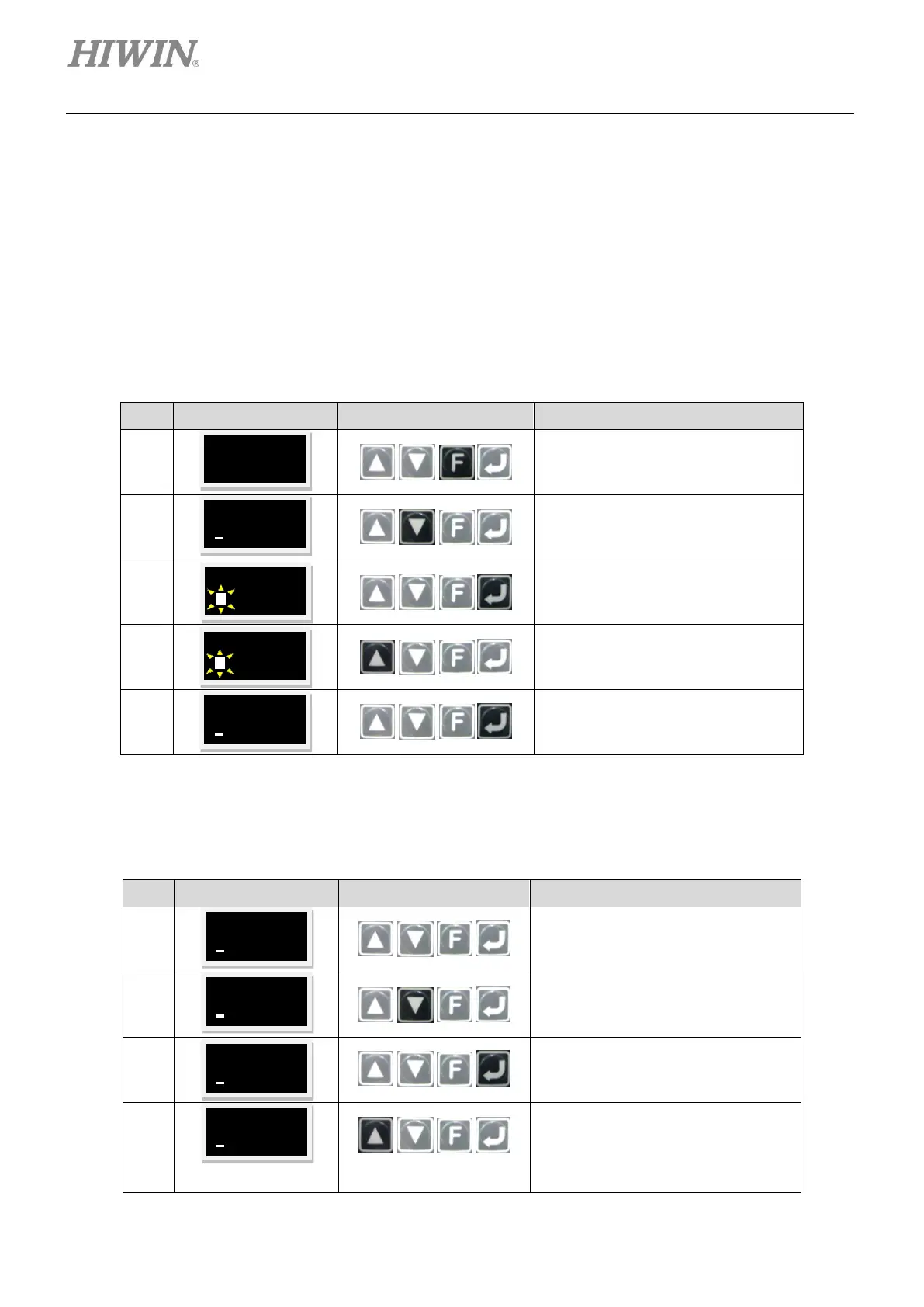
The steps of setting force/torque mode via LCD panel are provided in table 7.6.3.1.
Table7.6.3.1
Open the parameter editing page of
the LCD display.
Press and hold Down key to go to
LCD No. 212 page which is the
operation mode selection page.
Press Enter key to go to editing
mode.
Press Up key for three times and set
the parameter to 3 (Force/torque
mode).
Press Enter key to complete setting.
(2) Command input type setting
The steps of setting command input type via LCD panel are provided in table 7.6.3.2.
Table7.6.3.2
Continue from the setting page of
mode selection.
Press and hold Down key to go to
LCD No. +++ page which is the
advanced parameter area.
Press Enter key to go to the
advanced parameter area.
Press and hold Up key to go to LCD
No. 132 page which is the command
input type selection page for velocity
mode and force/torque mode (Refer
to the note below.).



 To Next Page