Updating Firmware And Loading PDL D1 Servo Drive User Manual
14-6 HIWIN MIKROSYSTEM CORP.
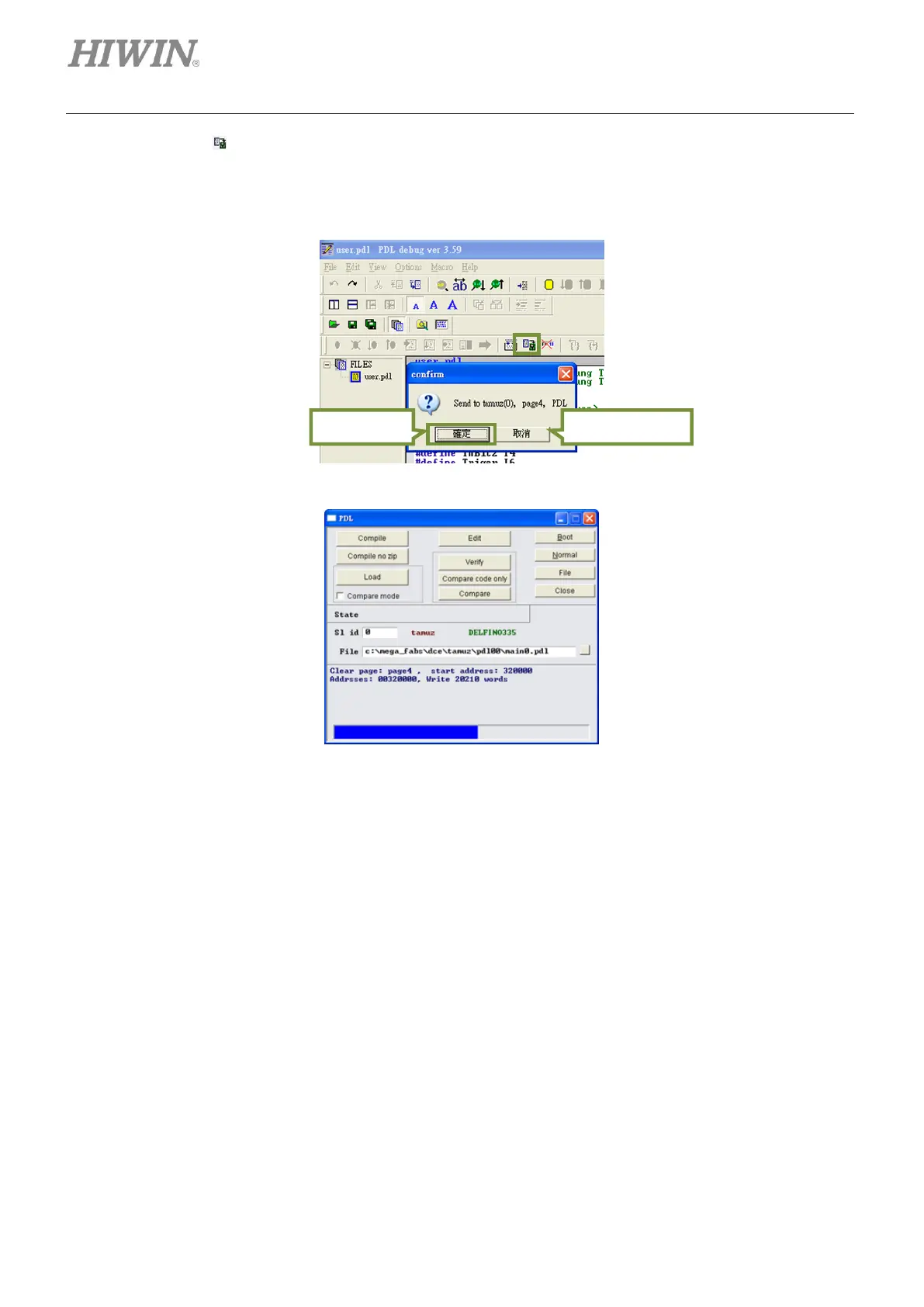
Step 4: Click on (Send to slave) after compilation finishes. Click on Yes button when the dialog
shown in figure 14.2.5 appears. Then a window with progress bar appears and closes as PDL
program is loaded, as figure 14.2.6.
Figure14.2.5
Figure14.2.6



 To Next Page