L-INX User Manual 121 LOYTEC
Version 4.0 LOYTEC electronics GmbH
2. Select Commission Device if the LINX-10X is already connected to the network.
3. In the Device Template group box select the existing device template of the LINX.
Select ―LINX-xxx_FT-10‖, if the L-INX is configured to use the FT-10 interface, or
―LINX-xxx_IP-10L‖, if the L-INX is configured to be on the IP channel. For
information on how to configure which port to use, refer to Section 4.2.6 for the Web
UI. Note that for the LINX-15x the LINX-12x XIF has to be used.
4. Select the channel, which the L-INX is connected to and click Next.
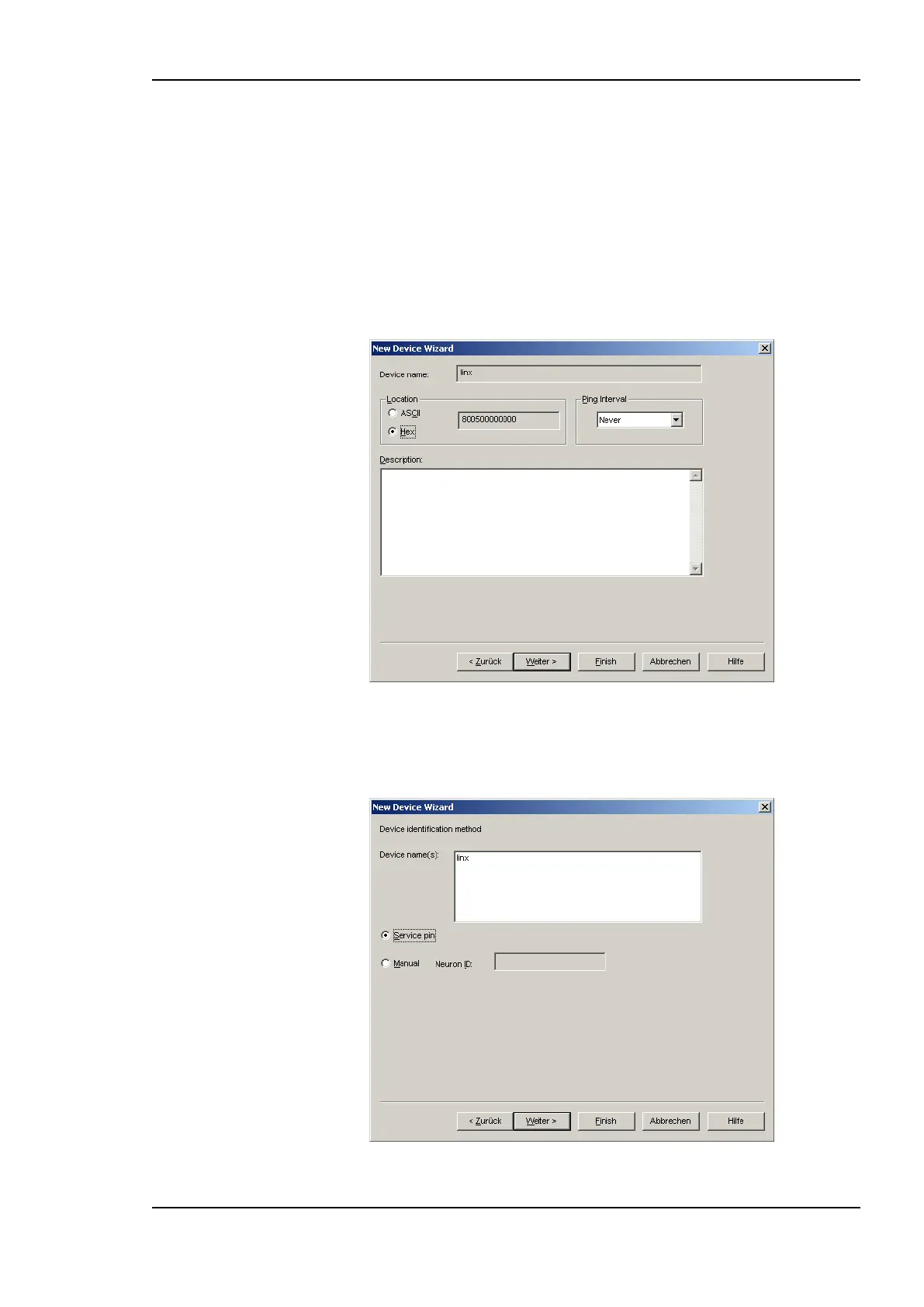
5. The following dialog shown in Figure 96 appears, click Next.
Figure 96: Leave defaults for Location.
6. Check Service Pin as the device identification method as shown in Figure 97 and click
Next.
Figure 97: Use Service Pin.



 To Next Page