L-INX User Manual 123 LOYTEC
Version 4.0 LOYTEC electronics GmbH
Channel FT-10
nvi01temp
nvi03lux
nvi05lev_percent
nvi07temp_f
nvi09switch
nvi11motor_state
nvi13amp
nvi15fire_test
nvi17state
nvi19temp
nvo00temp
nvo02lux
nvo04lev_percent
nvo06temp_f
nvo08switch
nvo10motor_state
nvo12amp
nvo14fire_test
nvo16state
nvo18temp
Gateway[0]
linx
Figure 100: LonMaker drawing with one LINX.
To Replace a Device in LonMaker TE
1. Select the device and right-click on the device shape.
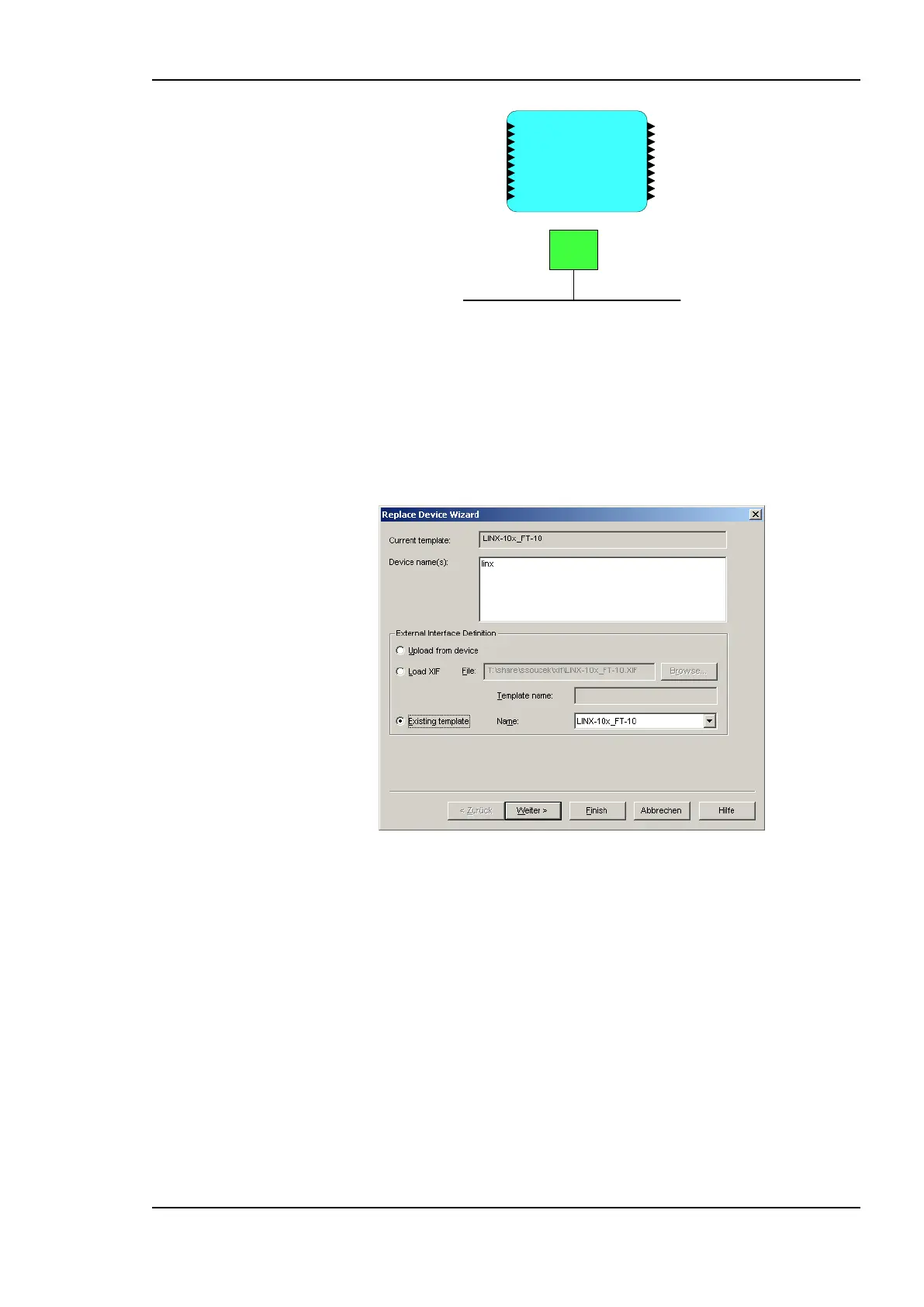
2. Select Commissioning Replace…. This opens the LonMaker Replace Device
Wizard as shown in Figure 101.
Figure 101: LonMaker replace device wizard.
3. Choose the existing device template and click Next.
4. In the following window shown in Figure 102 click Next.



 To Next Page