L-INX User Manual 156 LOYTEC
Version 4.0 LOYTEC electronics GmbH
To manually create a new connection
Click on the Connections tab
in the tool bar of the main connections window and press Add Connection…. A new
connection is added to the connection list. Rename the connection if you want to do
so.
1. Click on Select Hub… to select the hub point. This opens a list of all available data
points. Select one and press OK.
2. Then click on Add Target… Similar to 2) select all target data points. You may use
multi-select to select more than one data point at a time.
Note: By default only compatible data points are displayed. Sometimes compatible data points
are available as member points (e.g., a SNVT structure member). Click on to expand
the data point and select the desired member point.
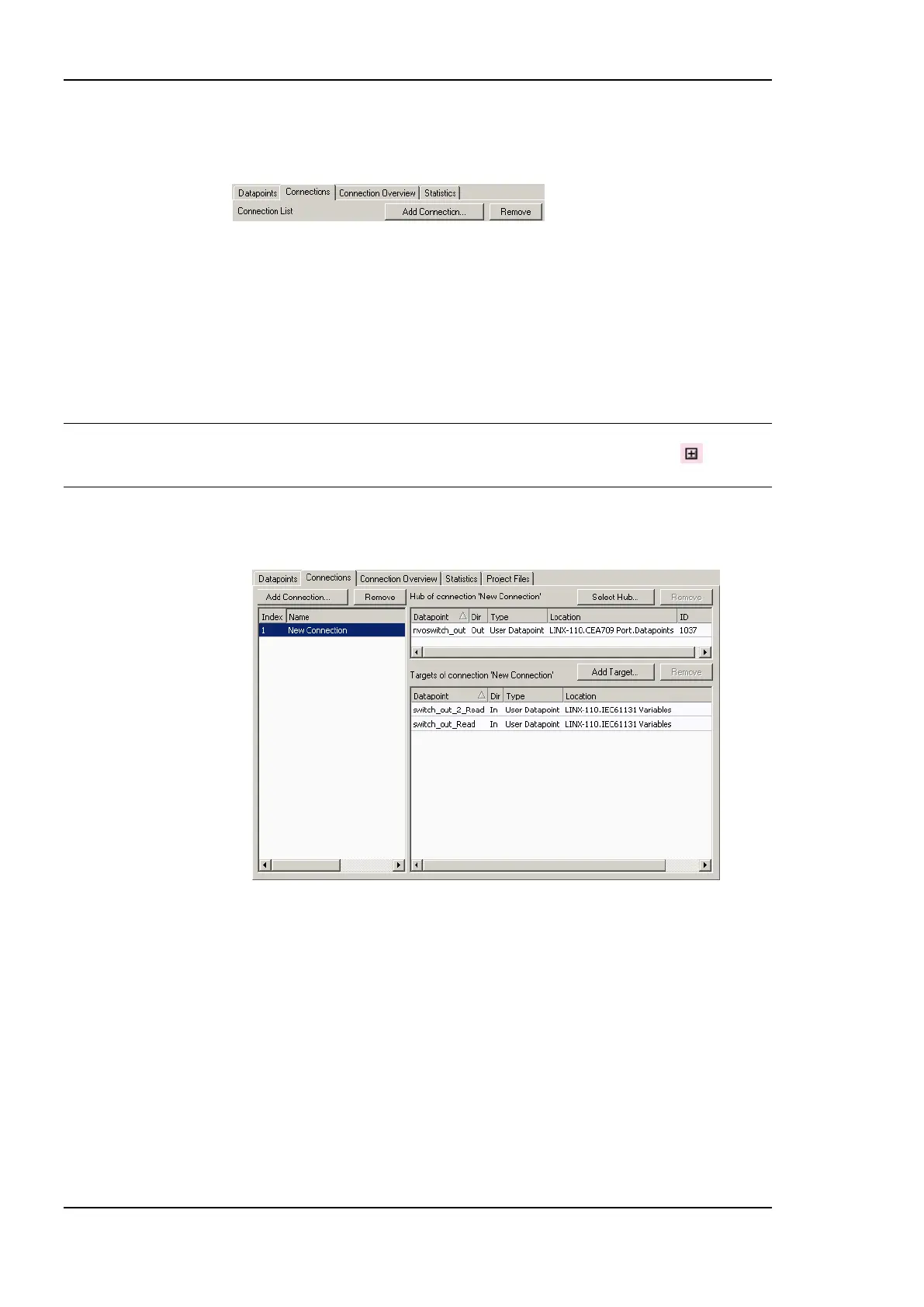
3. Now the connection dialog contains a hub and two target data point as shown in Figure
137.
Figure 137: Connection dialog with hub and target points.



 To Next Page