L-INX User Manual 224 LOYTEC
Version 4.0 LOYTEC electronics GmbH
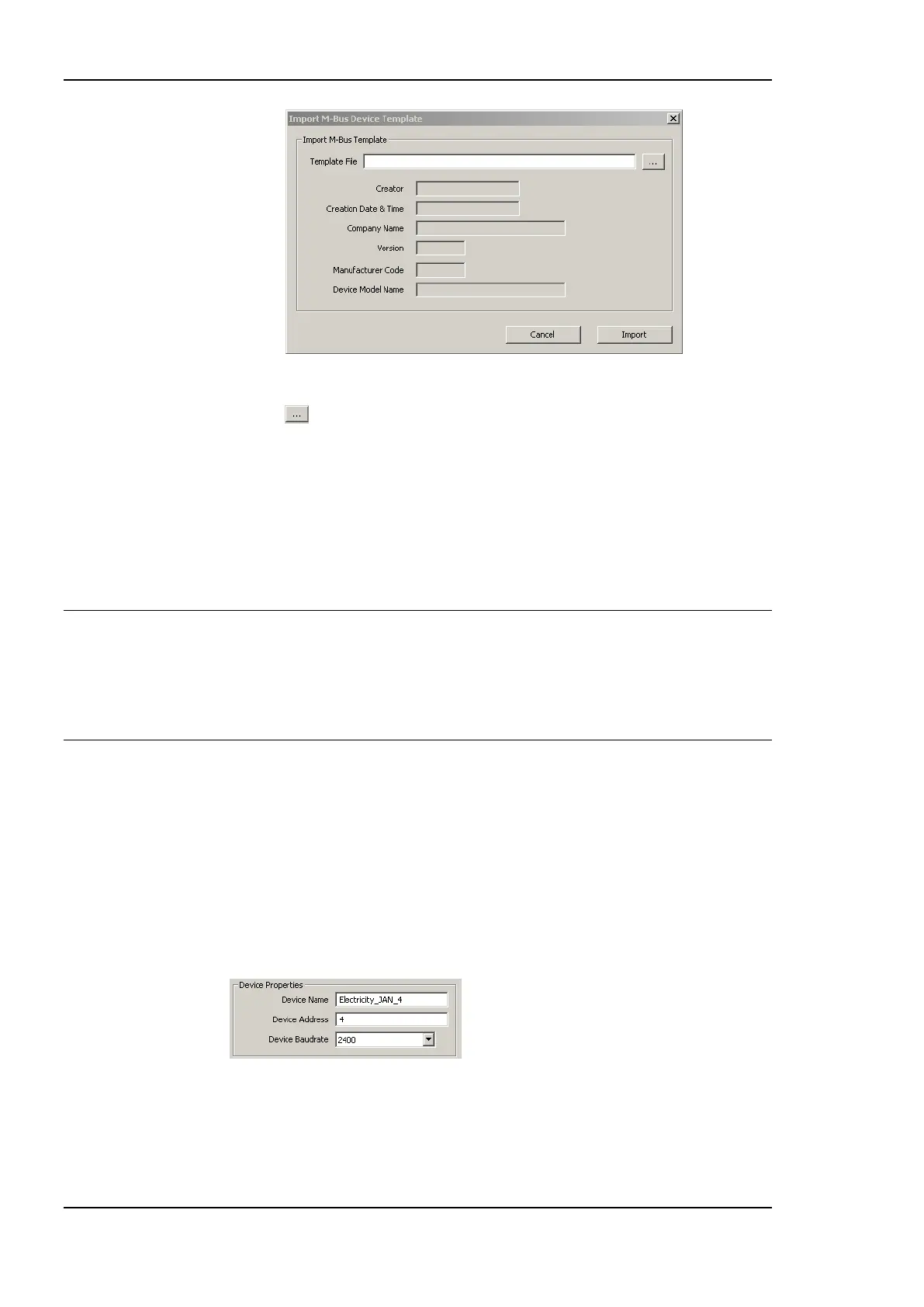
Figure 174 Import M-Bus Device dialog.
4. Press the button and select a template file from the Open dialog.
5. After selecting the file, the device information is displayed.
6. Press Import for importing the template or Cancel for closing the dialog without any
changes.
7. When a template is imported, a folder with the name of the device is created. Under
this folder a Datapoints folder containing the data points from the template file is
created.
Tip: Data points can be added to the data points of the template by right-clicking in the data
point list and selecting New Datapoint.
When you want to create one or more device instance together with its data points, use
the button Create with DP instead of the button Create From Template. This creates the
device instance, all the data points from the template can be found in the M-Bus Port’s
data points folder.
To Remove an M-Bus Device
1. Select the device which has to be removed, also multi-select is possible.
2. Press the Remove Device button. If the device already has data points, these data
points have to be deleted before the remove can be performed.
To Change the Properties of an M-Bus Device
1. Select the device. This shows the device properties.
2. Update the field Device Address or select another Baud rate in the combo box.
3. Press the button Update Device.
4. If a device address is specified, which already exists, a failure message is displayed.



 To Next Page