214683 151 Revision A
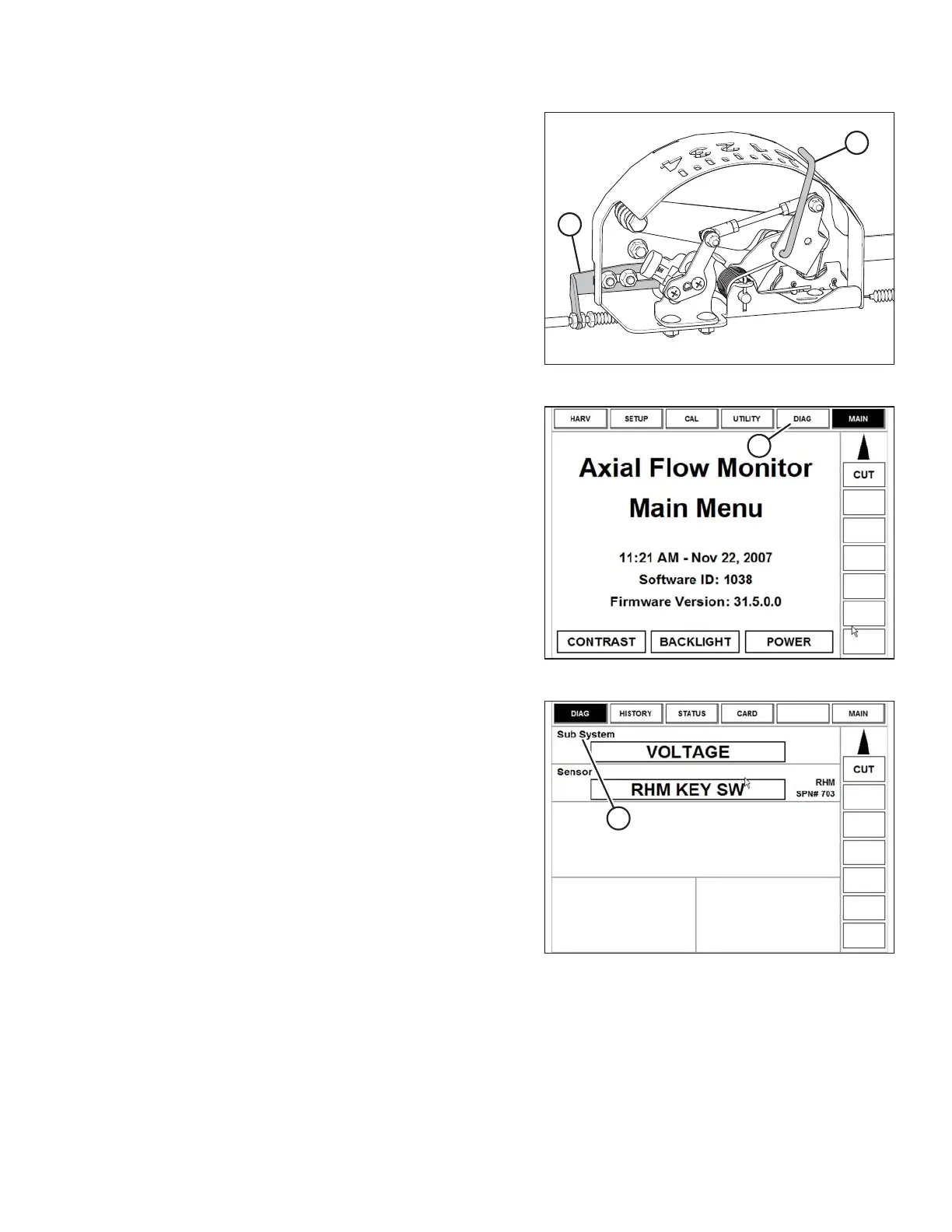
Figure 3.210: Float Indicator Box
3. Adjust cable take-up bracket (B) (if necessary) until
pointer (A) on float indicator is on 0.
Figure 3.211: Case 8010 Combine Display
4. Ensure header float is unlocked.
5. Select DIAG (A) on the Universal display MAIN screen.
The DIAG screen displays.
Figure 3.212: Case 8010 Combine Display
6. Select SUB SYSTEM (A). The SUB SYSTEM screen
displays.
OPERATION








 To Next Page