214683 260 Revision A
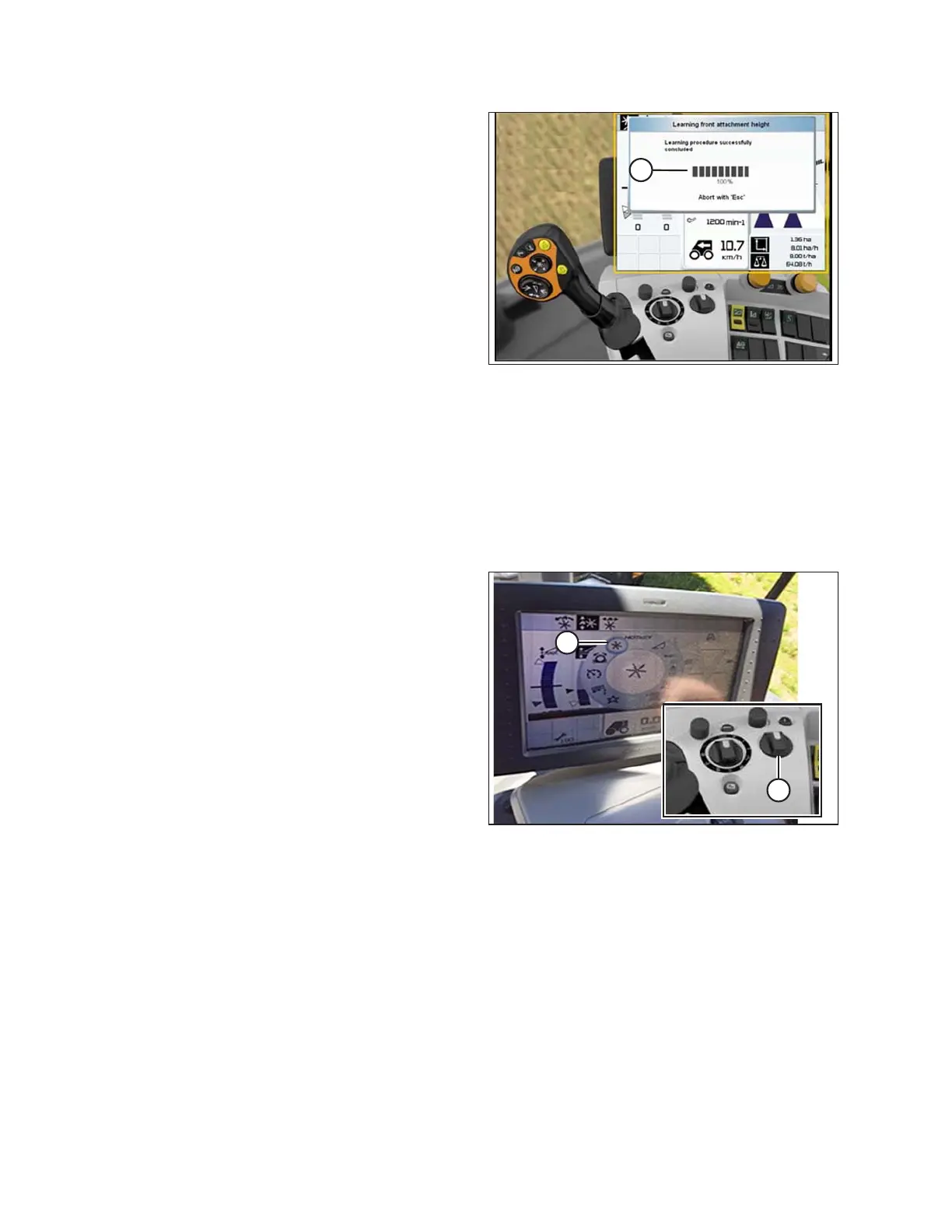
Figure 3.455: CLAAS Combine Display,
Console, and Control Handle
10. Ensure the progress bar chart displays 100% (A). The
calibration procedure is now complete.
Adjusting Auto Reel Height (CLAAS 600 and 700 Series)
NOTE:
Changes may have been made to the combine controls or display since this document was published. Refer to the
combine operator’s manual for updates.
To adjust the auto reel height, follow these steps:
Figure 3.456: CLAAS Combine Display and
Console
1. Use the HOTKEY rotary dial (A) to select the REEL
icon (B).
OPERATION








 To Next Page