214683 225 Revision A
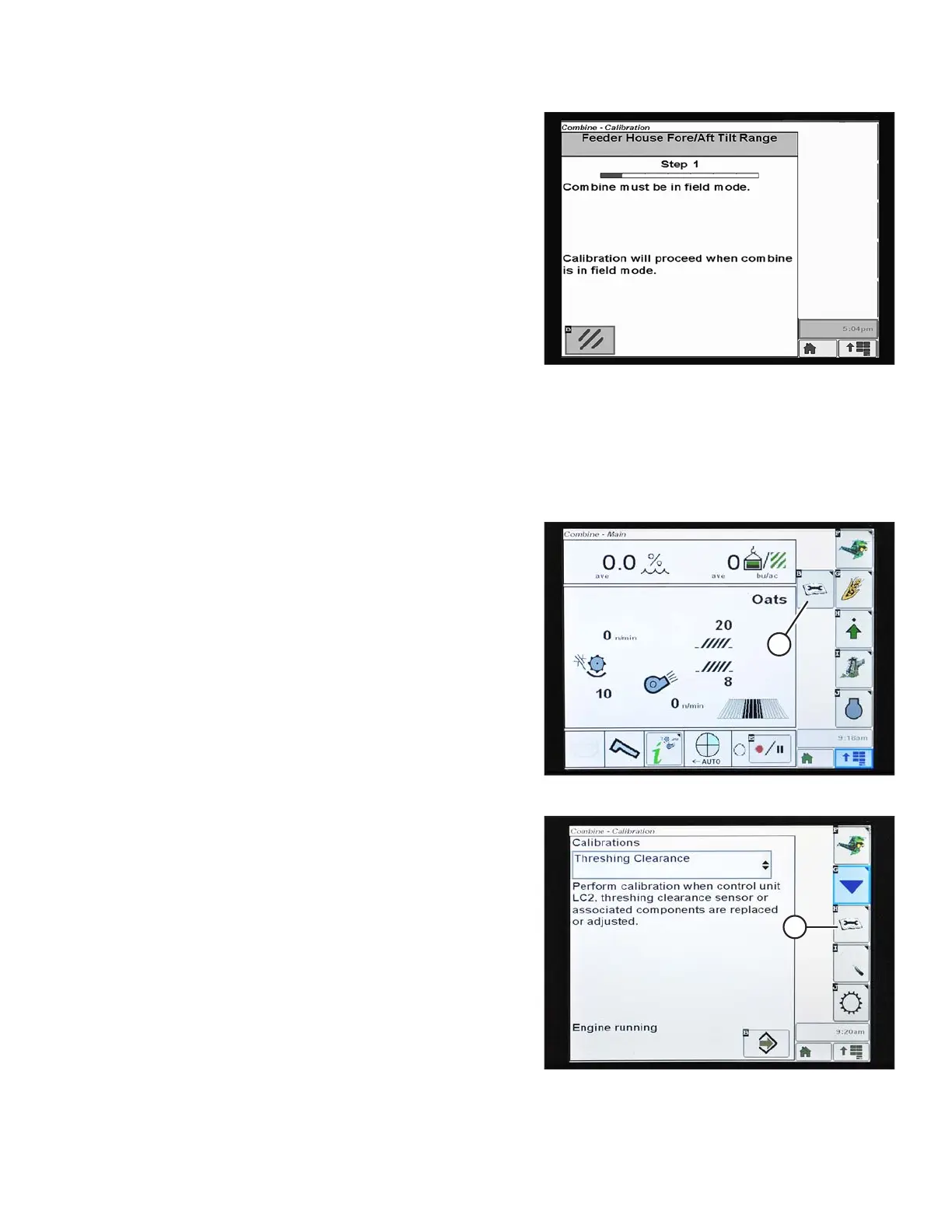
Figure 3.372: John Deere Combine Display
8. Follow the instructions that appear on the screen.
As you proceed through the calibration process, the
display will automatically update to show the next step.
NOTE:
If an error code appears during calibration, the sensor is
out of voltage range and will require adjustment. Refer
to Checking Voltage Range from the Combine Cab
(John Deere S and T Series), page 212.
Checking Reel Height Sensor Voltages (John Deere S and T Series)
NOTE:
Changes may have been made to the combine controls or display since this document was published. Refer to the
combine operator’s manual for updates.
Figure 3.373: John Deere Combine Display
1. Press the CALIBRATION icon (A) on the main screen of
the monitor. The CALIBRATION screen appears.
Figure 3.374: John Deere Combine Display
2. Press the DIAGNOSTIC READINGS icon (A) on the
CALIBRATION screen. The DIAGNOSTIC READINGS
screen appears. This screen provides access to
calibrations, header options, and diagnostic
information.
OPERATION








 To Next Page