(00292)H 4 - 73
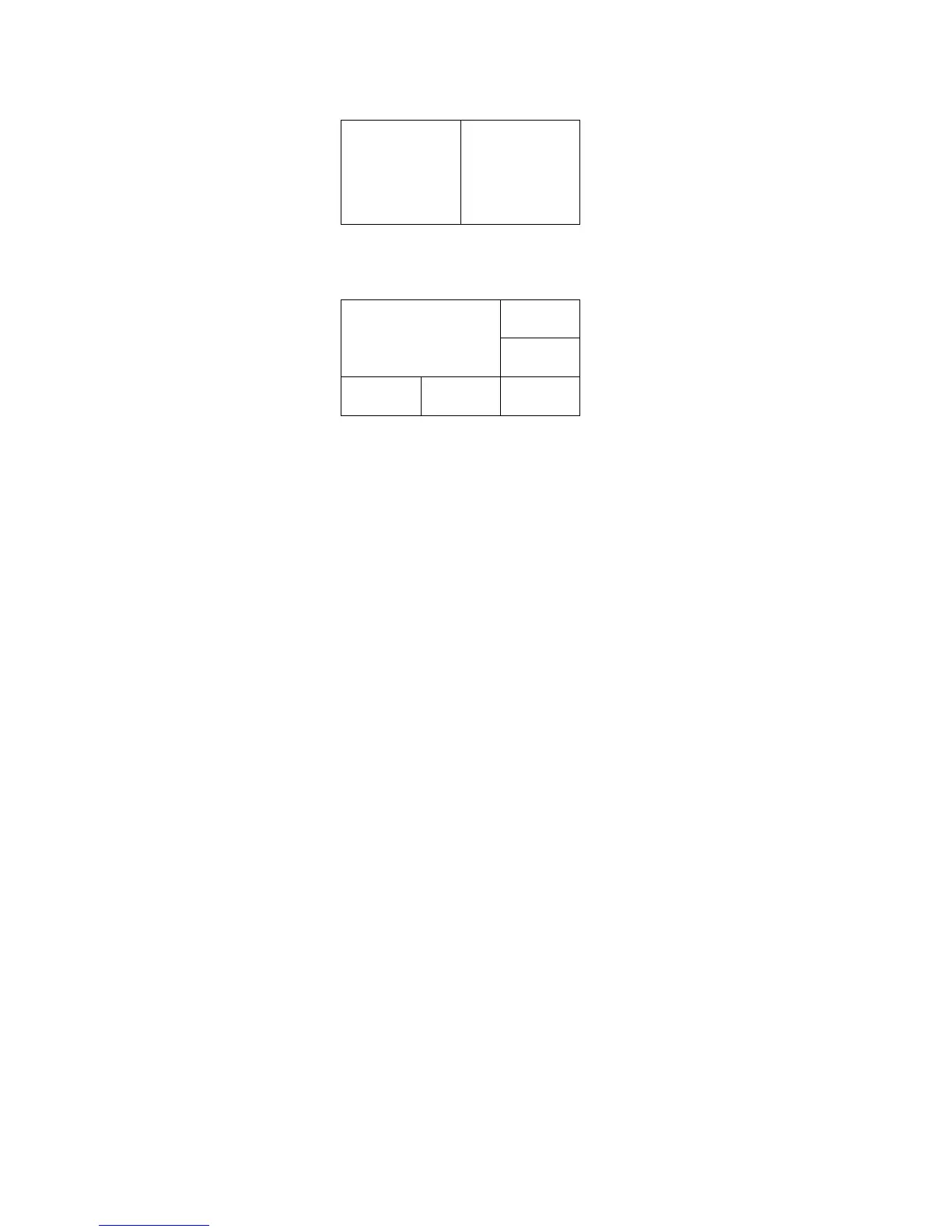
Connect two HR-CAM to the GX-5/GX-5F DRP and select “Split (ALL)” from the “Split
Display” menu to display on the screens from the left to the right in order of the port number.
Combine HR-CAM and P-CAM to the GX-5/GX-5F DRP and select “Split (ALL)” from the
“Split Display” menu to display in the order of the port number, as shown in the figure below,
with the HR-CAM in ①, and the P-CAM in ②③④⑤.
Connect a mix of HR-CAM and P-CAM to GX-5/GX-5F DRP to batch display the P-CAM
images in a four part display.
The “Split Display” layout is determined by the camera heads connected to the DRP ports so the
position of the camera head images cannot be arbitrarily changed.
The GX-5/GX-5F DRP stores the values of the playback range for split display set separately
from the playback range of each camera head. To change the range, set the playback range during
split display.
The playback range of each camera head cannot be changed, even if the playback range is set
during split display.



 To Next Page