(00292)H 5 - 27
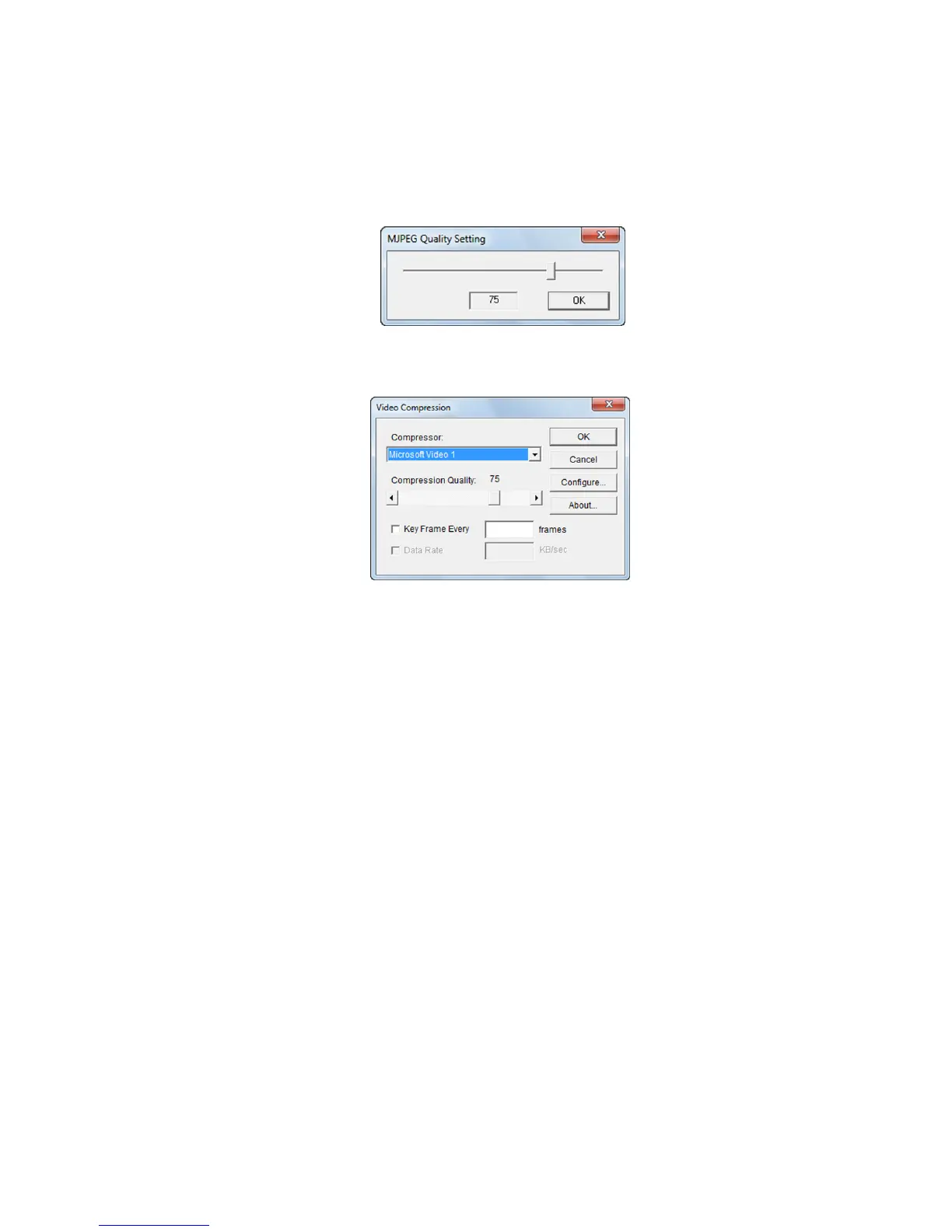
When converting to AVI, the compression/decompression codec can be selected. Compression settings
include "MJPEG" and "CODEC".
・ “MJPEG”
Converts to Motion JPEG AVI files without using codec.
Press "Setting" to display the "MJPEG Quality Setting" dialogue and change the magnification.
・ “CODEC”
Converts to AVI files using codec.
"Compression Program" Select codec used for conversion.
"Compression Quality" Changes the magnification.
"Key Frame” The entire screen is converted at each frame set. That
frame becomes the standard, with the subsequent
frames recording only that portion so the size needed
for recording is reduced. This is not performed unless
the box is checked.
"Data Rate" Sets the data transfer rate. In the same manner as "Key
Frame", this is not set unless the box is checked.
Codec may not allow changes to "Key Frame" and "Data Rate".
Also, press "Configure" for codec with more detailed settings.
Contact the codec manufacturer for questions relating to codec.



 To Next Page