(00292)H 6 - 3
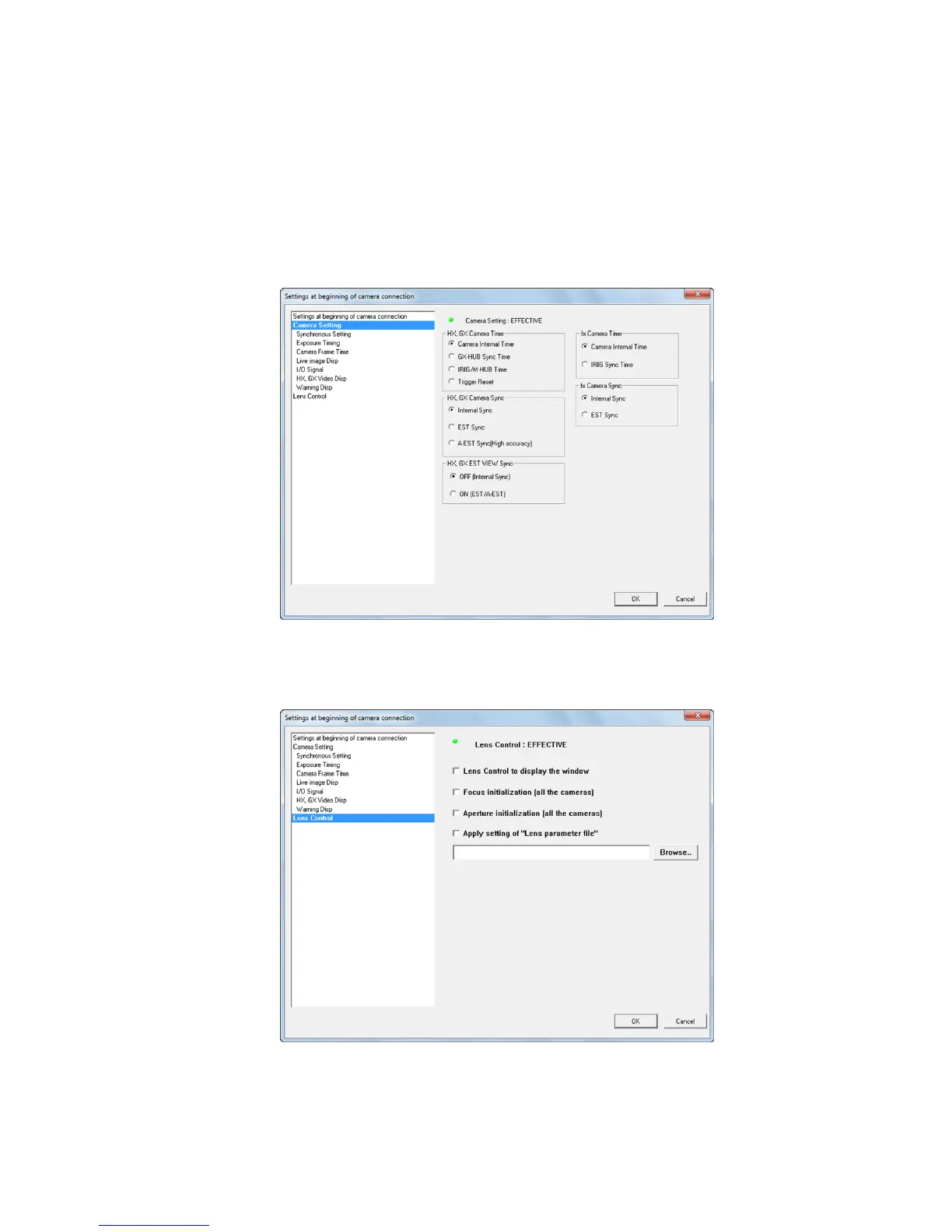
There is "View Camera Connection Settings" on each tab of the "Camera Connection
Settings" dialogue and in lens control, so confirmation can be made of the connection
parameter settings set at the start of the camera connection.
・ Camera Settings
Indicator Lights
Lit Green Connection settings enabled
Off Connection settings disabled
・ Lens Control
Lit Green Lens control enabled
Off Lens control disabled


 To Next Page
 Loading...