8 - 32 (00292)H
Click on “Register” under the dialogue to register the edited contents to HXLink.
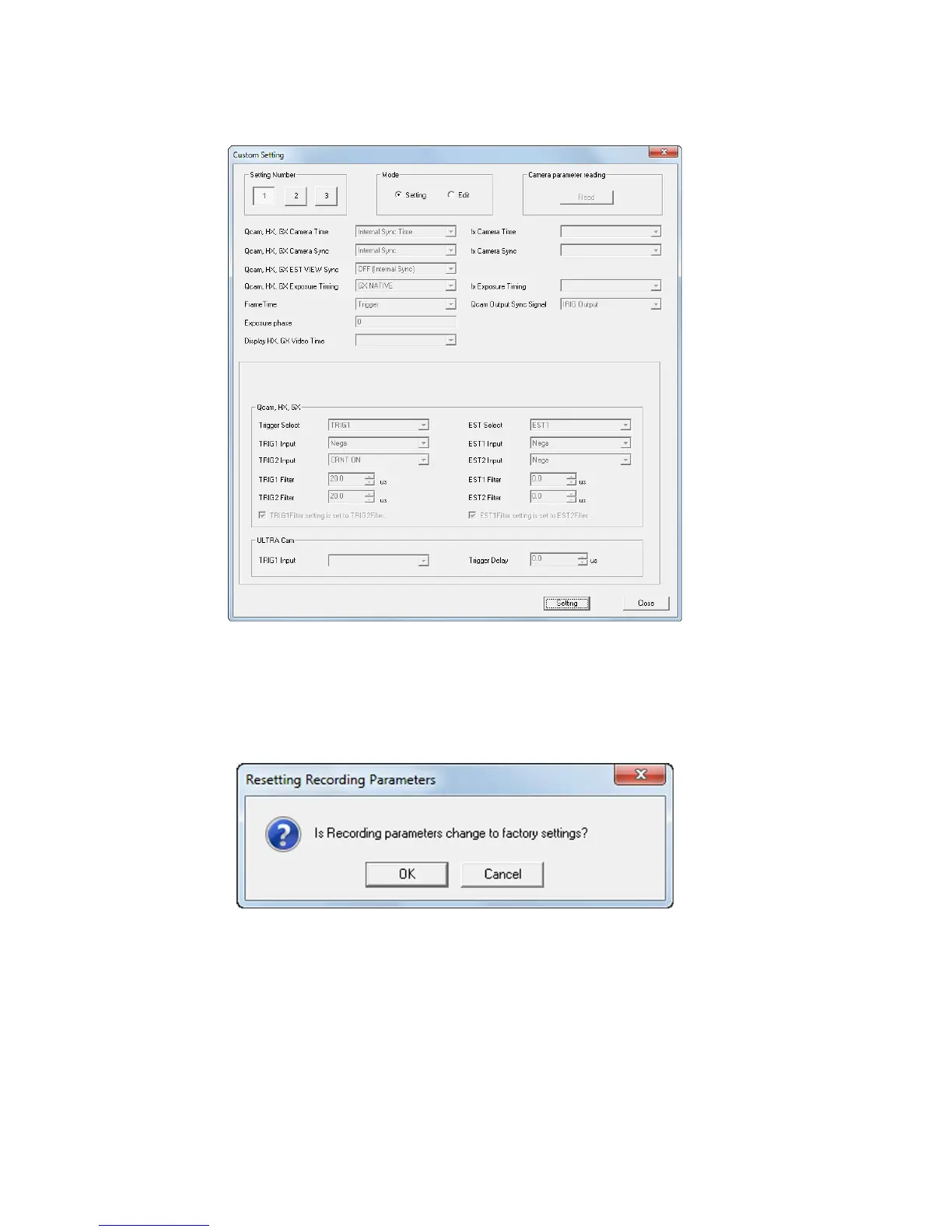
(2) Set registered contents to the camera
Select a setting from numbers “1~3” and switch the mode to “Settings”.
The set contents registered in the selected setting are displayed in each setting.
Click “Settings” under the dialogue to set to the camera.
Click “Close” to end the dialogue.
■ Reset Recording Settings
Click “OK” to reset the recording settings.
The reset recording settings function is a function to reset the settings set by the factory.
However, the recording setting scene number and recording comments cannot be reset.
The reset recording settings function does not impact the recorded data.



 To Next Page