(00292)H 2 - 11
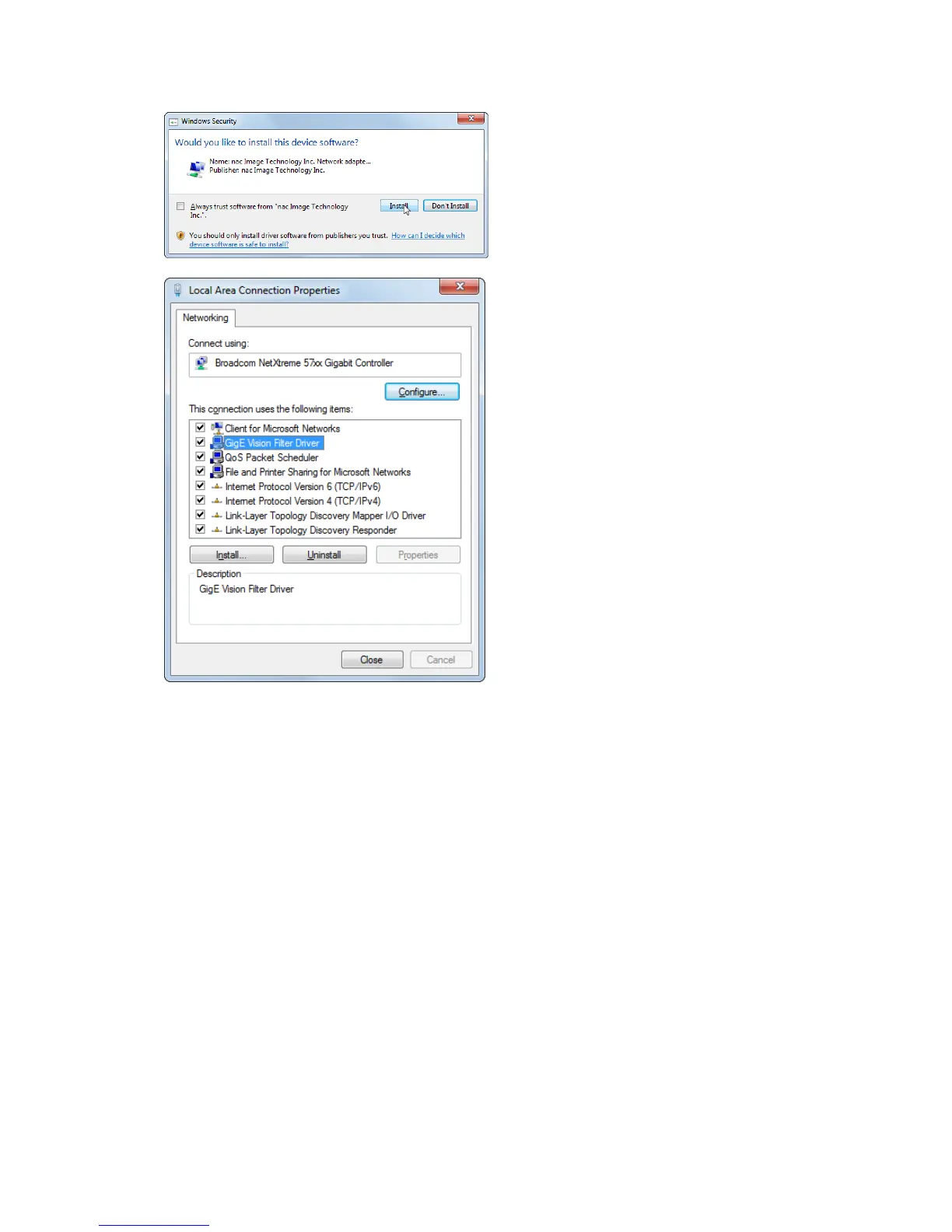
If “Windows Security” window is displayed,
click “Install”.
Installation completed in a few seconds.
Finally, open “Properties” window for the local
area connection again and make sure that “GigE
Vision Filter Driver” is added and checked.
Then click “OK”.
Installation of GigE Vision Filter Driver now
completed.



 To Next Page