2 - 18 (00292)H
If the UAC is valid, the "User Account Controls" will be displayed.
Click on "Continue" in "User Account Controls".
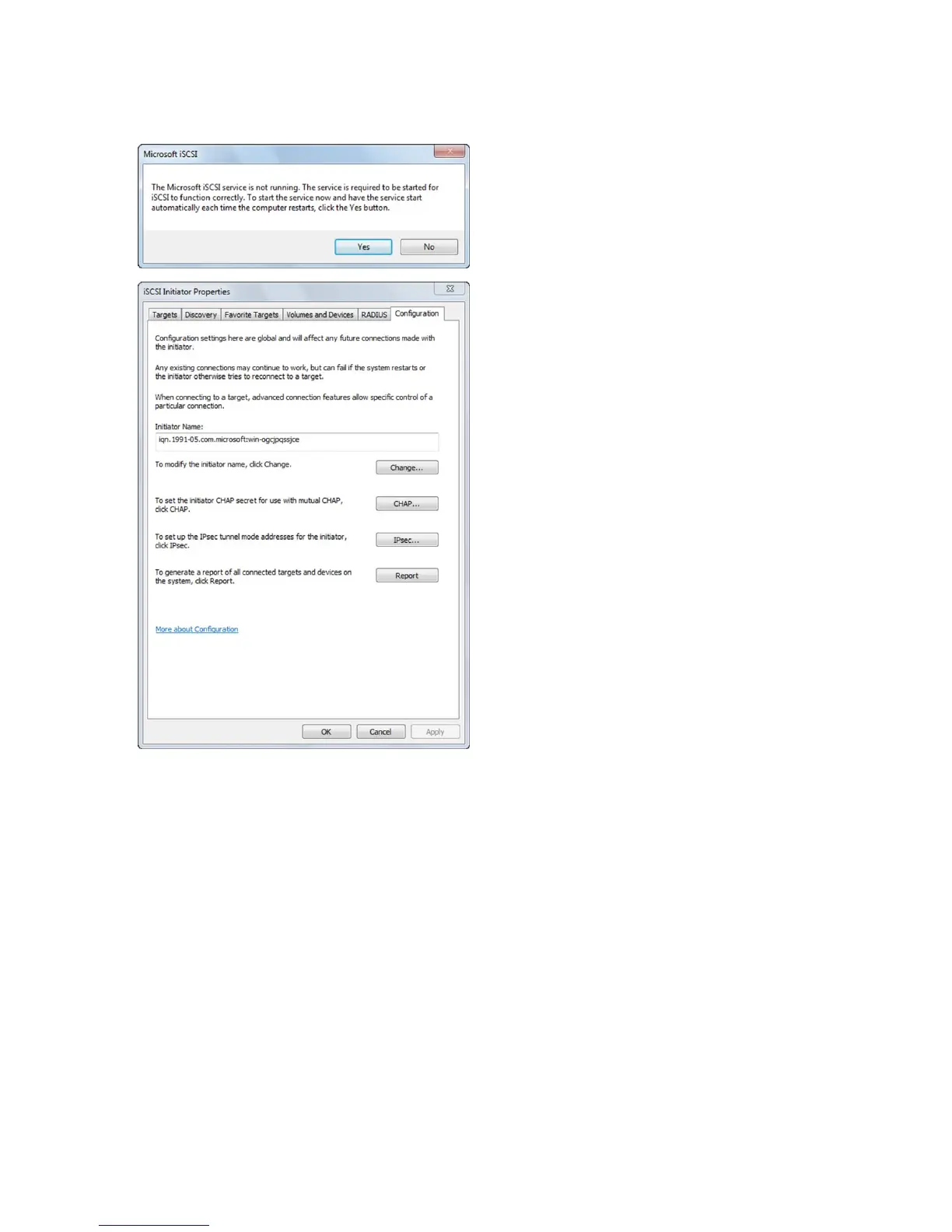
A message will appear to confirm automatic
execution of "Microsoft iSCSI Initiator
Service" so click "Yes".
Click "OK" when the "iSCSI Initiator
Properties" are displayed.
This completes the startup of "Microsoft iSCSI Initiator Service".



 To Next Page