3 - 6 (00292)H
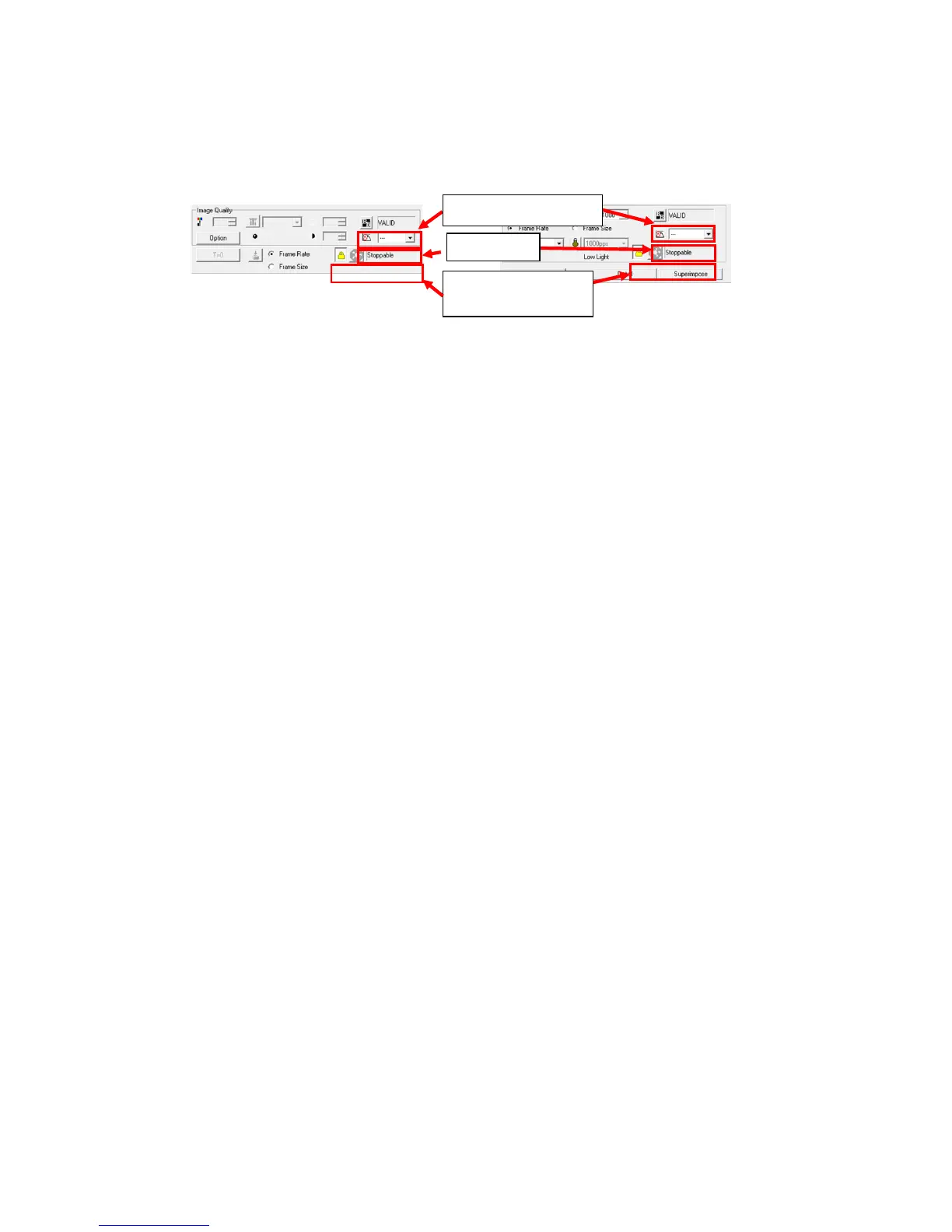
If the item toolbar size is "wide", the black balance can be updated. Sensor gain can be used with the
HX camera.
The cooling fans for all of the cameras can be paused when using the HX camera.
Wide display: Expert mode Wide display: Basic mode
Use the option "GUI Settings" to make the size of the item toolbar "Wide".
Refer to 7-4 for details.



 To Next Page