(00292)H 3 - 7
・Detailed Camera Settings (Basic Mode)
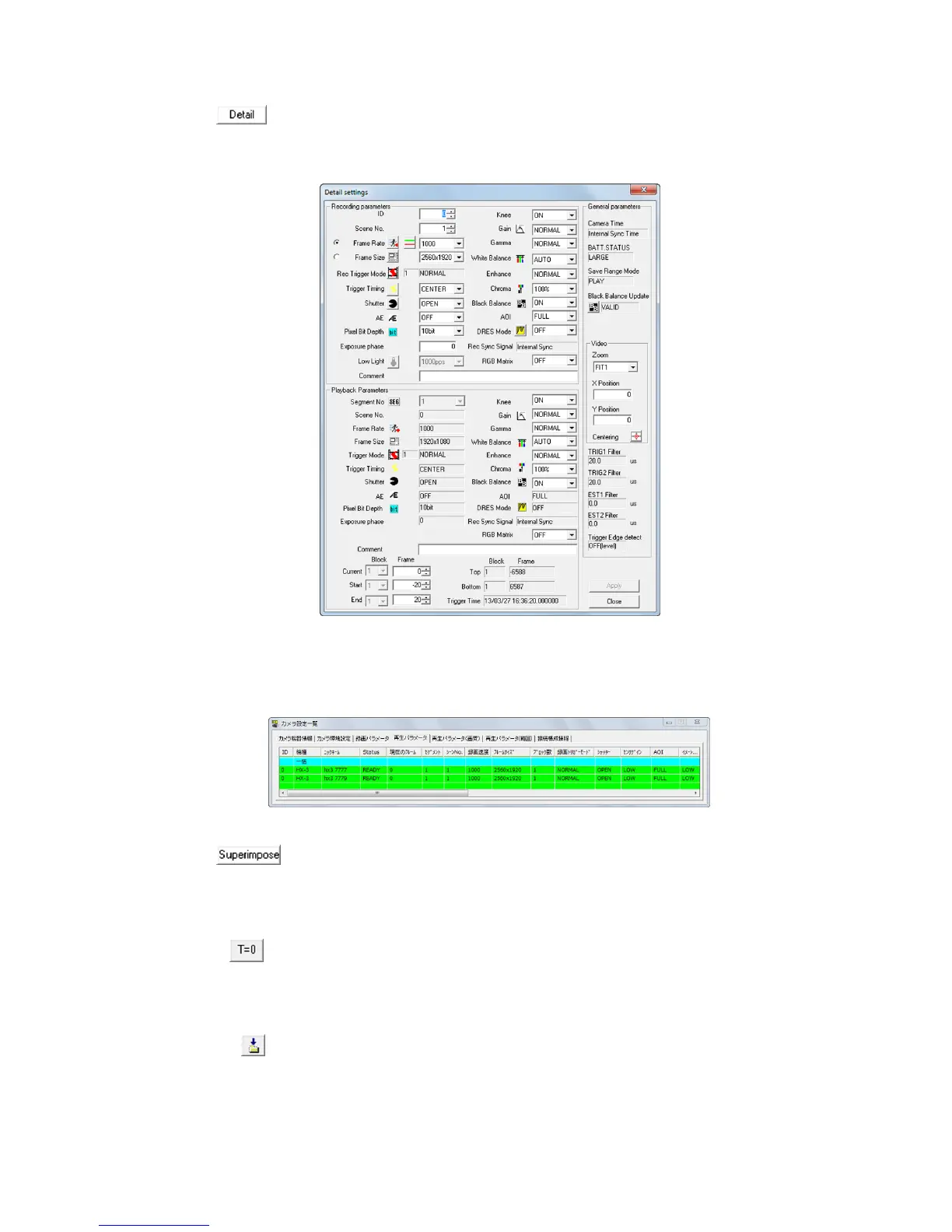
The "Detail settings" dialog is displayed when the "GUI settings for single
camera control" in the "GUI Settings" in "Options" is "Camera Details
(single)". Refer to the description for the "List of Camera Setup" window on
page 4-28 for details of this item.
"Detail settings" dialog
Open the "List of Camera Settings" window for multiple camera control.
Refer to page 4-28 for details.
"List of Camera Settings" window
・Superimpose information settings for format conversion (Basic Mode)
Turns all superimpose settings ON/OFF.
Refer to page 5-22 for details.
・ T=0 Setting (Expert Mode)
T=0 is the standard frame times for image files. Sets the T=0 frame for the
image file (MCFF/AVI/TIFF/BMP/JPEG/NWF)
Refer to page 5-5 for details.
・ Auto Download Settings (Expert Mode)
Auto Download function (automatically downloads images after camera recording
has been completed) settings (save file name, save range designation).
Refer to page 4-97 for details.



 To Next Page