(00292)H 3 - 23
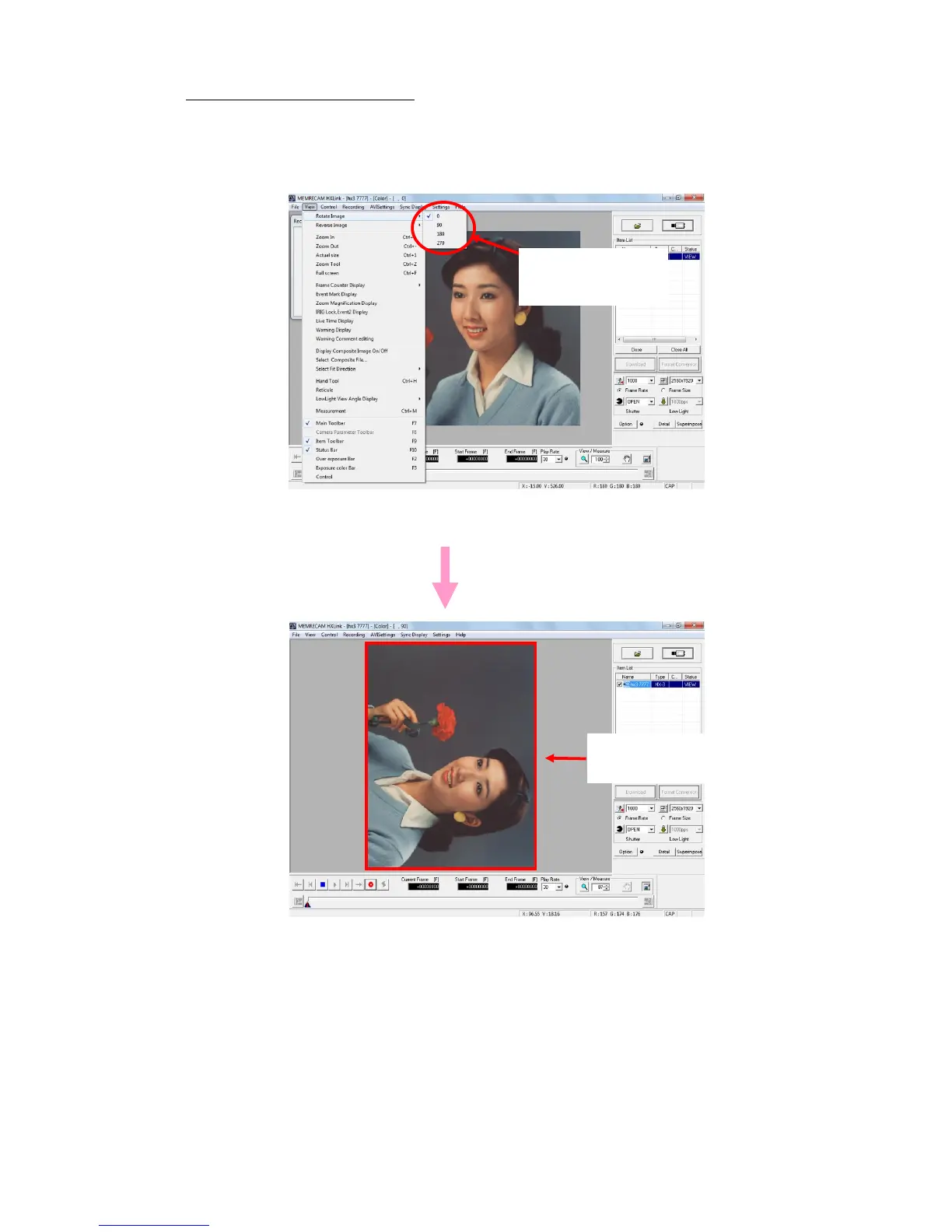
Rotate Camera, MCFF File Image
The display menu opens when the camera and MCFF is selected.
Select image rotation from the display menu and click on the rotation angle.
The angles that can be set are 0° (standard), 90°, 180°, 270°.
Images are rotated in the clockwise direction.
90° Clockwise Rotation
(With the recording settings window display OFF)



 To Next Page