3 - 24 (00292)H
Reverse and Rotate Display of MCFF File Images
If live camera images from the HX, GX Q series cameras with the rotate /reverse display are
downloaded, the image reversal and rotation information is saved in the MCFF file, and when the
MCFF file is opened, the reversed or rotated image is displayed. This function is available from
GX-5 Ver 1.10, GX-1 Ver 1.30 so when opening MCFF files from previous GX-1, GX-5 versions
or those not from the HX, GX series, the image will not be reversed and the rotation angle will be
0°.
Reverse and Rotate Image for Format Conversion
If MCFF file images with the rotate/reverse display are subject to format conversion, the converted
file images (AVI, BMP, TIFF, JPEG) are the displayed rotated/reversed images.
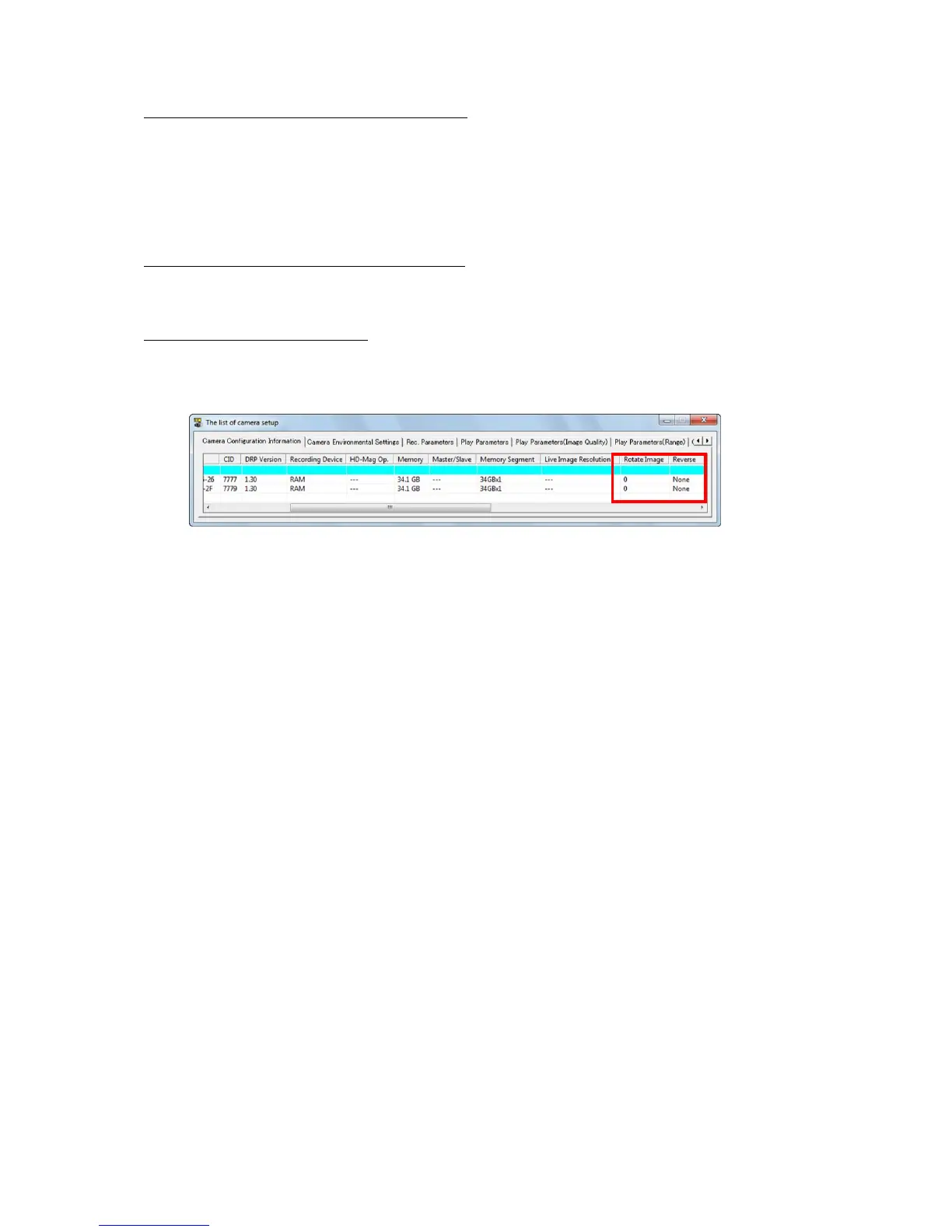
"List of Camera Settings" Window
Camera image reversal and rotation can be specified from the "Camera Device Information" tab in
the "List of Camera Settings". Refer to page 4-14 for the "List of Camera Settings".
Camera Device Settings



 To Next Page