4 - 14 (00292)H
□"List of Camera Settings" Window
"List of Camera Settings" Window
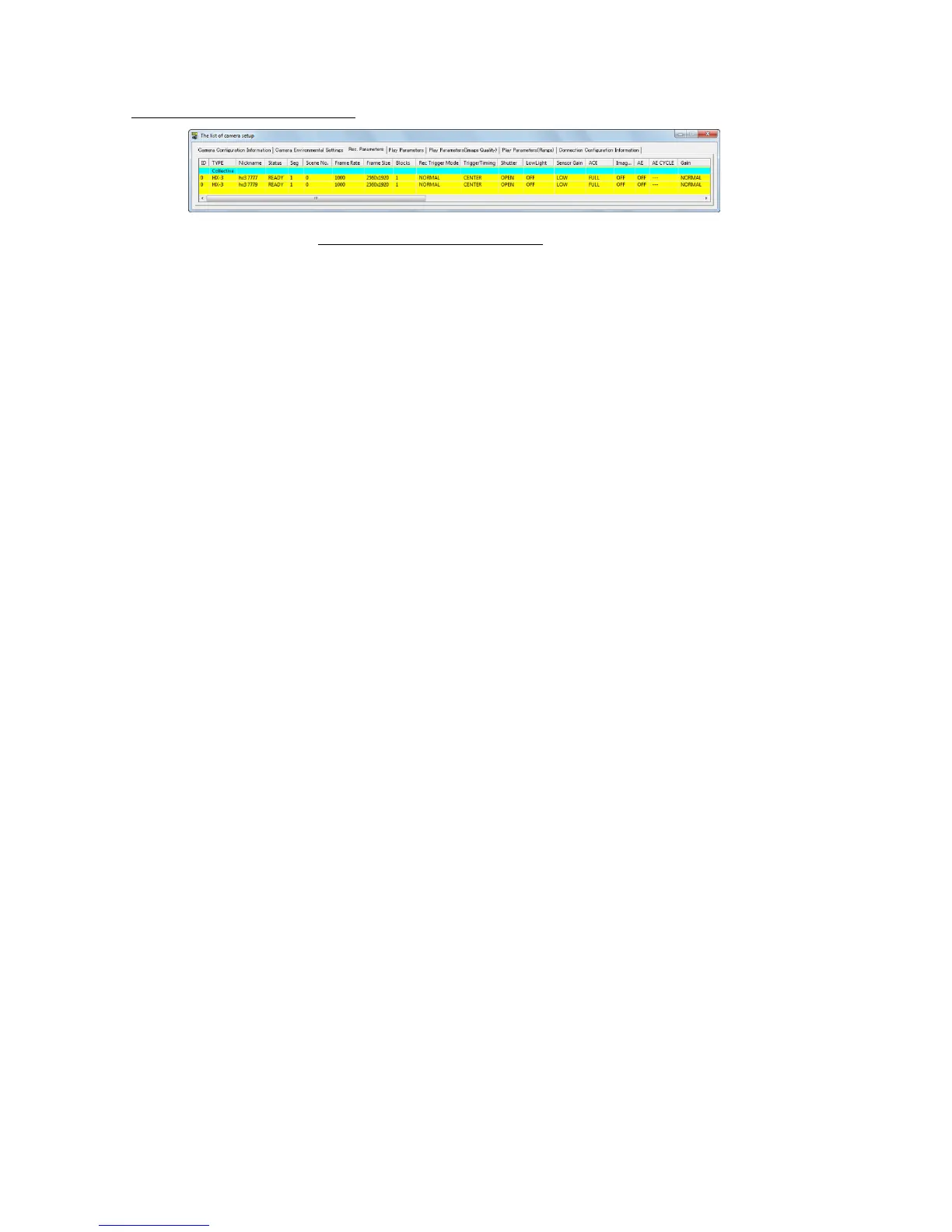
If there are multiple cameras connected, all of the parameters can be set in the "List of Camera
Settings" window.
If there is one camera and "List of Camera Settings" is specified in "GUI Settings for Connecting
1 Camera" under the optional GUI settings tab, the parameters can be set in the "List of Camera
Settings" window.
Any of the following can be used to open the "List of Camera Settings" window.
・Click "Detailed Settings" on the "Control" menu.
・Click "Detailed Settings" on the "Item Toolbar". (Basic Mode)
・Click "Detailed Settings" on the "Camera Parameter Toolbar". (Expert Mode)
The "List of Camera Settings" window has 7 tabs.
"Camera Device Information"
Camera, DRP information , settings
"Camera Environment Settings"
Camera, DRP information, settings
Image settings recorded in the memory
"Playback Parameters (Image Quality)"
Settings for the image quality of the image
recorded in the memory
"Playback Parameters (Range)"
Settings for the frame range of the image
recorded in the memory
"Connection Configuration Information"
Camera connection status (in particular, the
connection status of the M-HUB for the fx
camera)
Double click on the cell for the parameter to be set to open the setting dialog box and change the
setting.
Set parameters using "Batch" at the very top to set parameters for all of the cameras.
Set the segment partition, the live image resolution and image rotation and image reversal in
"Camera Configuration Information".
Set synchronous settings, I/O signals, video display, and warning display with "Camera
Environment Settings".
Set recording parameters under the "Recording Parameters" tab.
Set playback parameters under the "Playback Parameters" tab, the "Playback Parameters (Image
Quality)" tab, and the "Playback Parameters (Range)" tab.
Verify the camera connection status using "Connection Configuration Information".



 To Next Page