17. Notification Center
Notification Center consolidates all QTS notifications to help you monitor the status of your NAS and its
applications and address potential issues more closely and promptly. You can send notifications to recipients
through different channels including emails, SMS, instant messaging, and other push services. Notification
Center also lets you create custom notification rules and criteria, ensuring that you receive notifications that
are most relevant to your needs.
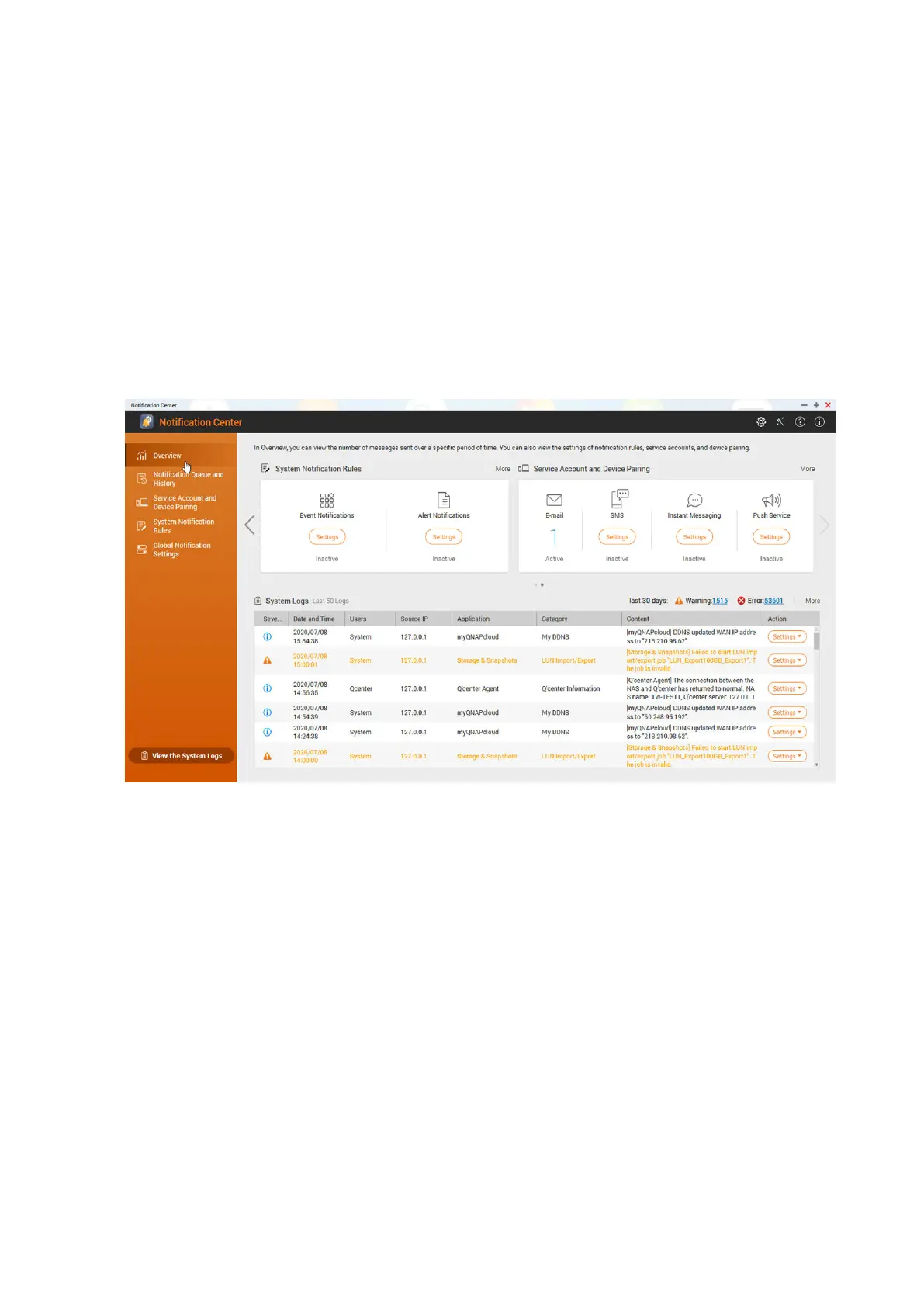
Overview
The Overview screen displays the number of notifications delivered over a specific period of time. It also
displays the number of notification rules, service accounts, and paired devices you configured.
Notification Queue and History
Queue
The Queue screen displays the messages that Notification Center is going to send. The required
transmission time depends on the current status of your NAS. You can remove a message from the queue
before it is sent. Messages removed from the queue will not appear in the History screen.
History
The History screen displays the messages that Notification Center has sent. You can view details, resend
messages, configure settings, and export the history as a CSV file. In the settings, you can specify how long
your notification records are retained and where they are stored.
QTS 4.5.x User Guide
Notification Center 538



 To Next Page
 Loading...







