R&S
®
ZVA / R&S
®
ZVB / R&S
®
ZVT GUI Reference
Channel Menu
Operating Manual 1145.1084.12 – 30 335
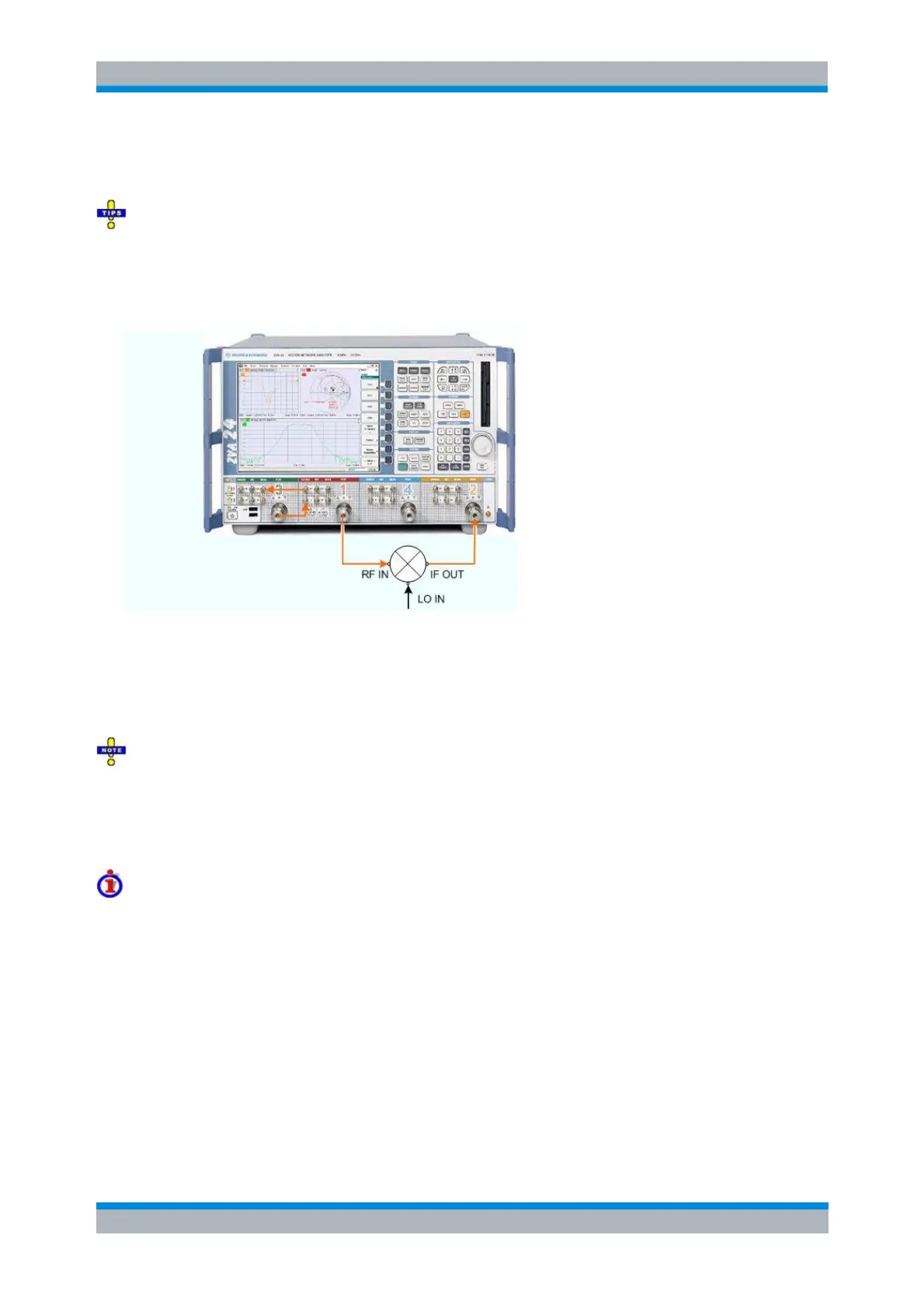
available at test port 1 and can be fed to the DUT input. The IF output signal is measured at port 2. It is
possible to use an external generator for the upper tone signal, so that two analyzer ports are sufficient.
On R&S ZVA67 and on R&S ZVA24/40 network analyzers with four ports and four generators (order
nos. 1145.1110.28/48), all ports have independent internal sources. You can use true differential mode
with an arbitrary combination of two source ports.
As an alternative to the test setup 1 shown above, you can also combine the two tones using the coupler
in the test set of port 3:
Test setup 2: Coupler used as an internal combiner
When using test setup 2, open the Channel – Mode – Port Configuration dialog and adjust the source
power levels: To compensate for the coupling loss of the internal coupler, the source power at port 1
should be 10 dB above the source power at port 3. See also section Level Handling during Power
Calibration.
For network analyzers with upper frequency limits of 20 GHz and above, test setup 2 causes some
restrictions:
— The lower frequency limit is 500 MHz. Use external combiners at lower frequencies, especially if you
want to measure at high RF source power levels.
— If an high-frequency RF signal is down-converted to in IF signal with a frequency below 500 MHz, the
IF signal should be measured directly at MEAS IN (rather than at test port 2).
Test Setups with External Receiver
With option R&S ZVA-K10, the mixer delay measurement can be performed with two different R&S ZVA or
R&S ZVT network analyzers, one providing the source ports, the other the receive port. The two
instruments can communicate with each other via LAN using LXI event messages. This can be
advantageous e.g. for measurements on DUTs with large dimensions where the connection to a single
instrument would require very long RF cables. The test setup for a source instrument with internal coupler
is shown in the Mixer Delay Measurement Setup dialog.



 To Next Page