R&S
®
ZVA / R&S
®
ZVB / R&S
®
ZVT GUI Reference
Channel Menu
Operating Manual 1145.1084.12 – 30 336
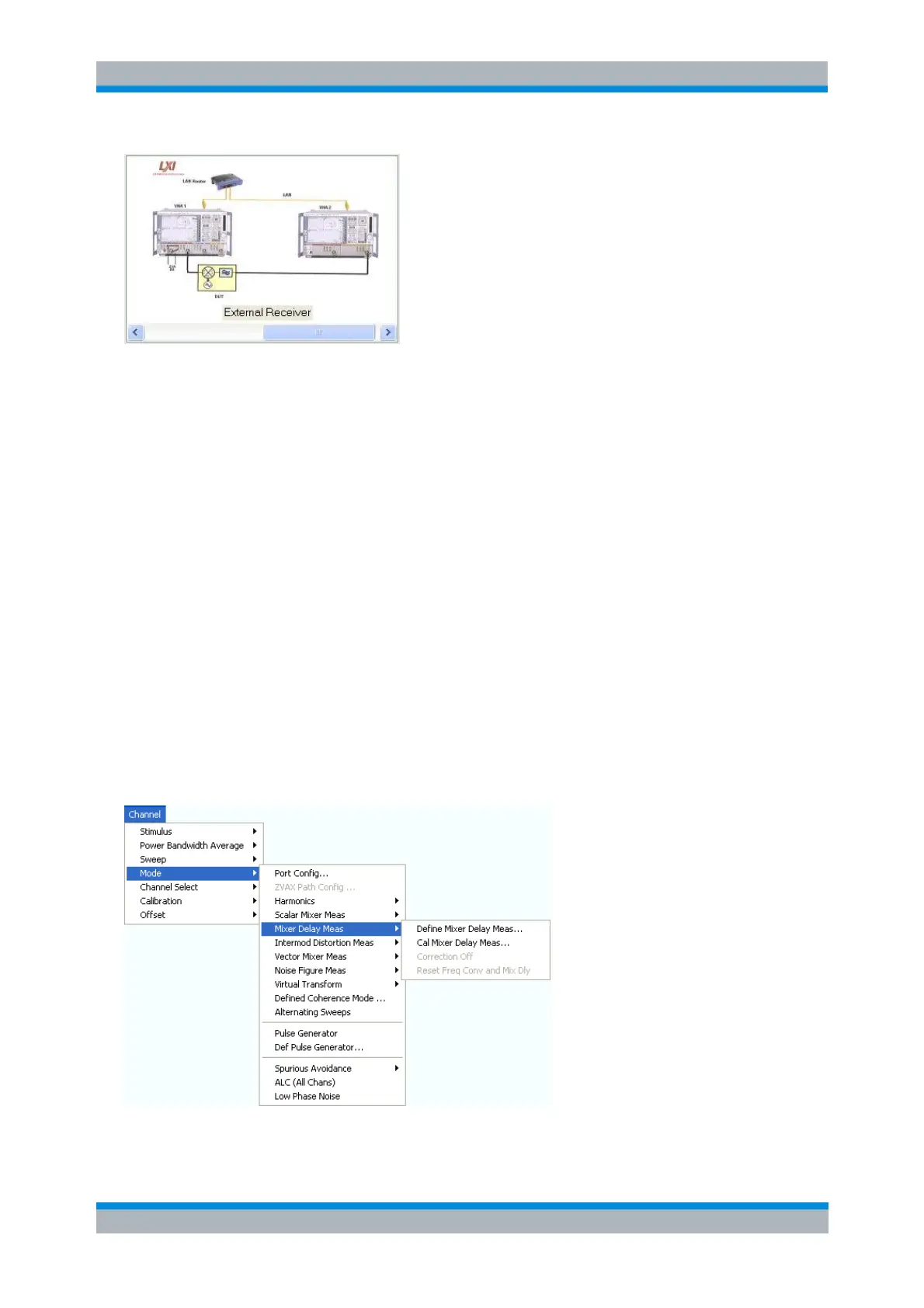
Test setup with external receiver
It is also possible to use an external coupler; in analogy to the Test Setup with Internal Receiver, or
establish a direct (dedicated) LAN connection between the two analyzers.
The measurement with external receiver is performed as follows:
1. The sender network analyzer (VNA1) transfers its channel settings to the receiver analyzer (VNA2), i.e.
VNA2 is fully controlled by VNA1 and shows its remote screen.
2. VNA1 generates the dual-tone source signal for the first sweep point, VNA2 measures the b-waves and
returns the results to VNA1.
3. VNA1 calculates and displays the mixer delay results.
4. Steps 2 and 3 are repeated for all sweep points.
Conditions and Restrictions
The mixer delay with external receiver requires a single-channel test setup. During the measurement, use
the 10 MHz reference frequency to keep both analyzers synchronized and do not switch off any of the
instruments.
If the NWA application is closed and started again, the measurement must be re-started manually
(Channel – Sweep – Restart).
The Mixer Delay Meas menu is shown below.
Define Mixer Delay Meas... opens a dialog to configure and activate the mixer delay



 To Next Page