R&S
®
ZVA / R&S
®
ZVB / R&S
®
ZVT System Overview
Screen Elements
Operating Manual 1145.1084.12 – 30 28
Traces
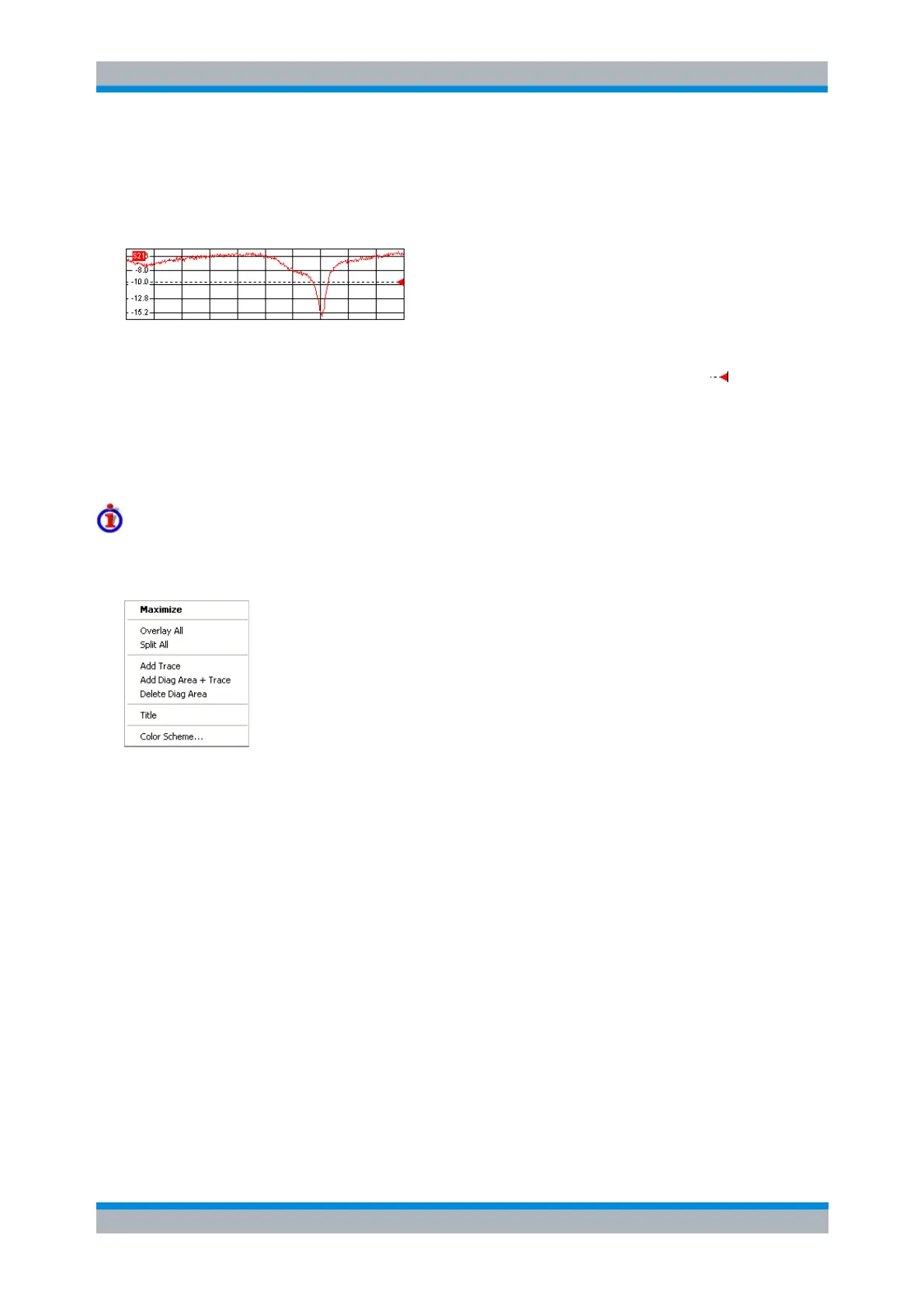
A trace is a set of data points displayed together in the diagram area. The individual data points are
connected so that each trace forms a continuous line.
The trace can be complemented by the following display elements, plotted with the same color:
Reference value (for all traces): The Reference Value is indicated with a triangle at the right
edge of the diagram and a dashed, horizontal line. The value and position of the triangle can be
changed in order to modify the diagram scale and shift the trace vertically.
Measured quantity (for the active trace): The measured quantity is indicated in the left upper
corner of the diagram.
A trace can be either a data trace, a memory trace, or a mathematical trace; see Trace Types below.
Context menu of the diagram area
A right mouse click on any point of the diagram area (except the marker info field and the measured
quantity info) opens a context menu:
The settings correspond to the most common commands in the Display – Area Select and Display –
Config View menus.
Trace Types
The analyzer uses traces to display the current measurement result in a diagram area but is also capable
of storing traces to the memory, recalling stored traces, and defining mathematical relations between
different traces. There are three basic trace types:
Data traces show the current measurement data and are continuously updated as the
measurement goes on. Data traces are dynamic traces.
Memory traces are generated by storing the data trace to the memory. They represent the state
of the data trace at the moment when it was stored. Memory traces are static traces which can be
stored to a file and recalled.
Mathematical traces are calculated according to a mathematical relation between constants and
the data or memory traces of the active setup. A mathematical trace that is based on the active
data trace is dynamic.
It is possible to generate an unlimited number of memory traces from a data trace and display them
together. Markers and marker functions are available for all trace types.



 To Next Page