R&S
®
ZVA / R&S
®
ZVB / R&S
®
ZVT GUI Reference
Display Menu
Operating Manual 1145.1084.12 – 30 508
To vary the size and position of the diagram areas, drag and drop the separating frames, use the
Split Manager or the functions of the Window menu.
No command, display configuration only.
Maximize
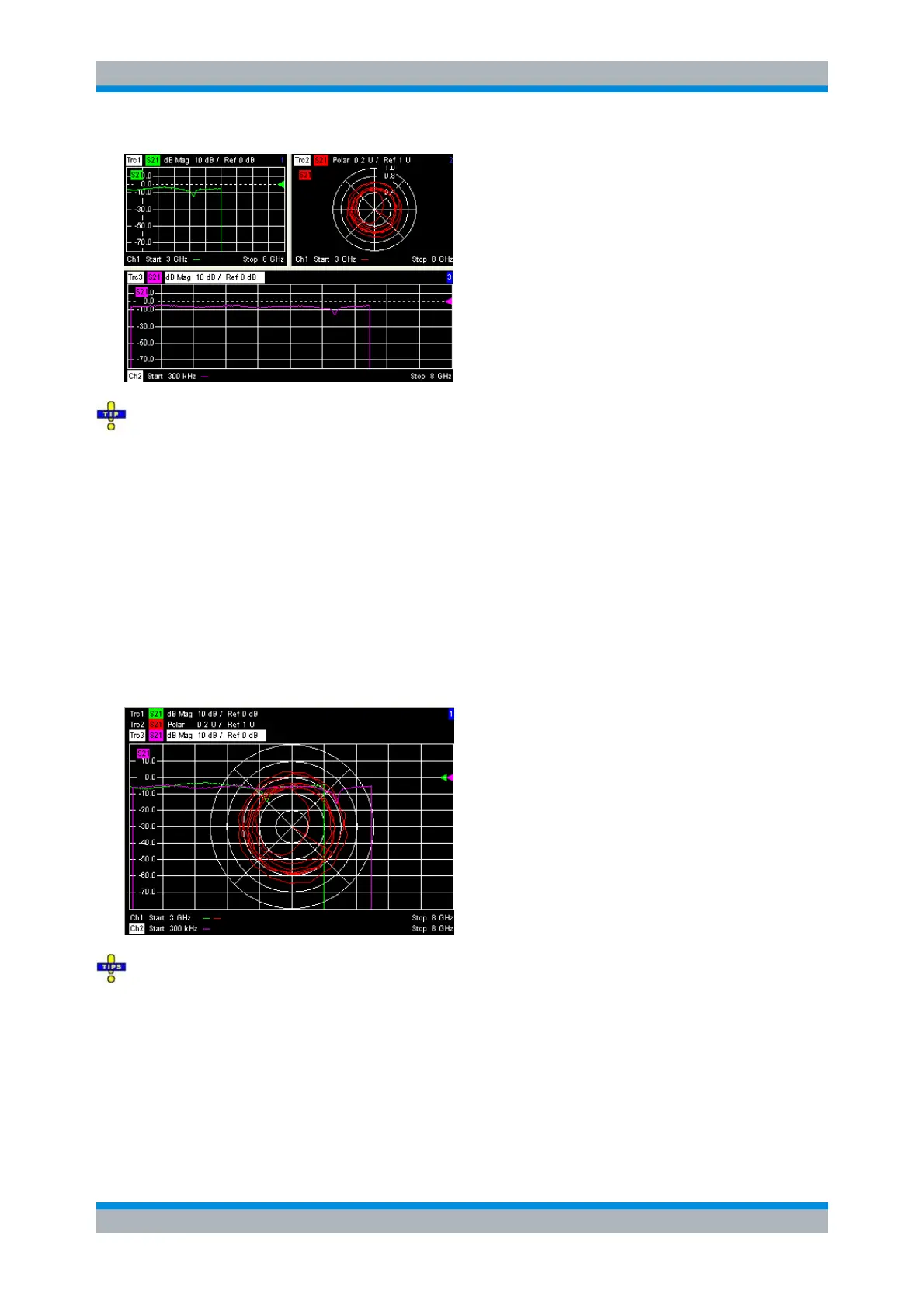
Maximizes all diagram areas of the active setup to occupy the whole window, placing the active diagram
area on top. While Maximize is selected Next Diag. Area or Select Diag. Area can be used to activate and
display the other diagram areas. The remaining commands of the Area Select submenu except Title are
disabled.
Clicking Maximize again restores the previous display configuration.
A double-click into any point in the diagram area is equivalent to the Maximize function. To view all
traces in a common, maximized diagram area, select Overlay all.
DISPlay:WINDow<Wnd>:MAXimize ON | OFF



 To Next Page