R&S
®
ZVA / R&S
®
ZVB / R&S
®
ZVT GUI Reference
Display Menu
Operating Manual 1145.1084.12 – 30 507
Delete Diag Area
Deletes the current diagram area including all traces displayed in the diagram area. Delete Diag Area is
disabled if the setup contains only one diagram area: In manual control, each setup must contain at least
one diagram area with one channel and one trace.
To restore a diagram area that was unintentionally deleted, use the Undo function.
DISPlay:WINDow<Wnd>:STATe OFF
Overlay all
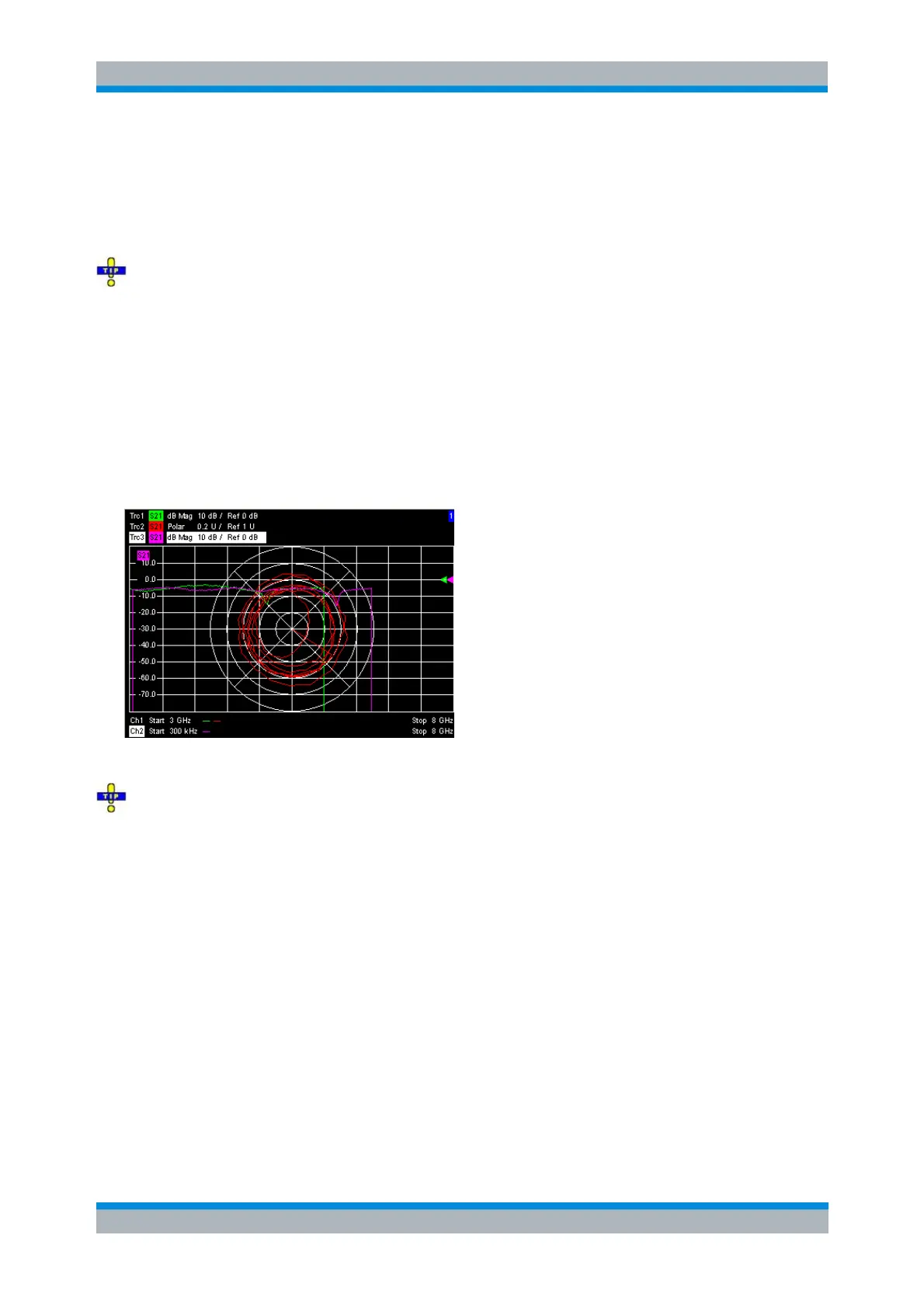
Places all traces in a single diagram area which is maximized to occupy the whole window. This function
is available irrespective of the trace Format and the Channel settings; it is even possible to overlay
Cartesian and polar diagrams.
The active trace and active channel is highlighted. The scaling of the axes corresponds to the active trace.
To hide all traces except the active one, select Split All and Maximize.
No command, display configuration only.
Split all
Splits the active setup window into as many diagram areas as there are traces and assigns a single trace
to each area. Traces which have been created via remote control but not assigned to diagram areas are
also displayed.



 To Next Page