R&S
®
ZVA / R&S
®
ZVB / R&S
®
ZVT GUI Reference
System Menu
Operating Manual 1145.1084.12 – 30 561
The upper table (Found:) shows all receivers that the analyzer detects to be on-line (i.e.
connected and switched on) with their properties.
Add copies the selected receiver from the upper table to the lower table.
The receivers in the lower table (Remote Receiver:) are available as remote receivers for the
measurement.
An icon in the first columns of the tables indicates whether the receivers are currently available; see
below. The Found: table and the icons in the Configured: table are automatically updated each time the
External Generators dialog is opened (to update explicitly use the Refresh Table button). The remaining
control elements are self-explanatory.
Unintentional switchover to remote control
When using the NI-VISA library, ensure that the network analyzer itself is not listed as a network device in
the Measurement & Automation Explorer. Otherwise, Refresh Tables will send an identification query
(*IDN?), causing the analyzer to close the System Configuration dialog (without executing Refresh
Tables) and to activate the remote screen.
Icons in the lower table
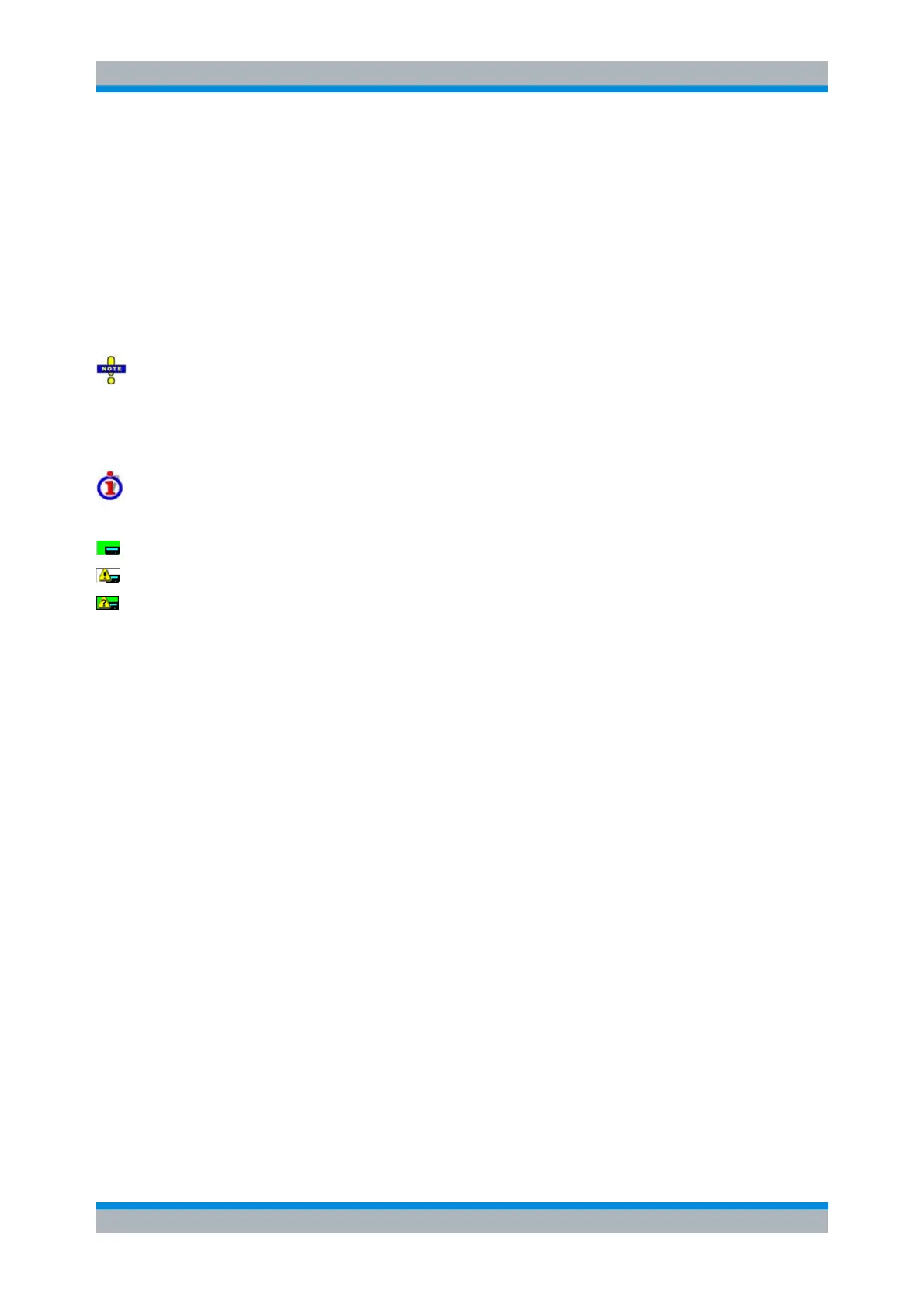
The following icons describe the status of a receiver:
The receiver is on-line (connected, switched on, appropriately equipped and ready to be used)
The receiver was detected (upper or lower table) before but is not on-line (VISA communication error)
The receiver list could not be refreshed, no communication with the receiver is possible
SYSTem:COMMunicate:RDEVice:RECeiver:DEFine
SYSTem:COMMunicate:RDEVice:RECeiver:DELete
LXI Browser Interface
The instrument's LXI browser interface works correctly with all W3C compliant browsers.
Typing the instrument's host name or IP address in the address field of the browser on your PC,
e.g.
http://10.113.10.203
opens the Instrument Home Page (welcome page).



 To Next Page