Average Rate:[e.g., "0.062"] Indicates how often the selected message has
been detected (in seconds; e.g., "1.0" would mean once every second).
The Clear Statistics button will reset the zero count.
The Refresh button will retrieve the latest results
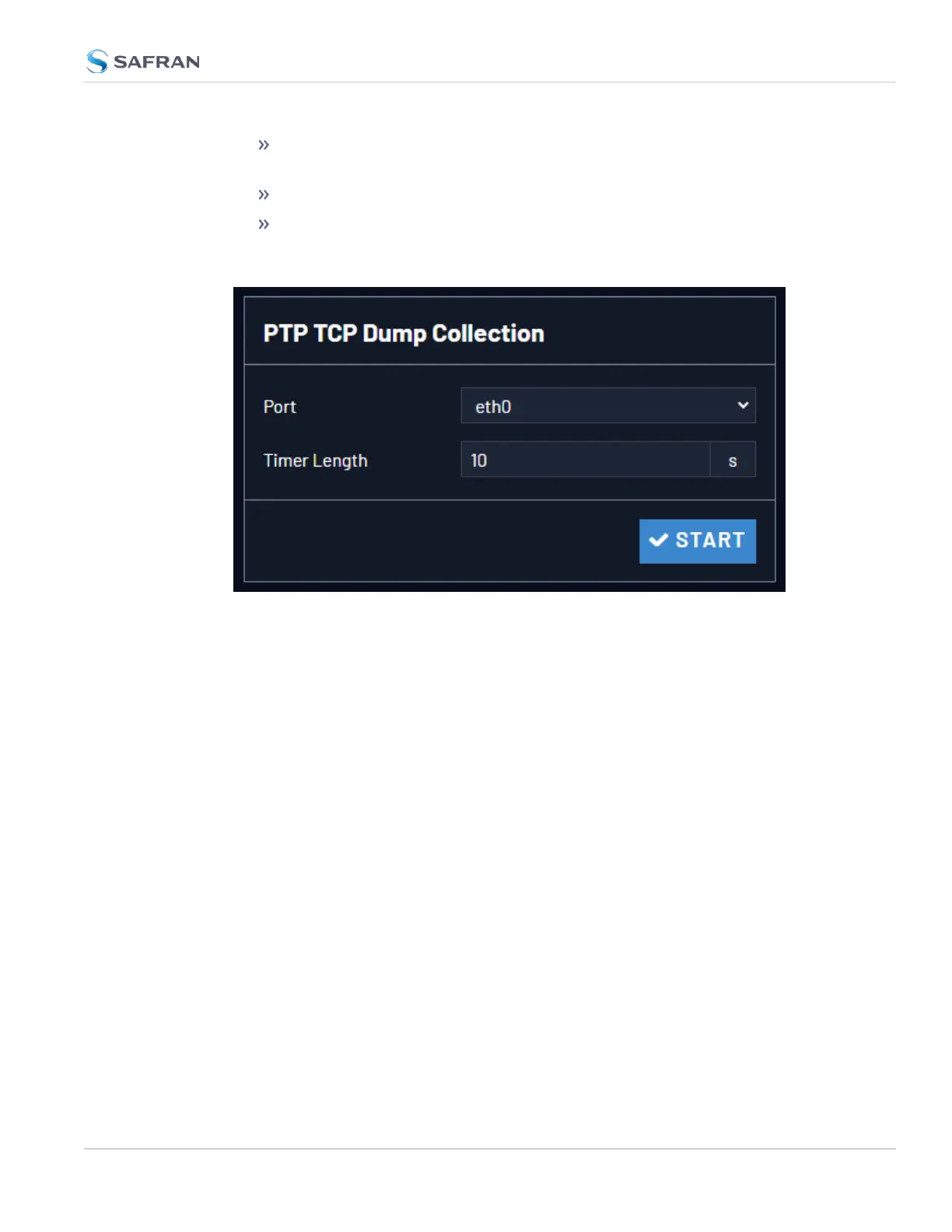
The PTP TCP Dump Collection Panel
This feature allows you to record a PTP-specific network packet capture via tcp-
dump on a specific port for a certain amount of time. This can help with
troubleshooting your PTP setup. To use the PTP TCPDump Collection:
1. Select the Timer Length and Ethernet port you wish to investigate.
2. Select the Start button.
3. After the collection is completed, the latest collection information will dis-
play in the panel, and a Download button will display.
2.8 Configuring Network Settings
CHAPTER 2 • VersaSync User Manual Rev. 12
149



 To Next Page