Signal-to-noise bar graph
This graph visualizes the signal-to-noise ratio for up to 20 received satellites in
real time. The satellites are numbered by their NMEA ID's (as in the skyplot men-
tioned above).
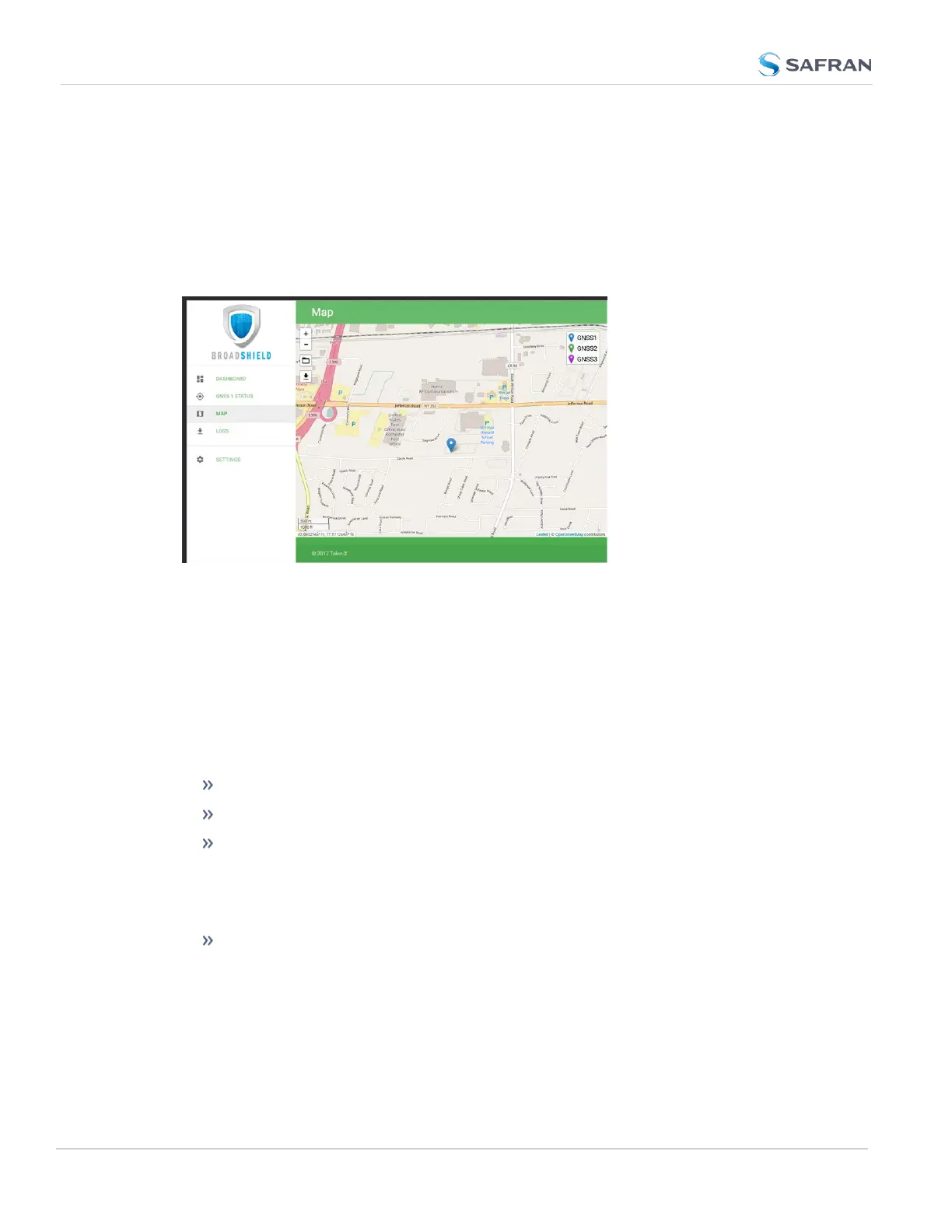
MAP
The map displays your current position, as reported by the GPS receiver. Should
the displayed position differ from the actual antenna position, the GPS signal is
likely spoofed.
Note that the map data is not part of the BroadShield software, but is down-
loaded from the Internet. Hence, this feature is only available if your VersaSync
unit is connected to the Internet.
LOGS
To clear all current logs stored on VersaSync, click CLEAR LOGS.
To start a new log session, click NEW LOG SESSION.
To download current logs, click DOWNLOAD LOGS.
Broadshield Notifications
You can setup Notifications to be sent if BroadShield detects or clears an alarm:
Navigate to MANAGEMENT: OTHER > Notifications, and under the GPS
tab, locate the two BroadShield line items. For further information on how
192
CHAPTER 3 • VersaSync User Manual Rev. 12
3.3 Managing References



 To Next Page