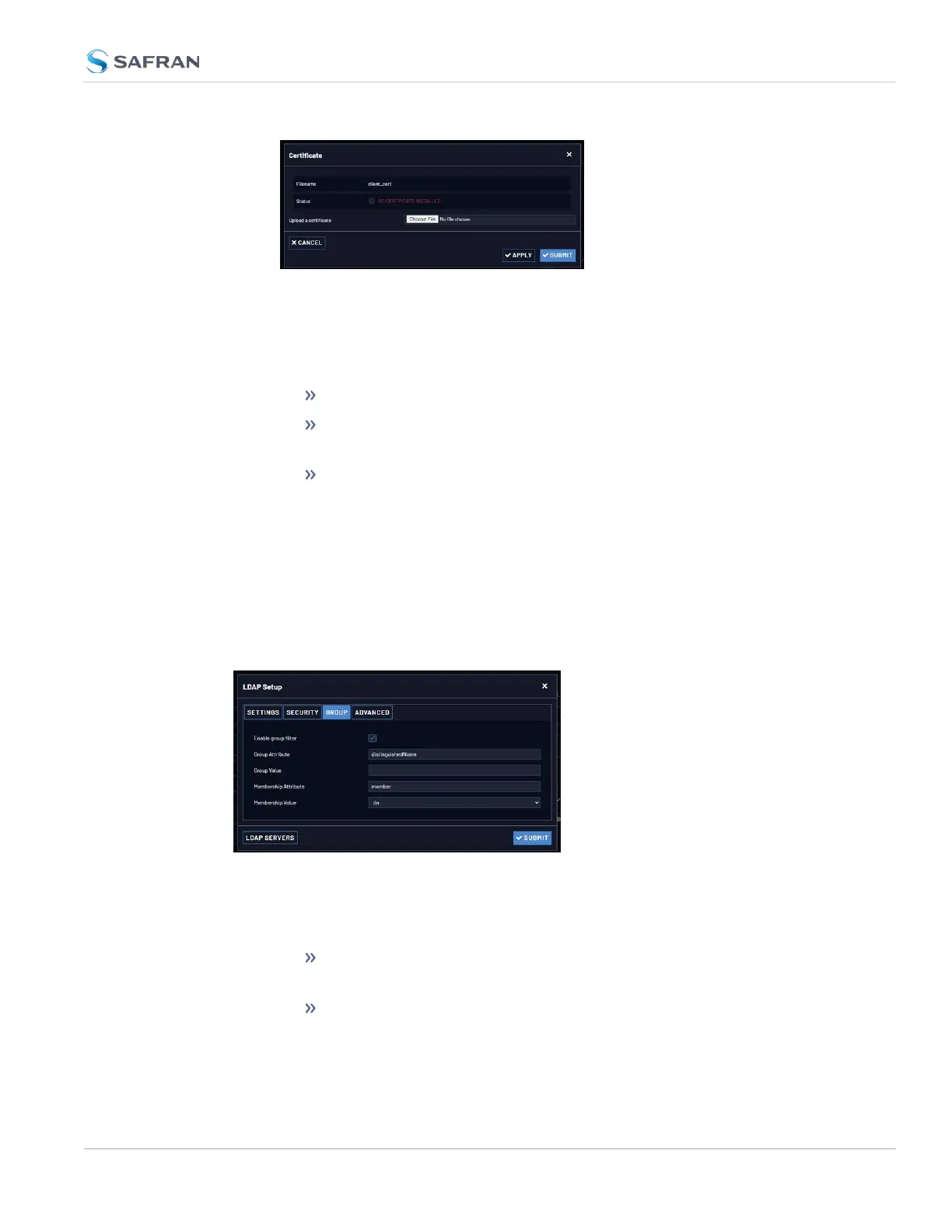
c. Locate and upload the certificate or client key file.
d. Click Apply to apply settings while the window remains open. Click Submit
to apply settings and close the Certificate window.
e. Verify the Status:
NO CERTIFICATE INSTALLED (red): The certificate file is not found.
*CERTIFICATE IS VALID (green: The certificate file is present and
installed correctly. Additional certificate details are also displayed.
*UNRECOGNIZED CERTIFICATE FORMAT (red): The certificate file is
present and not valid. (The client key will display this message even if
it has a recognized certificate format).
The SSL certificates and/or client key you upload will be installed in the
/home/spectracom/xfer/cert/ directory.
LDAP Group Settings
Under the LDAP Group tab, you can filter access by group.
To enable group authentication:
a. Select the Enable group filter checkbox.
b. Enter information for:
Group Attribute—Enter the group attribute. Example: dis-
tinguishedName for AD or gidNumber for OpenLDAP.
Group Value—Enter the required group. Example: ou=Group,
dc=example, dc=com.
4.4 Managing Users and Security
CHAPTER 4 • VersaSync User Manual Rev. 12
255



 To Next Page