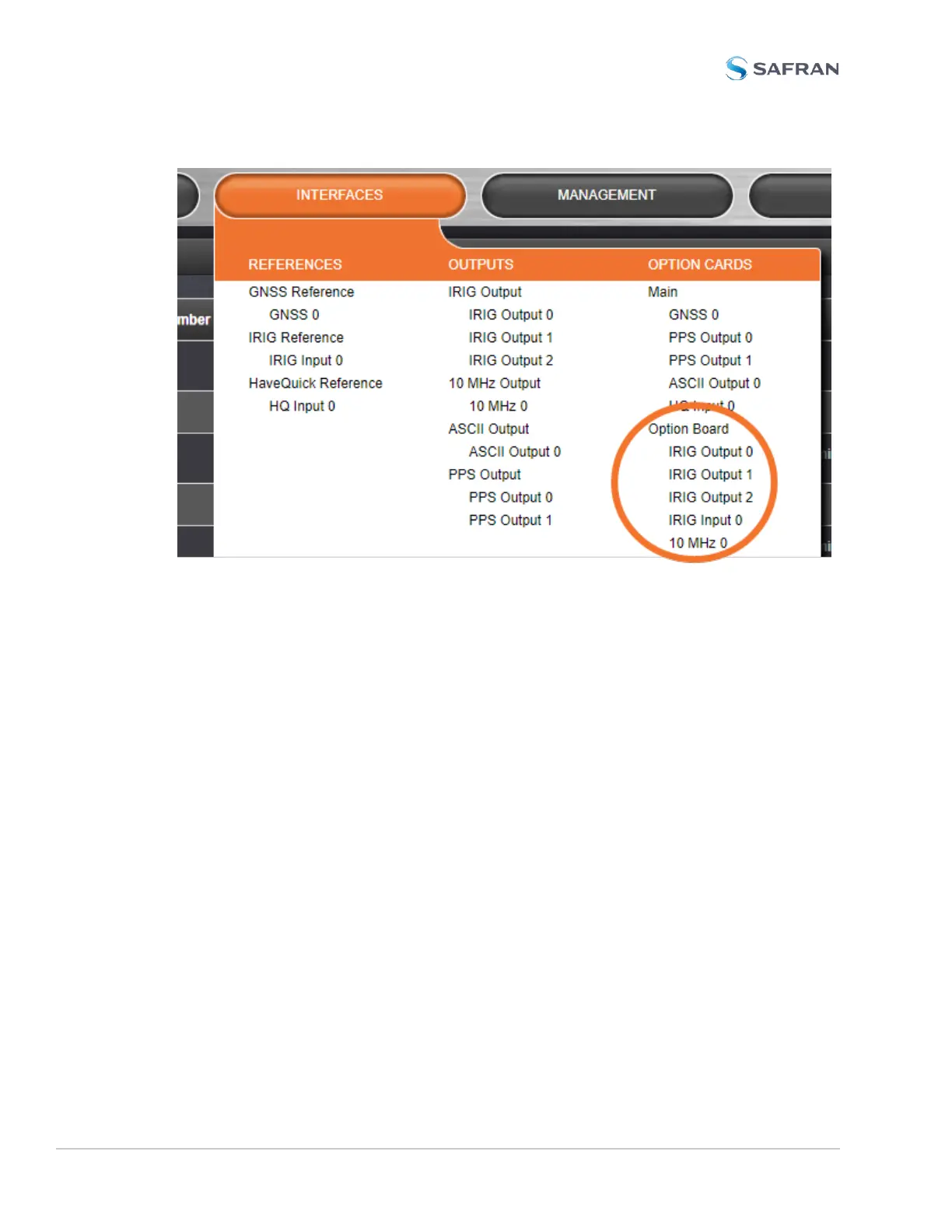
Once you’ve clicked on the output or input to be configured, a popup window
will display the current settings. To manipulate these settings, click on the Edit
button for an IRIG AM Output or IRIG AM Input.
The 10 MHz Output (10 MHz 0) controls move from the Main board to the Option
Board on units with the IRIG-AM board installed. This does not affect the con-
figuration or performance of the output(s).
IRIGAM Output settings
Signature control: [Output Always Enabled, Output Enabled in Holdover, Output
Disabled in Holdover, and Output Always Disabled]
Format: [(A) IRIG A, (B) IRIG B, (G) IRIG G, (N) NASA 36, (E) IRIG E]
Modulation: [IRIG AM Only]
Frequency: [(0) No Carrier, (1) 100 Hz, (2) 1 KHz, (3) 10 KHz, (4) 100 KHz, (5) 1
MHz]
Note on Format and Frequency: only the following format and frequency com-
binations are software supported:
388 VersaSync User Manual
APPENDIX



 To Next Page