105
• If it does not communicate well, shift the Android device to the front, back, left and
right, and then hold it up again.
• For the operation of the NFC for the Android device, refer to the user manual for the
Android device.
RS-232C Interface Connection (Standard)
Connect the interface cable when the product is powered off.
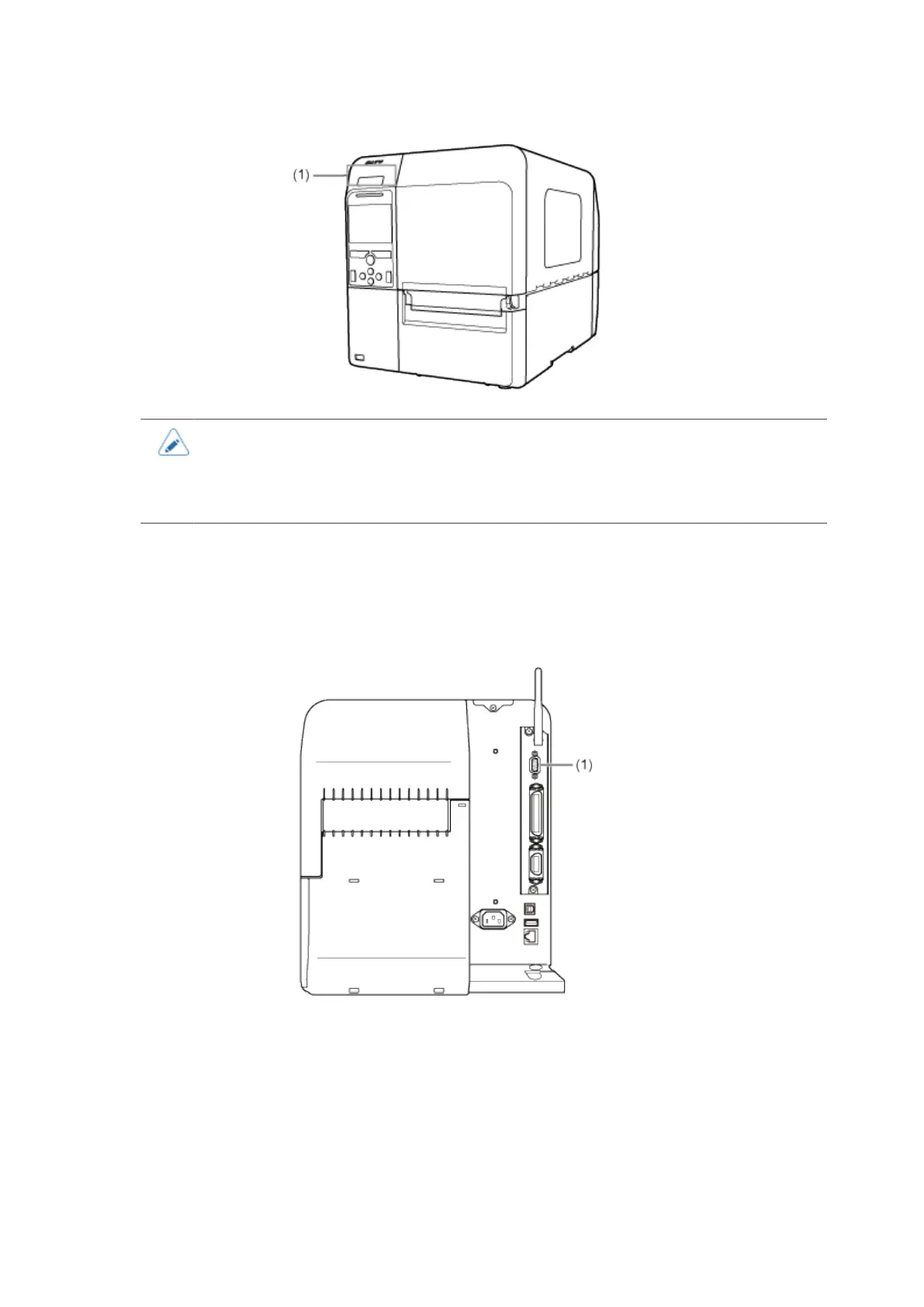
Connect the RS-232C cable to the RS-232C connector (1) of the product.
Configure the interface settings of the product according to the interface settings of the computer.
The communication conditions of the RS-232C interface can be set from the product's [Interface]
menu or the All-In-One Tool.



 To Next Page