503
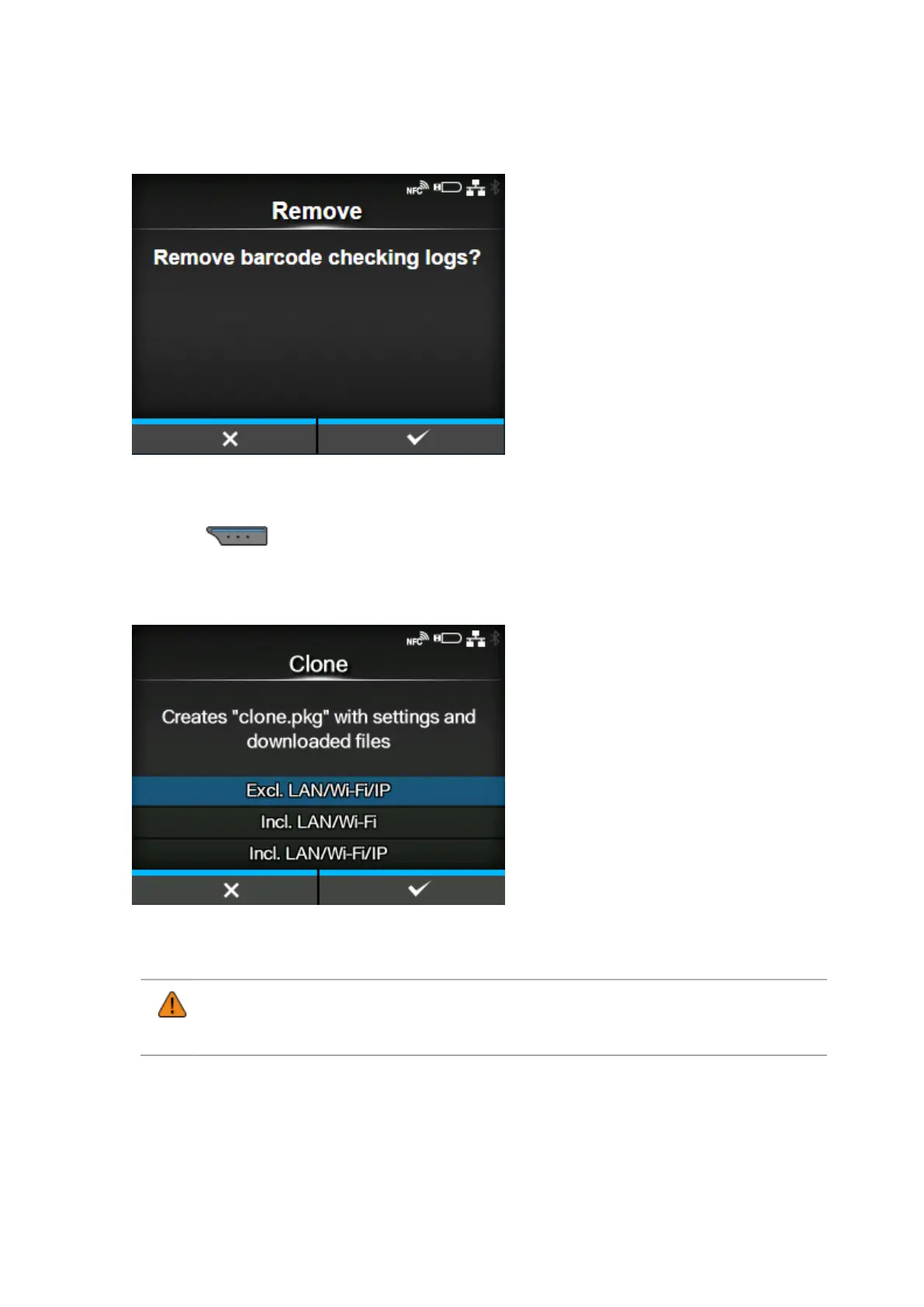
[Remove]
Delete the barcode check log file.
Available only if there is barcode check log data in the product.
Press the button to delete the log data.
[Clone]
Copy the current product settings and the installed data to the USB memory.
Available only if you have installed the USB memory.
• Be sure to perform a virus check on the USB memory before connecting it to the
product. SATO Corporation cannot be held responsible for any product malfunctions
caused by a virus spread via USB memory.
This function is useful to transfer the settings of a product you are replacing to continue using them in
a new product, or if you are setting up multiple products with the same settings.
The options are as follows:



 To Next Page