[Tools] Menu
462
[Tools] Menu
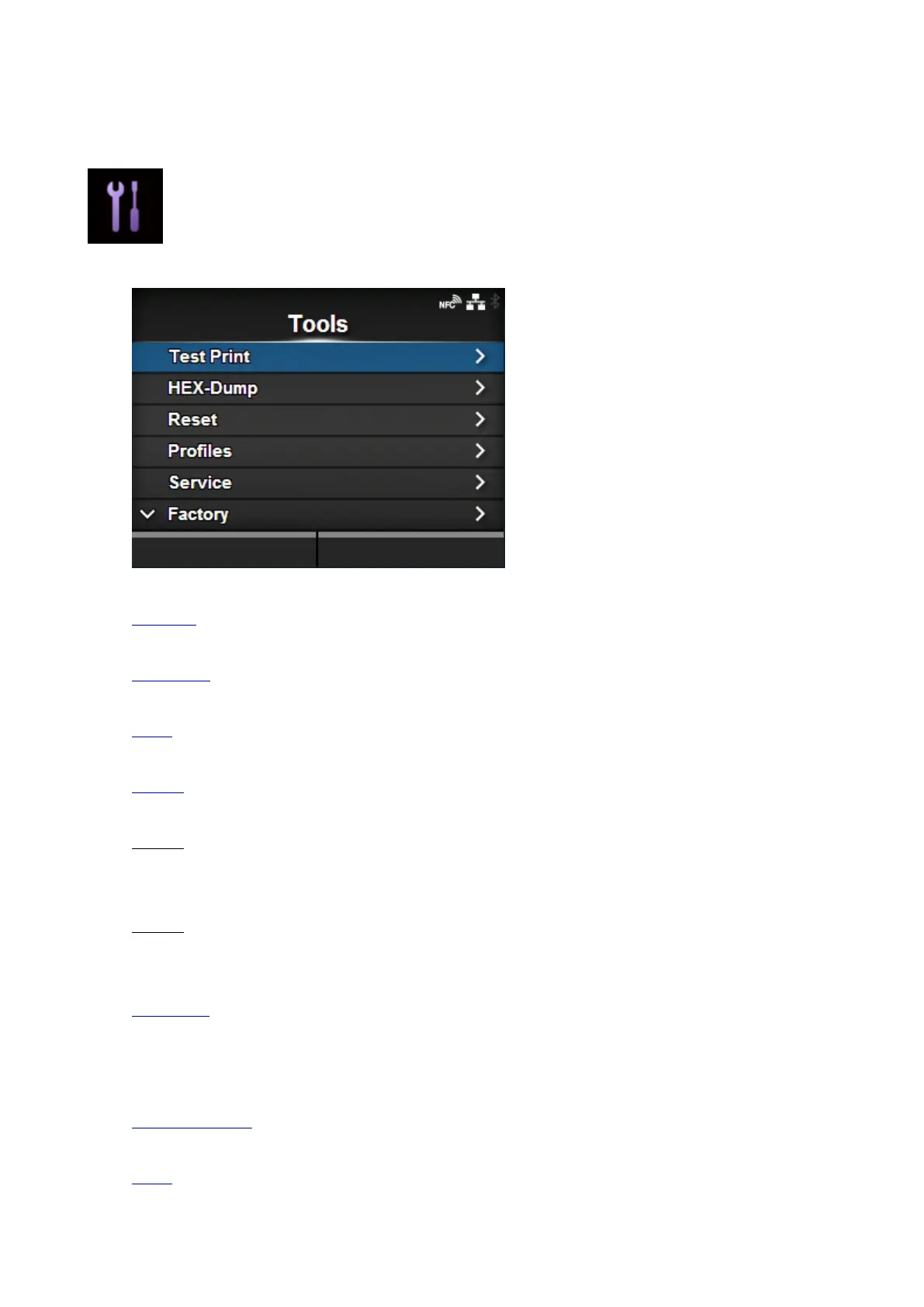
The following settings are available in the [Tools] menu:
Test Print
Perform a test print.
HEX-Dump
Save the hex dump print data or dump data from the receive buffer to the USB memory.
Reset
Initialize the settings and counters on the product.
Profiles
Save the product's settings as a profile to be loaded as needed.
Service
These are the setting items for service.
Strictly for SATO authorized service personnel use.
Factory
These are the setting items for factory.
Strictly for SATO authorized service personnel use.
Certificates
Set the wireless LAN authentication.
◦ Available only if you have installed the USB memory.
Barcode Checker
Set the barcode check function using a barcode checker.
Clone
Copy the current product settings and data to the USB memory.



 To Next Page