Loading the Fan-fold Media
172
• When closing the top cover, be careful not to pinch your fingers.
10. Perform a test print to make sure that the media is loaded correctly.
• You need to load the ribbon when printing using thermal transfer.
Loading the Fan-fold Media
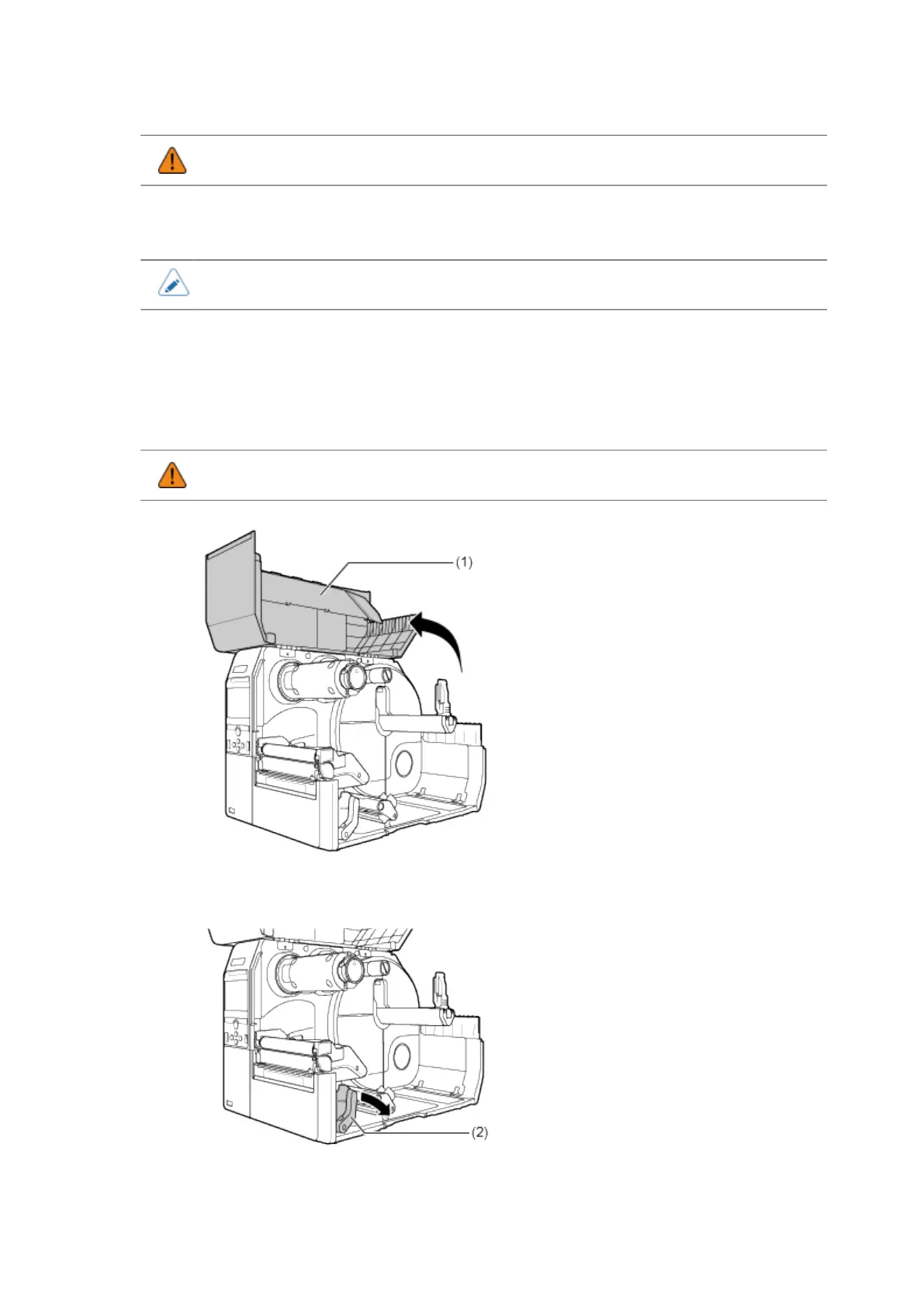
1. Open the top cover (1).
• Open the top cover fully to prevent accidental drop of the cover.
2. Push the head lock lever (2) towards the rear.



 To Next Page