33
Using the Operator Panel
Display and Operation of the Operator Panel
LED Indicator
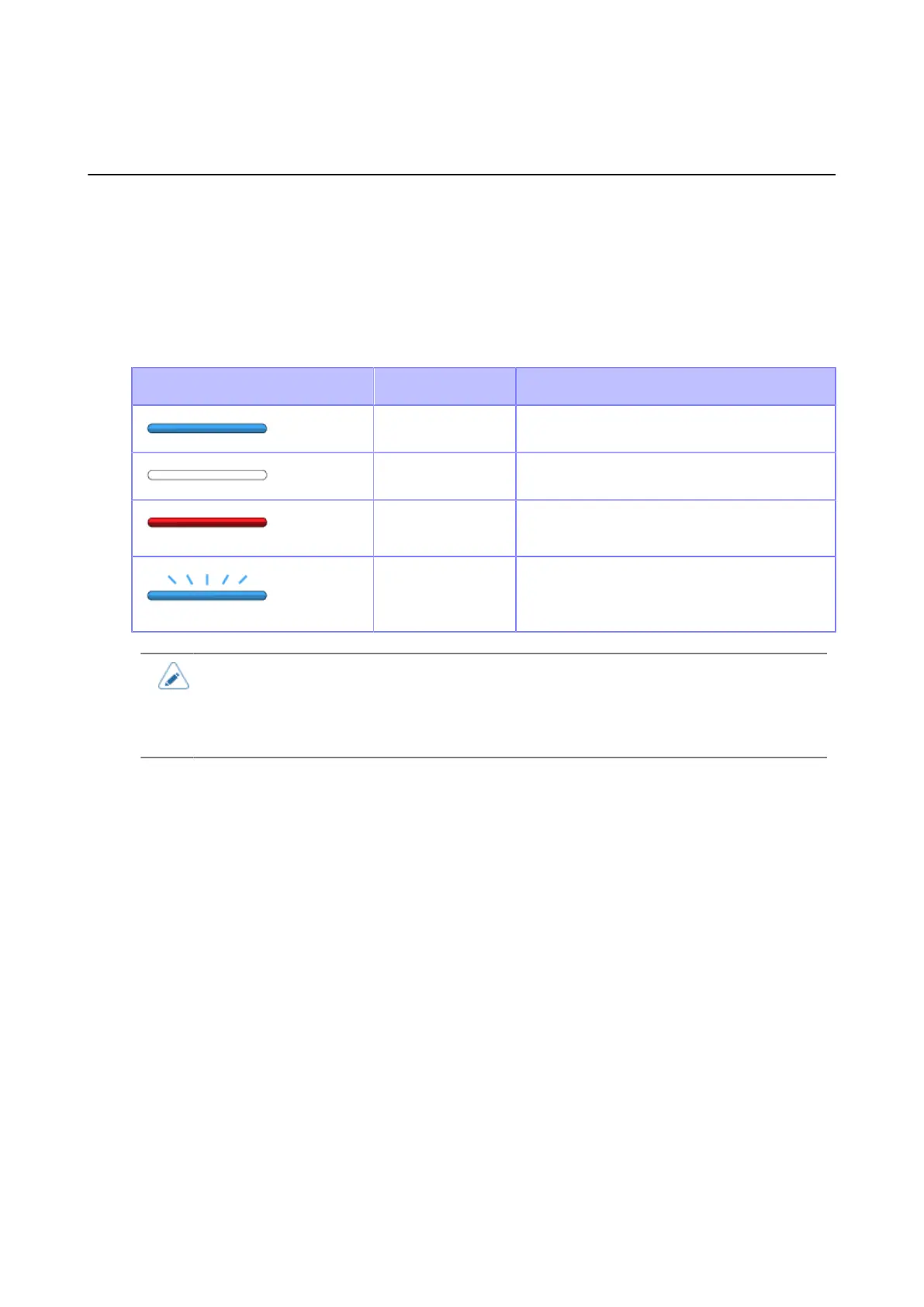
The LED indicator lights up or flashes to show the current status of the product. The product statuses
which the LED indicator shows are as follows:
LED Indicator Color/Status Description
Blue/Lights on Online mode
Lights off Power off or Offline mode
Red/Lights on Product error (for example, when the ribbon
runs out)
Blue/Flashes at
intervals of two
seconds
Sleep mode (energy saving mode)
• If the product enters sleep mode during a product error status (LED lights red), the LED
indicator will flash blue at intervals of two seconds.
• By default, the product goes into sleep mode after 60 minutes of inactivity. Use the
[Energy Saving] menu to change the period before the product enters sleep mode.
Operations in Online/Offline Mode
Online Mode



 To Next Page