Installing the Printer Driver (Bluetooth)
124
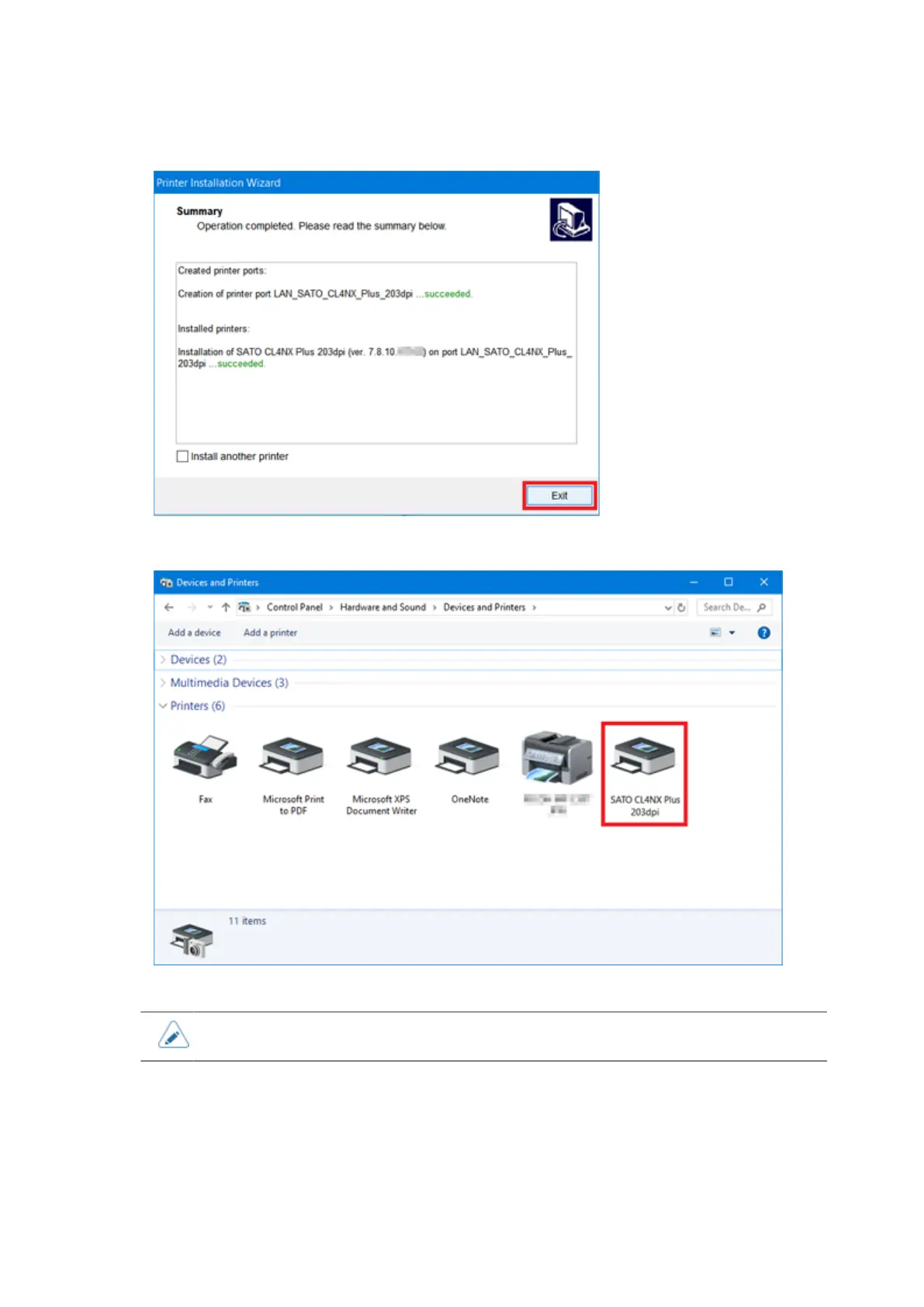
13. Click [Exit] to complete the installation.
14. Open [Devices and Printers] and confirm that the printer driver is installed.
• The settings of the printer driver should be performed by the Administrator Privilege.
Installing the Printer Driver (Bluetooth)
To use the printer driver with the Bluetooth interface connection, add the product to the computer as a
Bluetooth device, and then install the printer driver. During the installation, it is necessary to match the
port setting of the added Bluetooth device and the printer driver.



 To Next Page