243
[Interface] Menu
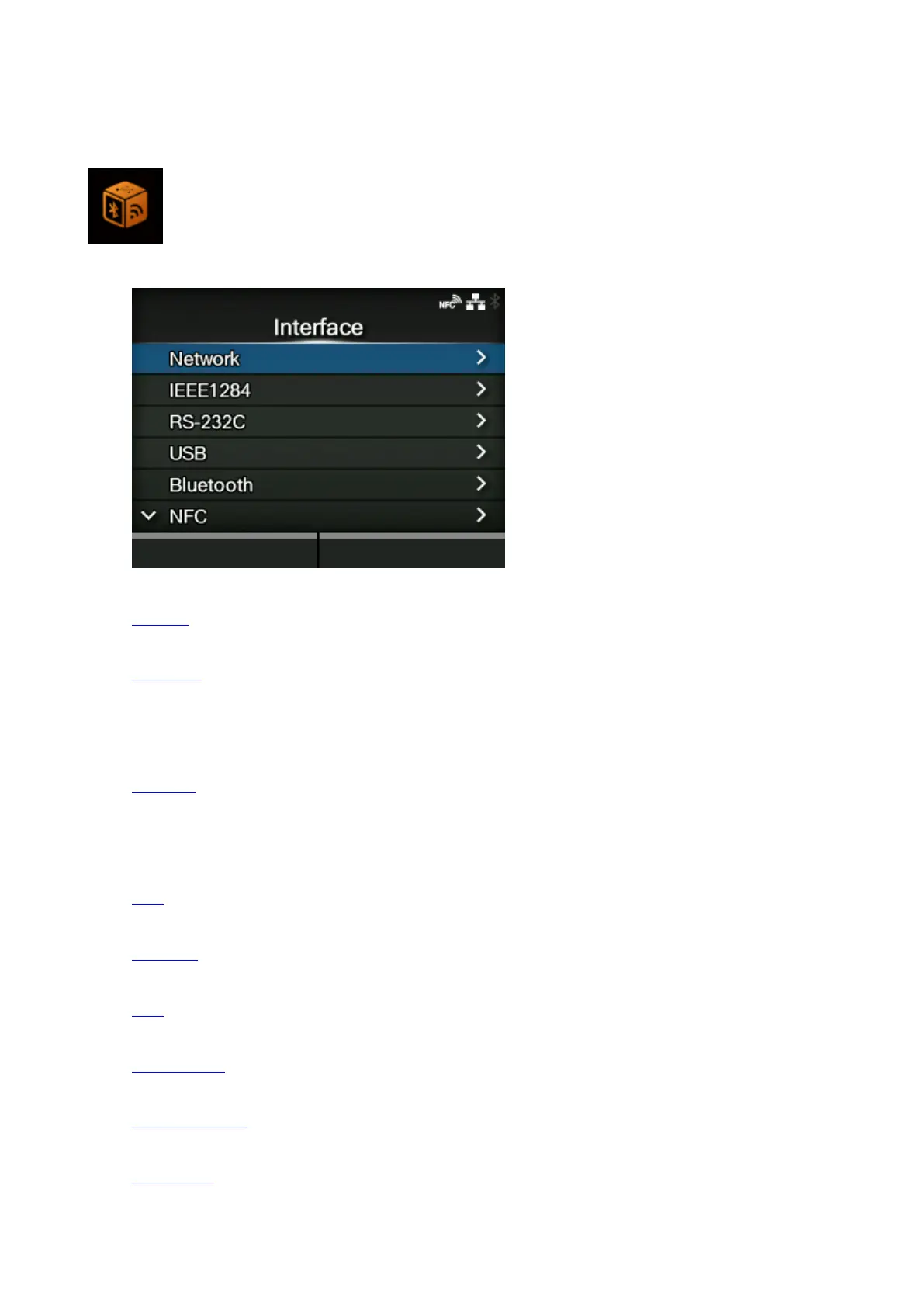
The following settings are available in the [Interface] menu:
Network
Set the LAN connection and wireless LAN connection.
IEEE1284
Set the IEEE1284 connection.
◦ Appears only if the combo interface board is installed.
RS-232C
Set the RS-232C connection.
◦ Appears only if the combo interface board is installed.
USB
Set the USB connection.
Bluetooth
Set the Bluetooth connection.
NFC
Set the NFC connection.
Ignore CR/LF
Set to ignore CR/LF codes.
Ignore CAN/DLE
Set to ignore CAN/DLE codes.
External I/O
Set the external signal (EXT).



 To Next Page