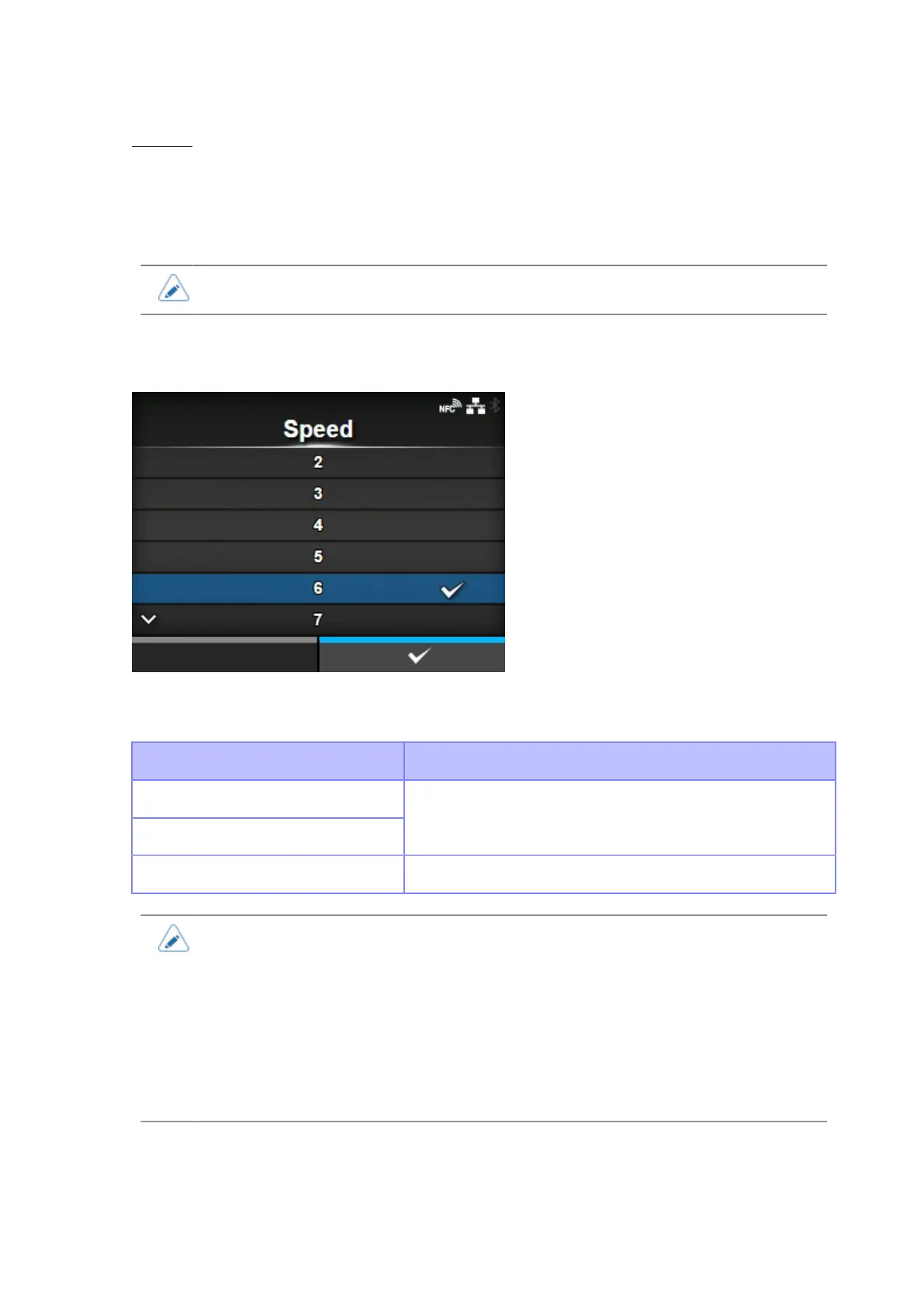
[Speed]
210
Disabled
Does not show the warning icon.
Does not show the warning icon nor light the warning lamp and the [Media Remaining Amount]
signal is not output externally.
• The warning icon is shown in the status bar on the upper part of the screen.
[Speed]
The setting range varies depending on the print resolution of the product.
The setting range of the print speed is as follows:
Resolution CL4NX Plus
203 dpi (8 dots/mm)
305 dpi (12 dots/mm)
2 to 14 ips (inches/sec) (50.8 to 355.6 mm/sec)
609 dpi (24 dots/mm) 2 to 6 ips (inches/sec) (50.8 to 152 mm/sec)
• If the optional linerless cutter kit is installed to CL4NX Plus, the setting range is as
follows:
◦ The setting range is 2 to 6 ips (inches/sec) (50.8 to 152 mm/sec) regardless of the
printing resolution.
◦ If the [Speed] is set more than 7 ips (177.8 mm/sec), it is changed to 4 ips after
installing the linerless cutter kit.
• Setting the print speed to a level that is too fast may affect the print quality.



 To Next Page